29
ENGLISH
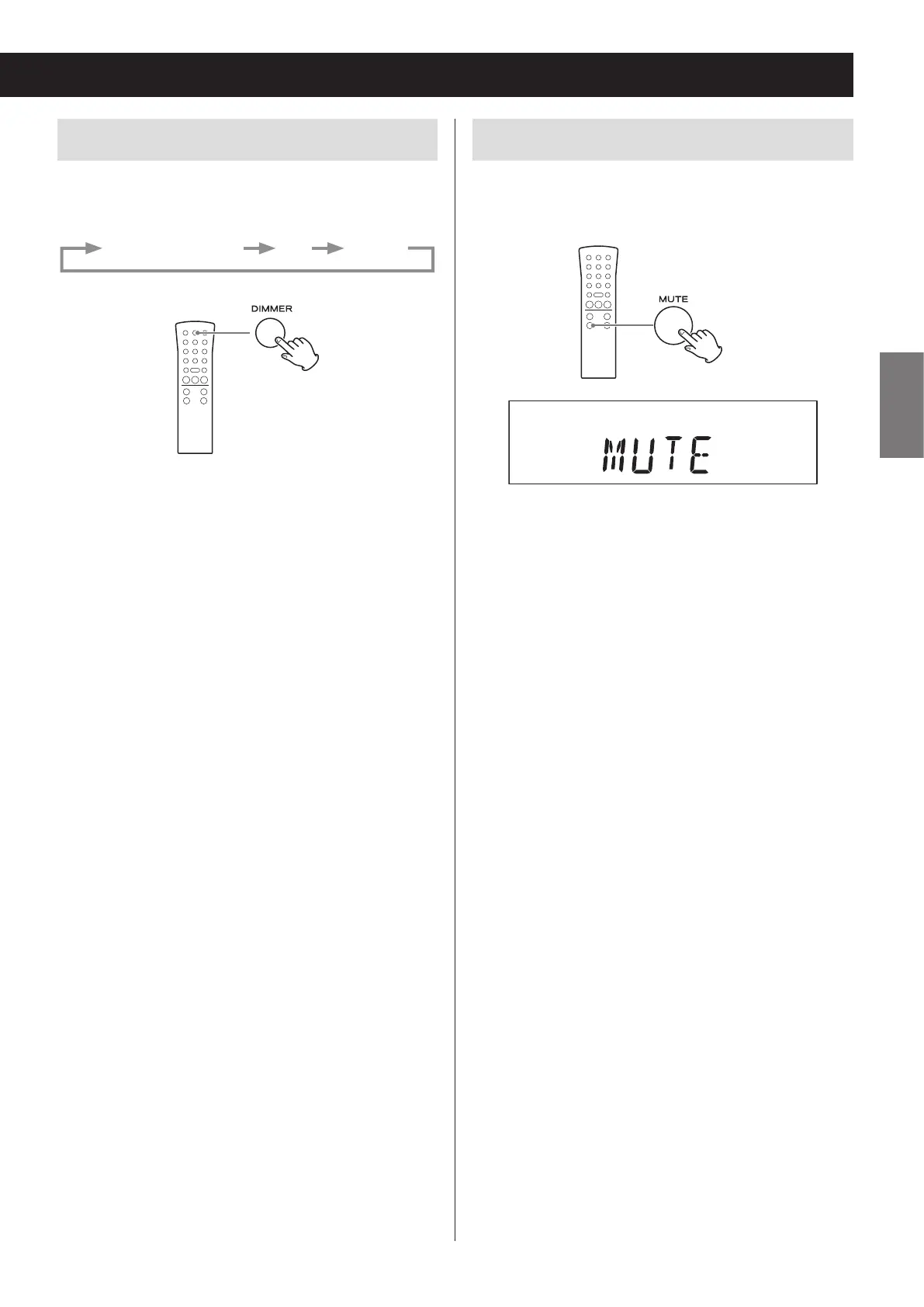
Adjusting the brightness of the display
Press the DIMMER button to cycle through the follow-
ing brightness settings.
Ordinary brightness Dim Very dim
o When the unit enters standby, the dimmer setting is
reset to ordinary brightness.
Muting the output
Press the MUTE button to temporarily silence the out-
put. Press the MUTE button again to resume output at
the previously set volume level.
o When the mute function is active, “MUTE” appears on
the display.
o When the mute function is active, adjusting the vol-
ume will unmute the output.
o When the mute function is active, changing the
source will unmute the output.


 To Next Page