52
Preset tuning (continued)
When using the remote control
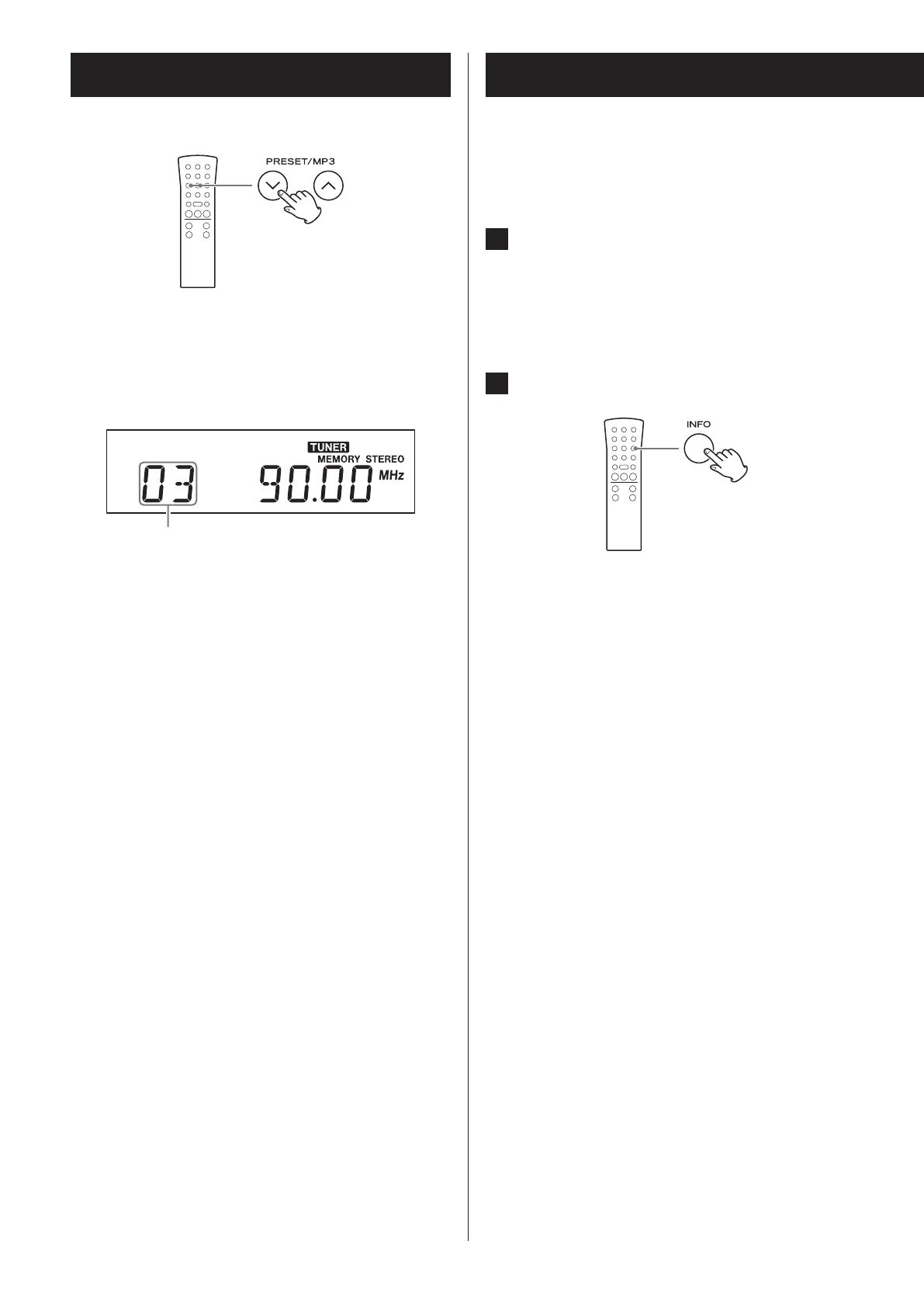
The preset number appears on the left side of the
display.
Example when preset 3 is selected
Preset number
o When a preset station is selected, the MEMORY
indicator appears.
o After selecting a preset, this number will con-
tinue to be shown unless you select another
station manually.
RDS
The Radio Data System (RDS) is a broadcasting service
which allows stations to send additional information
along with the regular radio program signal.
1 Tune in to an FM RDS station (see page
48).
The RDS indicator lights and the program service
name (station’s name) appears on the display.
2 Press the INFO button.


 To Next Page