51
ENGLISH
Automatic presets
The unit can automatically search for and add presets
for the stations that it can receive.
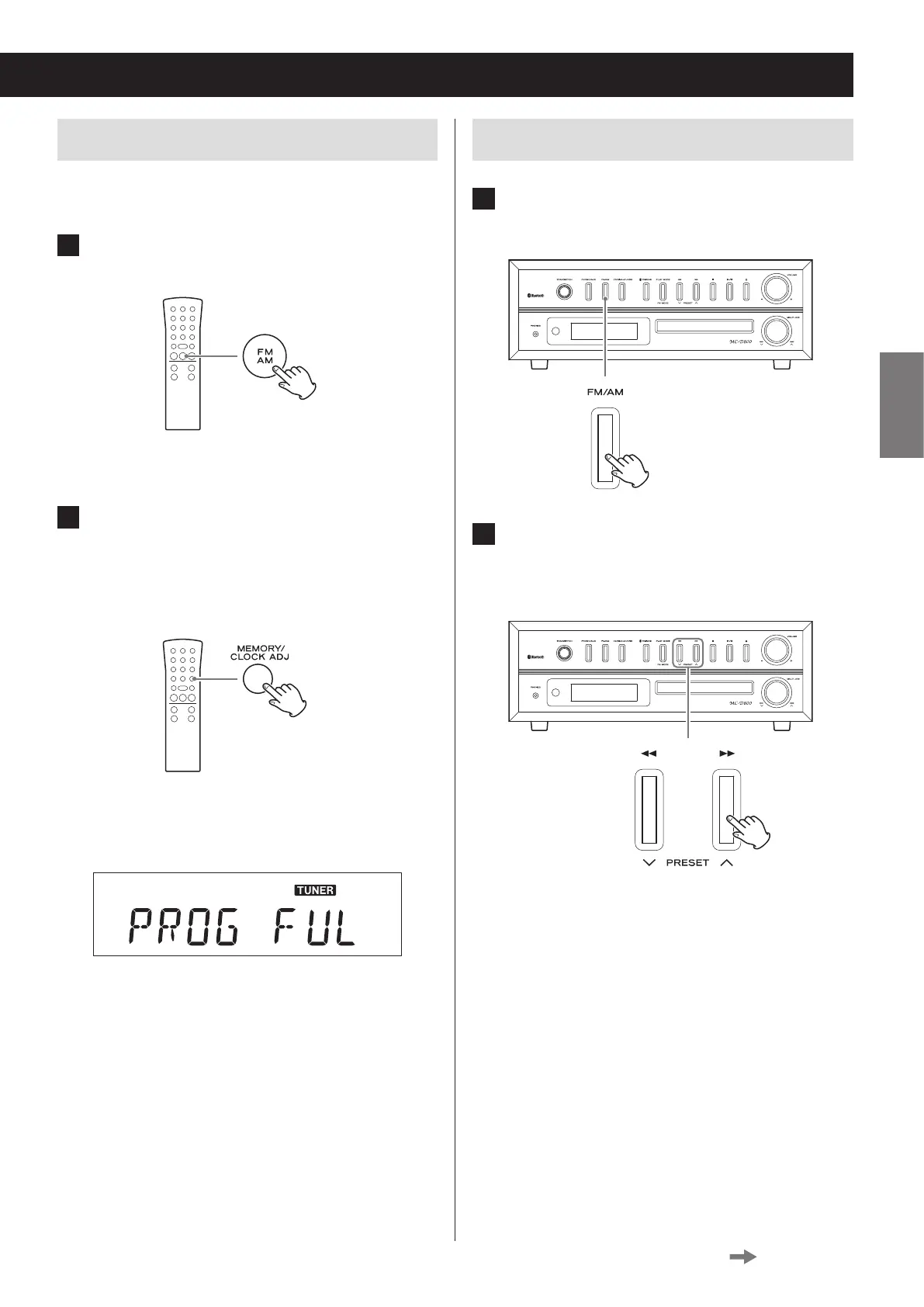
1 Press the FM/AM button to select FM or
AM broadcast reception.
Each time you press the FM/AM button, the unit will
switch between FM and AM broadcast reception.
2 Press and hold the MEMORY button for
at least two seconds.
“AUTO” appears on the display and the unit auto-
matically adds presets for the stations that it can
receive.
o After 20 presets have been added automatically,
“PROG FULL” will appear followed by preset 01
and reception of that station will start.
Listening to a preset station
1 Press the FM/AM button to choose the
band.
Z
2 Press a PRESET (j/k) button repeat-
edly until you nd the preset number
of the radio station you want.
Z
Continued on the next page


 To Next Page