31
ENGLISH
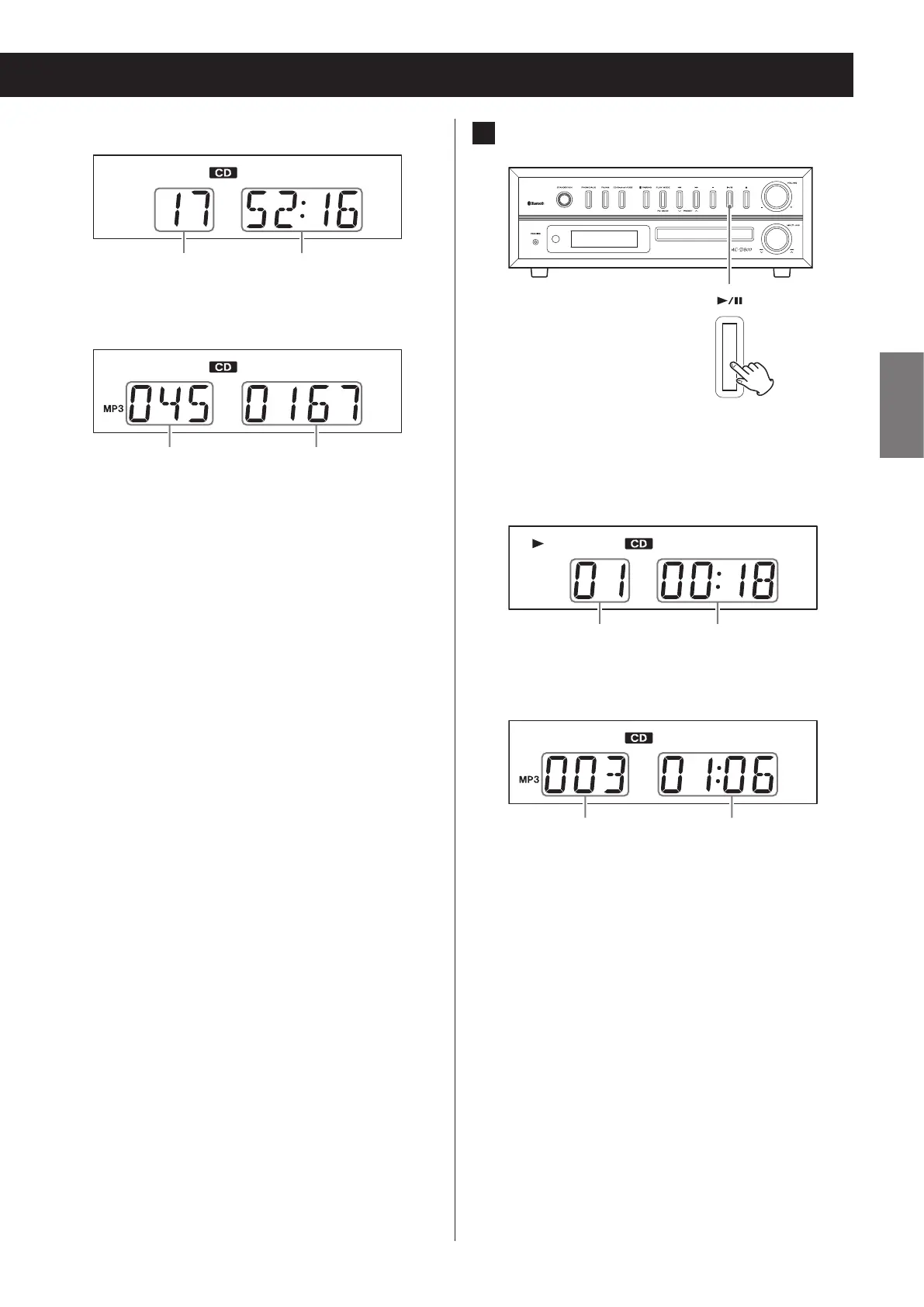
Audio CD display example
Total number of tracks Total playback time
MP3/WMA file display example
Folder number File number
o A non-audio disc might be “played” in the same
manner as an audio disc, but sound will not be
output.
o When the current file is a WMA file, “WMA” will
appear on the left side of the display.
5 Press the play/pause (y/9) button.
Z
Playback will start from the first track and y will
appear on the display.
Audio CD display example
Track number Playback elapsed time
MP3/WMA file display example
File number Playback elapsed time
o If you press the play/pause (y/9) button
without closing the disc tray, the tray will close
automatically and playback will start.
o This unit treats MP3/WMA files that are not in fold-
ers as being in the 001 (ROOT) folder. Playback
starts from the first track in the 001 (ROOT) folder.
o For details about the playback order of MP3/
WMA files, see page 39.
o After all tracks have played, playback will auto-
matically stop.


 To Next Page