37
ENGLISH
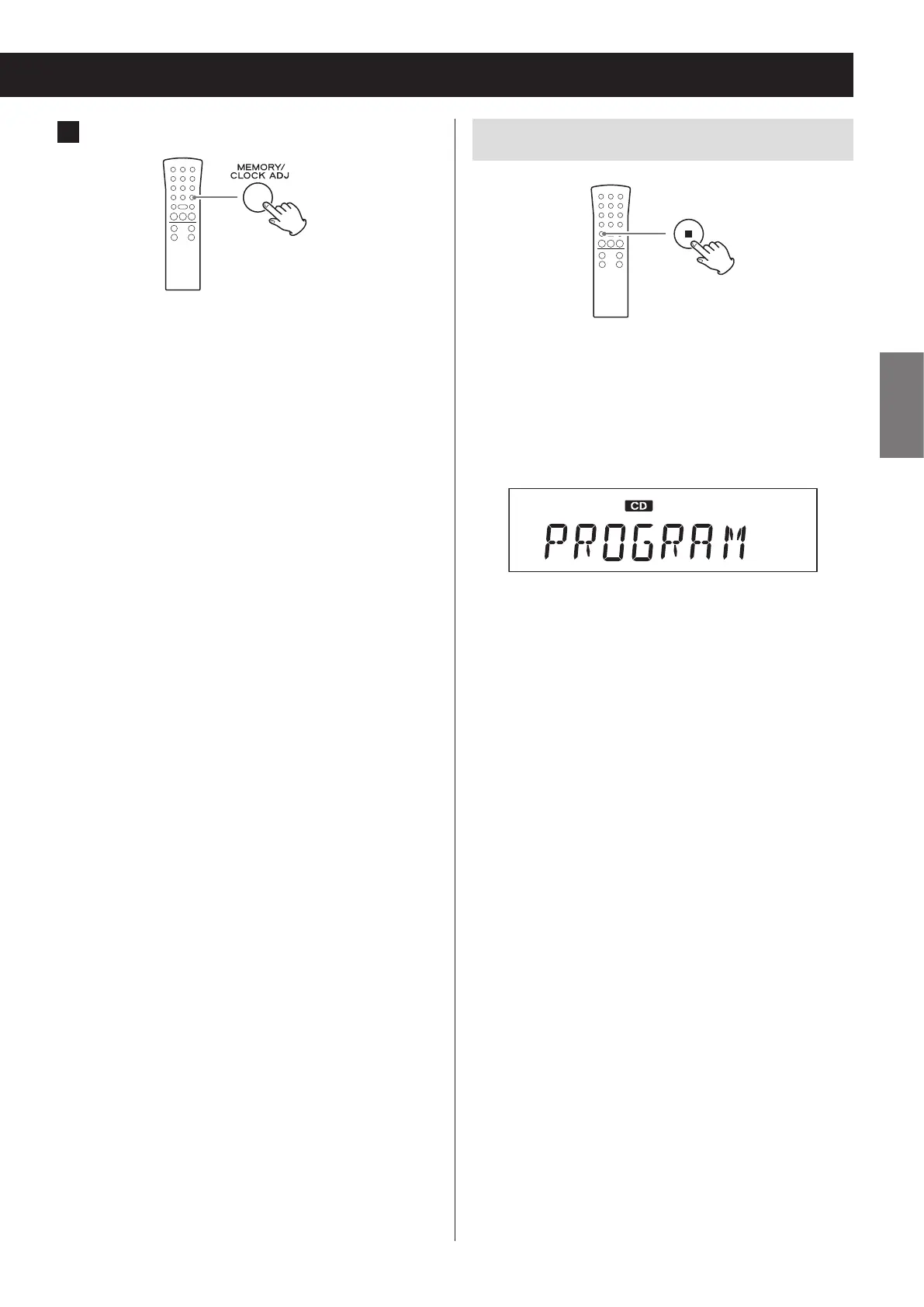
3 Press the MEMORY button.
The selected track/file is added at the selected
program number, replacing the track/file that was
there.
Clearing all the program contents
Press and hold the stop (8) button for at least two sec-
onds when stopped.
The contents of the program are cleared.
When the contents of the program are cleared,
“PROGRAM CLEAR” scrolls across the display.
o The program is also cleared in the following cases.
• The unit enters standby mode
• The PHONO/AUX, FM/AM or CD/Bluetooth/USB
button is pressed, changing the source
• The disc tray is opened


 To Next Page