57
ENGLISH
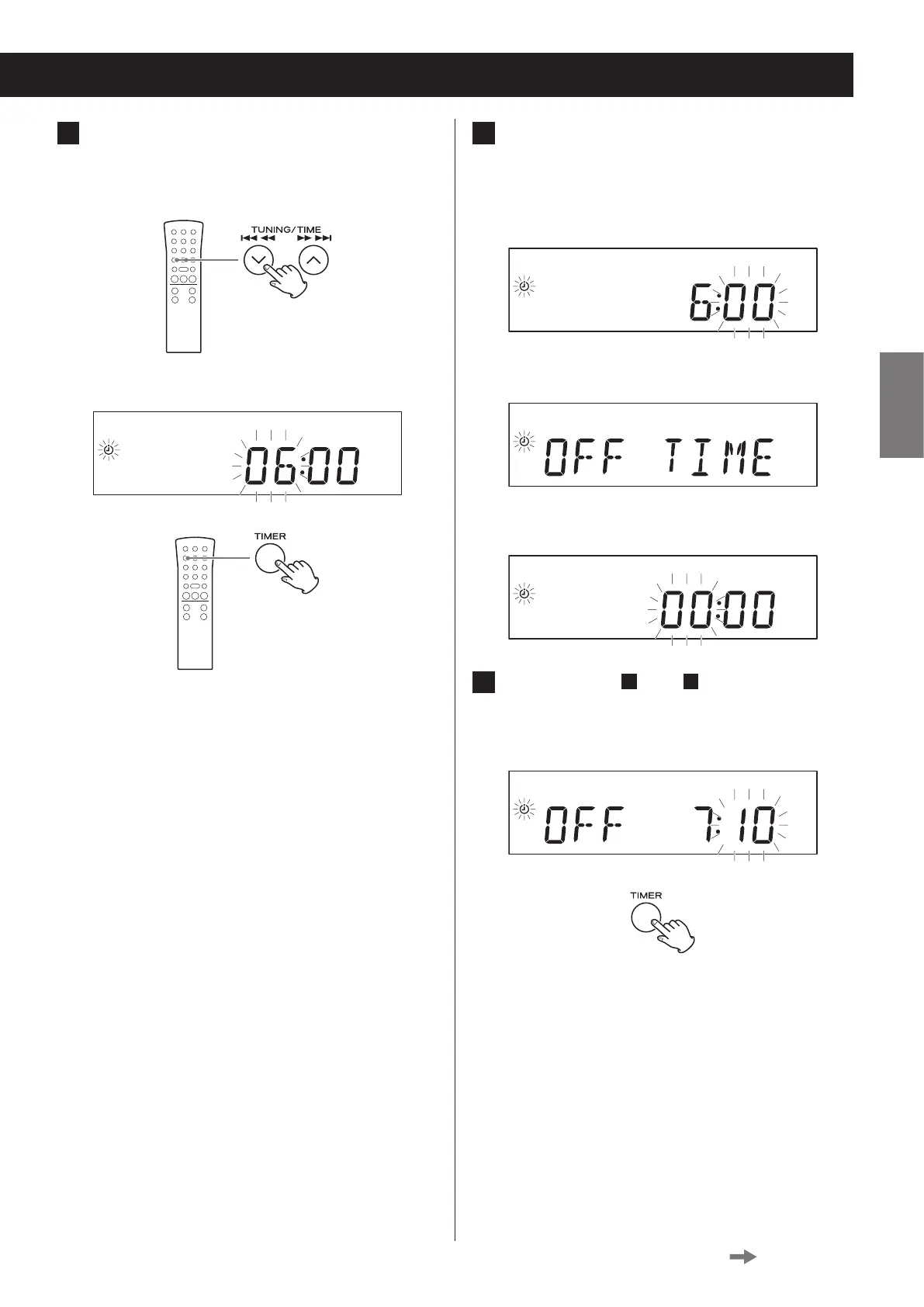
3 Press the TIME (j/k) buttons to set
the TIMER ON hour and press the TIMER
button.
Display example
o After setting the hour, the minutes blink.
4 Press the TIME (j/k) buttons to set
the TIMER ON minute and press the
TIMER button.
Display example
After making the TIMER ON setting, “OFF TIME”
appears and the hour value blinks.
c
5 Repeat steps
3
and
4
to set the TIMER
OFF time.
Display example
Continued on the next page


 To Next Page