11. REGISTERING PROCEDURE AND PRINT FORMAT EO1-11155
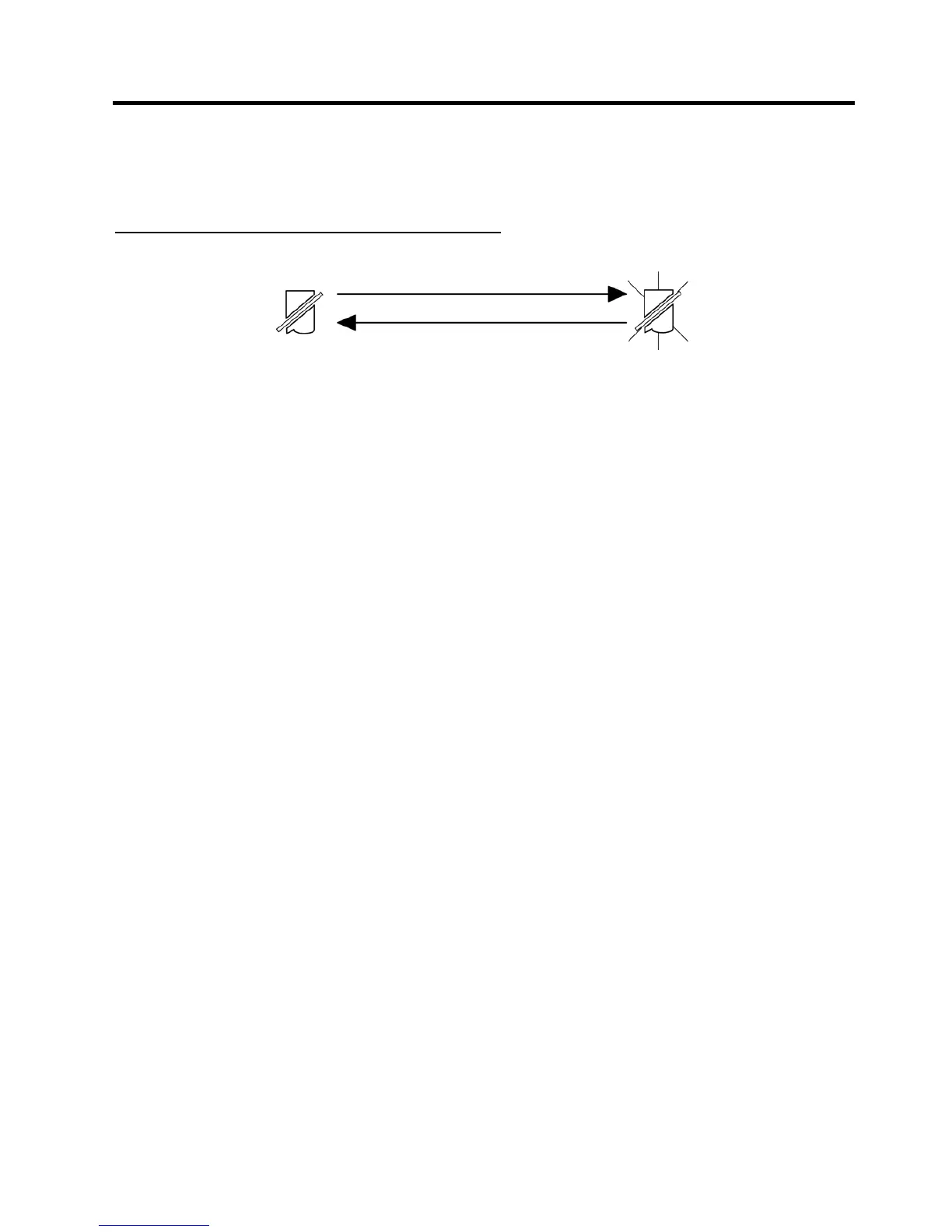
11.2 Receipt-Issue/Non-Issue Selection
11- 3
11.2 Receipt-Issue/Non-Issue Selection
Receipts are issued or not issued according to the “R OFF” lamp illuminated/extinguished status on the Operator
Display panel.
“R OFF” (Receipt OFF) Lamp Status Change Operations
([LOG/RECEIPT] = [RECEIPT]).
Mode Lock may be in any position
[LOG/RECEIPT]
Extinguished [LOG/RECEIPT] Illuminated
Receipt ON Status Receipt OFF Status
NOTES:
1. The “R OFF” lamp status at the starting of a transaction entry decides whether a receipt will be issued for the
transaction or not. Switching the Receipt ON/OFF status during a transaction will not be effective.
2. If a transaction entered with the “R OFF” lamp illuminated and finalized but a receipt is required, the
[RECEIPT ISSUE] (Post-issue Receipt) key can be operated to issue a receipt.
3. Simply depress the [LOG/RECEIPT] key without a numeric entry. If the key is depressed with a prior numeric
entry in REG mode, it may turn out to be a Sign ON or Sign OFF operation (in case of Cashier Code Entry
Method).
4. Receipt-issue or non-issue cannot be selected after a non-add number print.
5. Even when the ECR is in the Receipt-OFF mode, a receipt after taking a reset report is issued.


 To Next Page
 Loading...




