11. REGISTERING PROCEDURE AND PRINT FORMAT EO1-11155
11.11 Item Correct
11-14
11.11 Item Correct
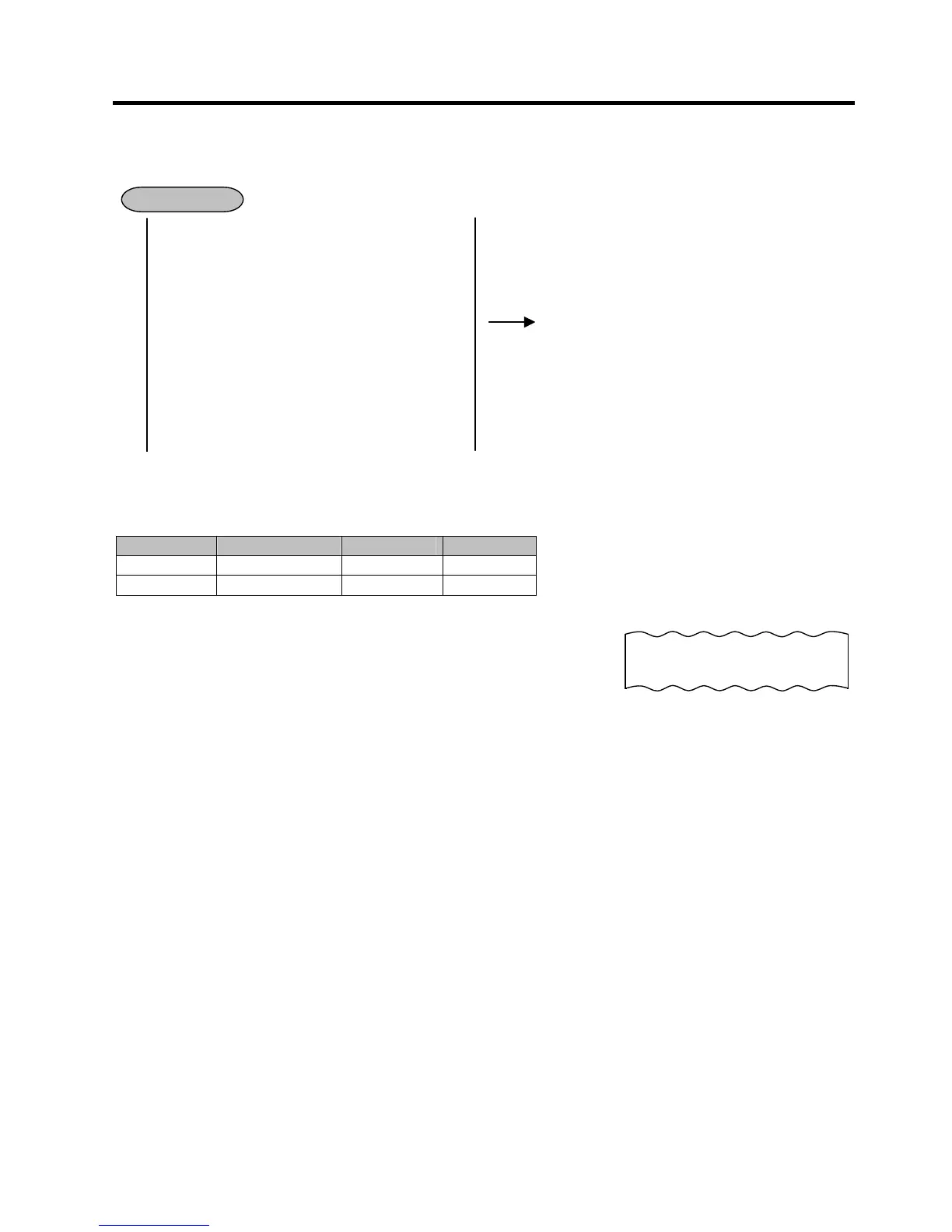
The Item Correct operation is used for deleting an item which was just entered.
DEPARTMENT ENTRY
PLU ENTRY
REPEAT ENTRY
QUANTITY EXTENSION
RETURNED MERCHANDISE
AMOUNT DISCOUNT [ITEM CORR]
PERCENT CHARGE/DISCOUNT
STORE COUPON
VENDOR COUPON
Previous Balance Entry
RECEIVED-ON-ACCOUNT Item
PAID-OUT Item
Example: When the [DEPT4] key instead of the [DEPT3] key is incorrectly depressed in the following
transaction, the Item Correct operation is performed for deleting the entry of the [DEPT4] key.
Department Department Name Purchased Qty
Price
DEPT 1 DP01 3 $1.20
DEPT 3 DP03 1 $2.00
3 [@/FOR] 120 [DEPT1]
200 [DEPT4]
[ITEM CORR]
NOTES:
1. When [ITEM CORR] is depressed after a Repeat entry, only the last item of those repeated will be deleted.
2. When [ITEM CORR] is depressed after a Quantity Extension entry, the entire product (result of multiplication)
will be deleted.
3. When the Item Correct operation is performed, “CORR ↑“ is printed on the journal, but the deleted item is not
printed on the receipt.
4. The Validation Print operation is possible after the Item Correct operation.
5. The Item Correct operation is not possible after the Validation Print operation.
OPERATION
-- Journal Print Format --
DP
04 $2.00
CORR ↑


 To Next Page
 Loading...




