3. READ (X) AND RESET (Z) REPORTS EO1-11155
3.1 Enabling Read (X) or Reset (Z) Mode
3- 2
3.1 Enabling Read (X) or Reset (Z) Mode
The issuance of the read (X) report or reset (Z) report is selected from the corresponding menu item which is
displayed on the LCD display with the [↑] or [↓] key.
For issuing a read (X) report, turn the Mode Lock to the X position with the MGR or MA key. For issuing a reset
(Z) report, turn the Mode Lock to the Z position with the MGR key.
On the MA-600 series, the keyboard layout is automatically changed in three types according to operation to be
performed (ordinary registration, read/reset, programming). The following shows keyboard layouts and functions
of keys required for read/reset operation when the Mode Lock is turned to X or Z position.
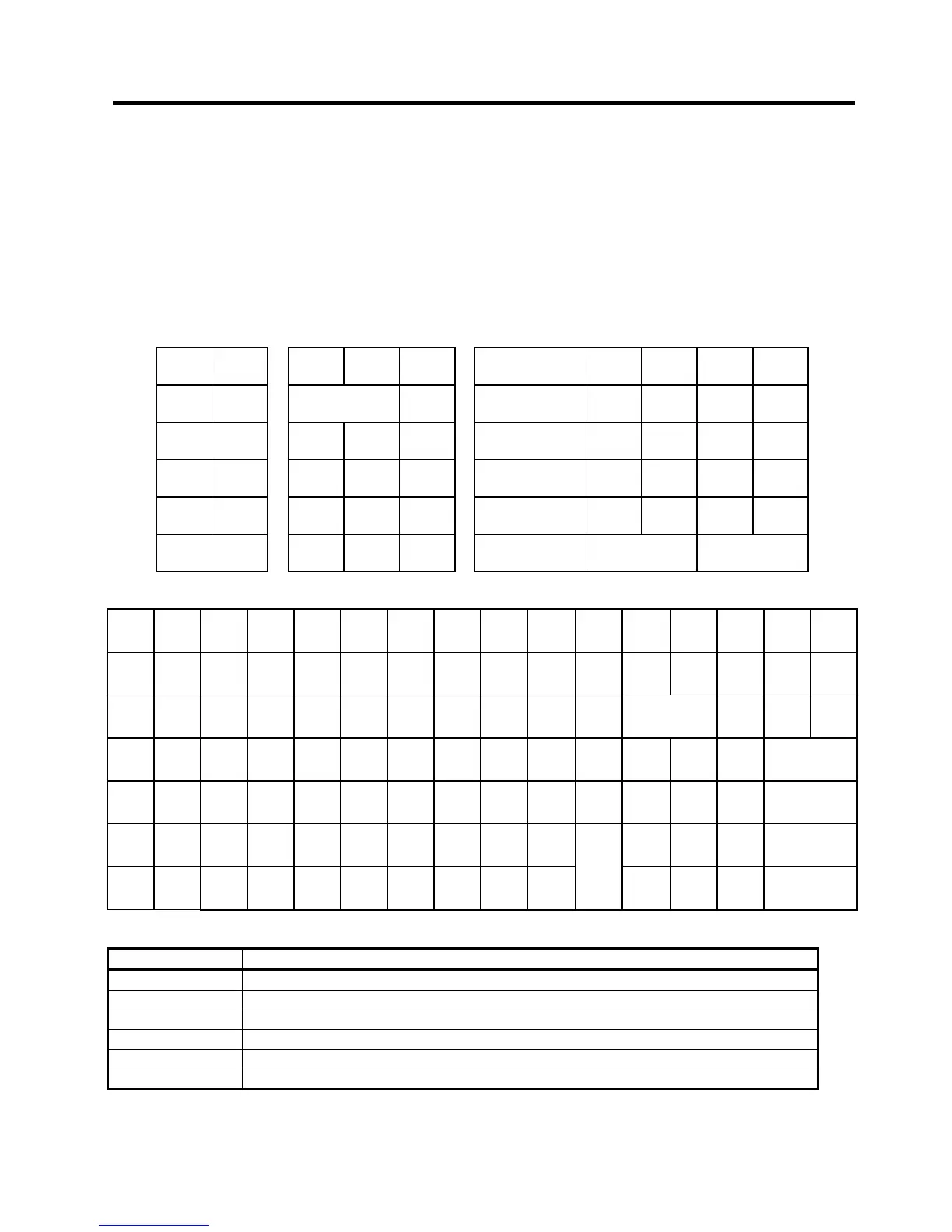
Keyboard layout for read/reset
Mode Lock Position: X for read, Z for reset
• Ordinary Type Keyboard
↑
0 00
.
End
Functions of keys required for read/reset
Key Function
[ ↑ ] This key is used for moving the cursor upward.
[ ↓ ] This key is used for moving the cursor downward.
[ ← ] This key is used for moving the cursor leftward.
[ → ] This key is used for moving the cursor rightward.
[Enter] This key is used for selecting a desired item after moving the cursor.
[Rtn] This key is used for returning the display to the previous screen.


 To Next Page
 Loading...




