EXCITE/EXCITE+ LINE - ASSEMBLY KIT VISIO/VISIOWEB-UNITY3.0
Installation Manual UNITY 3.0- Rev. 1.0
e-mail: support@technogym.com
Pag. 15
3.3 CONNECTION OF CABLES TO THE CPU BOARD OF DISPLAY
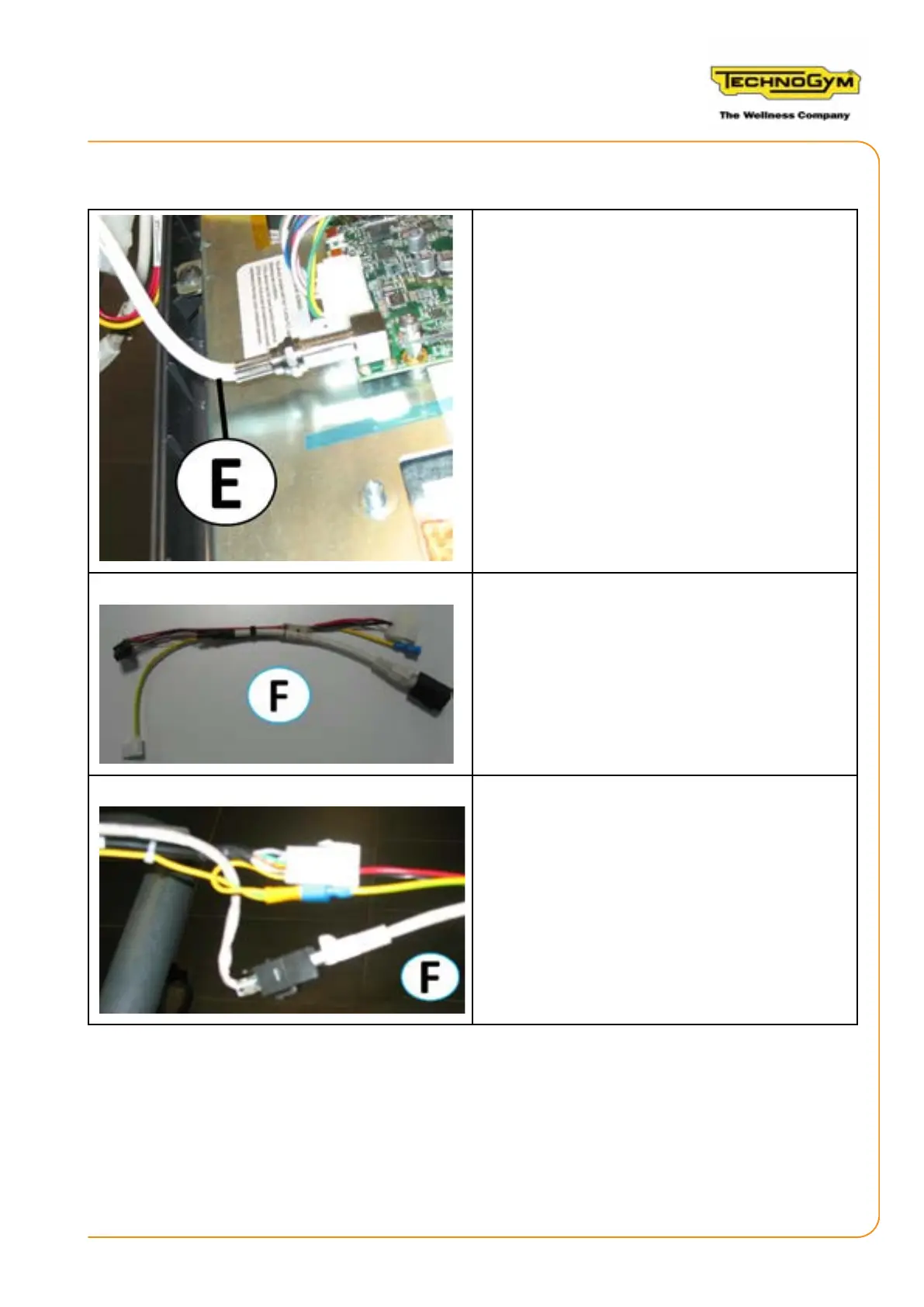
1. Connect the antenna cable (E) to the CPU bo-
ard.
The gure alongside shows the display power
adapter cable (F) 0WCU0686xx, provided in the
kit.
2. Connect the display power adapter cable (F)
0WCU0686xx, to the power cable, the ground
cable and the digital connection cable with the
Low Kit.













 To Next Page