1413
2. Control and Function
PROV
Opens Provider list.
AUDIO
Shows the available Audio Tracks (Audio Languages).
Fav.
Opens Favorite list.
EPG
Press the [EPG] button once to show the EPG info. Press it twice to enter the
EPG Style menu. Press the [OK] button to view further information.
INFO
Shows current program's stream information
MENU
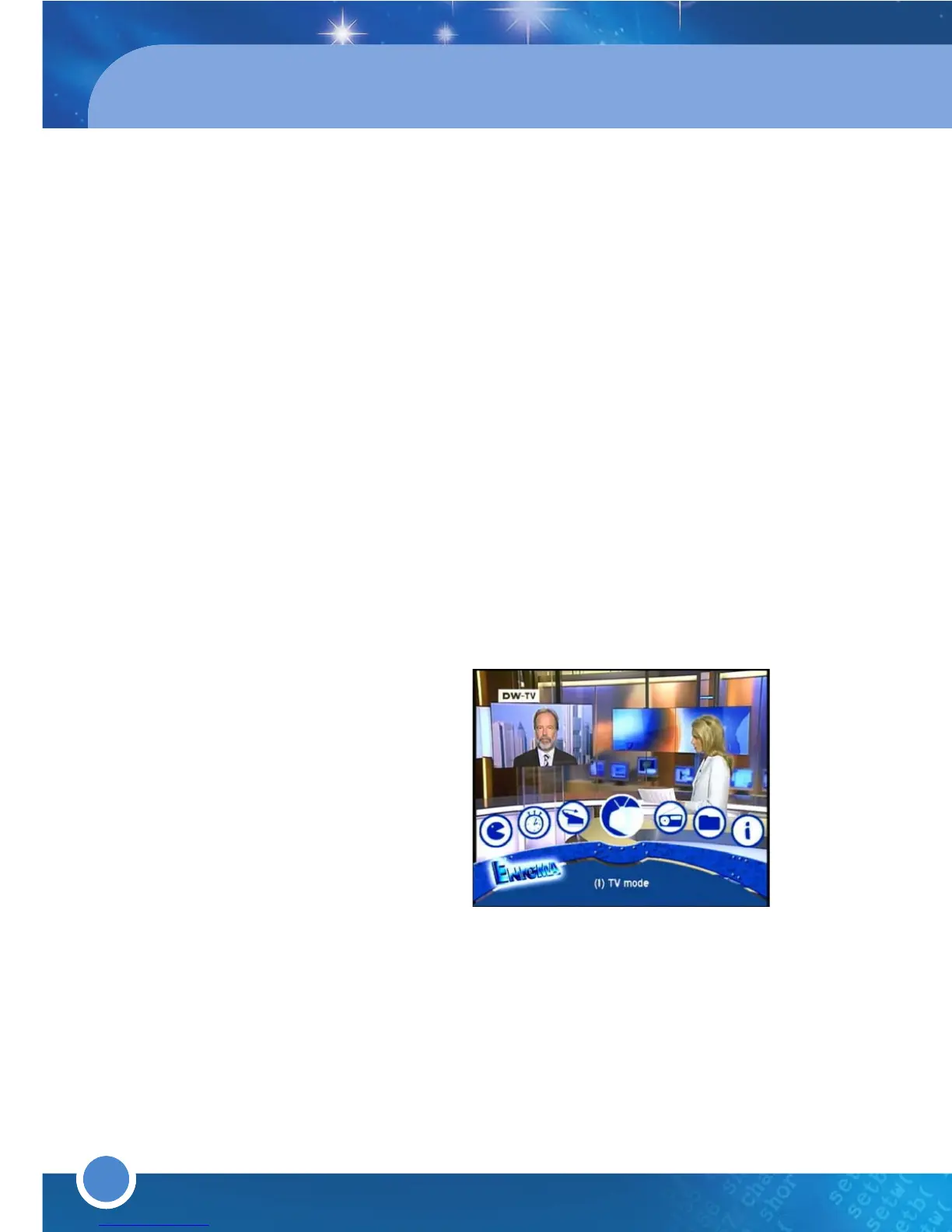
Press the [MENU] button on the remote to open the Main Menu.
Use the [LEFT/RIGHT] Navigation buttons on the remote or press the
shortcut number of the Menus on the Numeric keypad to select a menu.
* Choose from the following:
(1) TV Mode
(2) Radio Mode
(3) File Mode
(4) Information
(5) Reboot
(6) Setup
(7) Games
(8) Timer
EXIT
Return to the previous menu or abort/exit operations.
VOL + / -
Increase/Decrease the Volume (volume up/down).
SAT
Opens Satellite Configuration menu.
13
14
15
16
17
18
19
20
21
22
23
FILELIST
Opens File mode
OK
Press the [OK] button to open the Service List in viewing mode and File
List in File mode.
Press [OK] to confirm a selection/function or to enter a chosen OSD Menu.
NAVIGATION BUTTONS
Move in menus. In viewing mode, you can open the Service List by
pressing the [UP/DOWN] button. To skip a page in the Service List, use the
[LEFT/RIGHT] buttons.
SEEK RW ( )
Press the [SEEK RW] button to jump the index backward to a bookmark
(chapter)
SEEK FF ( )
Press the [SEEK FF] button to jump the index forward to a bookmark
(chapter).
BOOKMARK ( )
Produces a bookmark (chapter) whilst watching a recorded program.
PVR FUNCTION
Control the PVR functions in PVR Mode
COLOR BUTTONS
Activates certain menu functions. Usage instructions are shown in each
OSD menu.
NUMERIC KEY (0-9)
Control the numerical operation and change the Channel/Service number
directly.
PREV (<)
Return to the previous channel/service or move to the end of the
Service List or the Play List.
NEXT (>)
Go to the next channel/service or move to the
beginning
of the
Service List
or the
Play List
.
24
25
26
27
28
29
30
31
32



 To Next Page