25
To add a Timer to a channel/service, press the [GREEN] button to open the Timer Edit
menu. Adjust the settings accordingly (see Timer for further information).
*EDIT TIMER
SUBSERVICES
If a green dot in the Info-Bar appears, the channel/service has a Subservice.
Press the [
GREEN] button to enter the Multiple Services menu. Use the
[UP/DOWN] Navigation buttons to choose a service. Press the [OK] button to
select the service.
enable quick zap:
Press the [GREEN] button to enable the quick zap mode. You can now choose a
multiple service using the [LEFT/RIGHT] Navigation buttons without entering the
menu. Press the [
GREEN] button to open the menu and press the [GREEN]
button again to deactivate the quick zap mode.
add bouquet:
Press the [
YELLOW
] button to add the selected Service to a Bouquet of your choice.
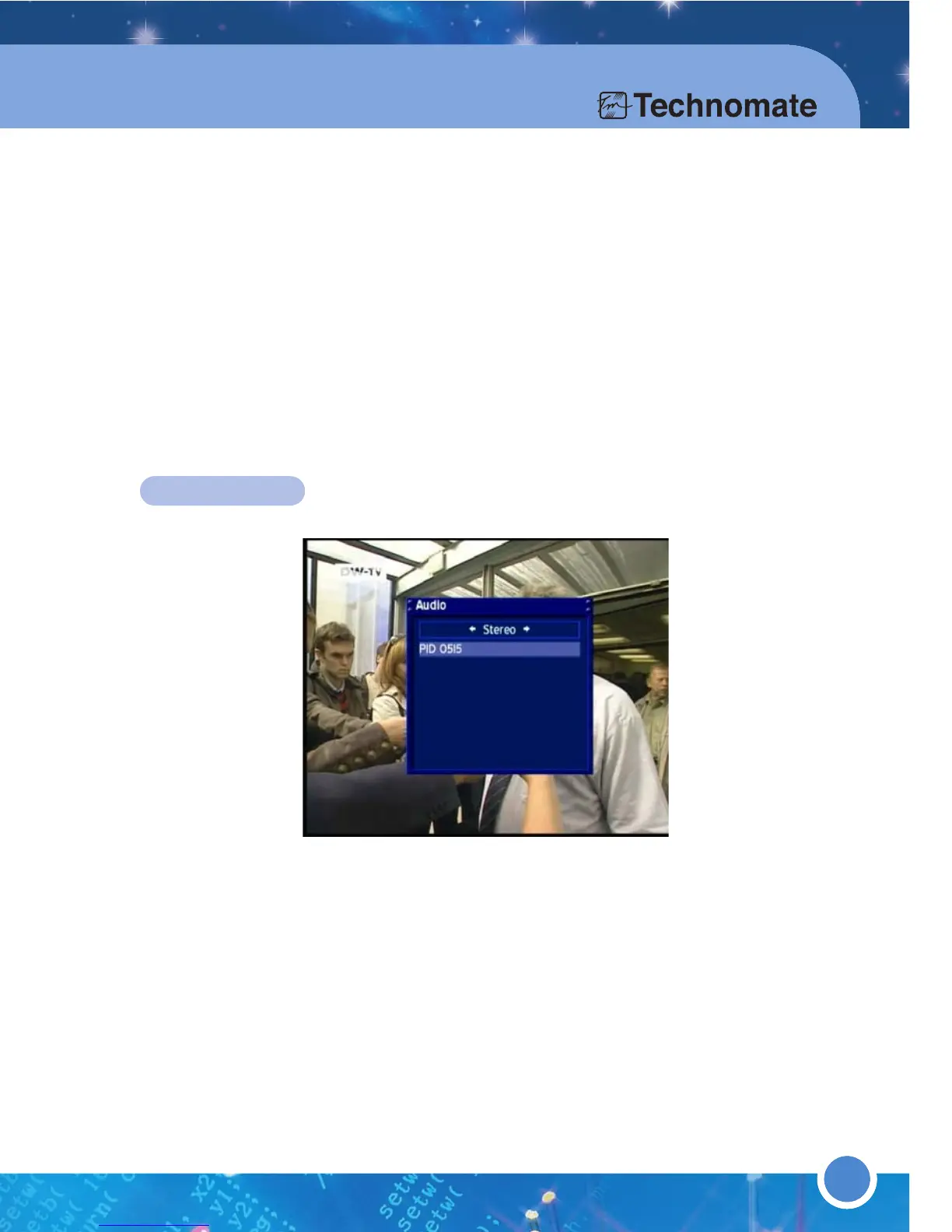
AUDIO TRACK
If a yellow dot in the Info-Bar appears, the program/service transmits in multiple
Audio Tracks & Audio Languages. Use the [LEFT/RIGHT] Navigation buttons to
choose an Audio Track from: Left-Mono, Stereo & Right-Mono.
Use the [UP/DOWN] Navigation buttons to choose an Audio Language.
26



 To Next Page