29 30
3. Operation & Setting
INFORMATION
View the Stream Information of a channel and the receiver’s information,
including HDD specification.
To view further information of a channel/service in the Streaminfo menu, use
the [RIGHT] Navigation button to open the next page of
Sreaminfo. Use the
[LEFT] Navigation button to go back to the previous menu.
In the
About...menu, view the
receiver
’s information, including software
version & HDD specification.
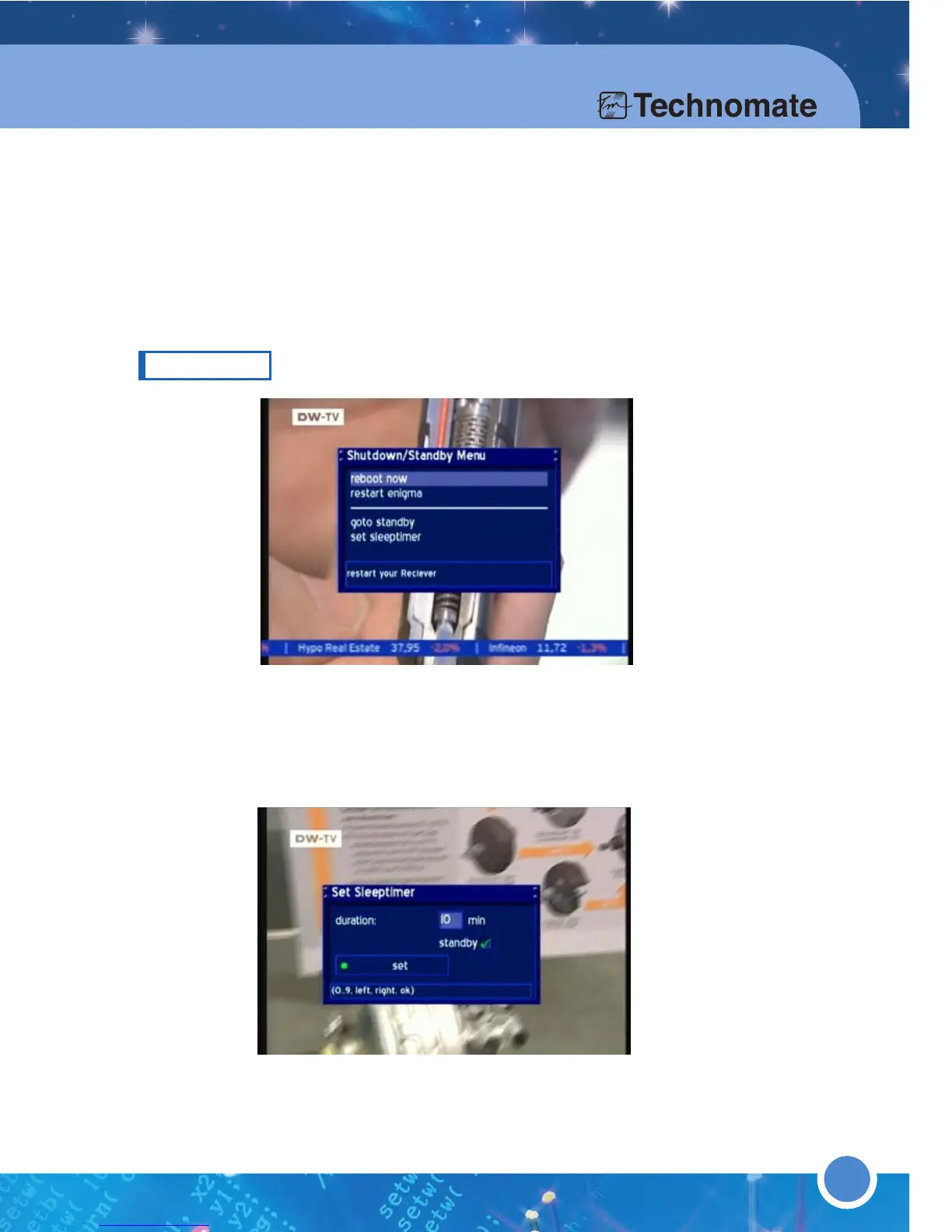
REBOOT
■ reboot now : Restart the receiver.
■ goto standby : Go to standby mode.
■ set sleeptimer : Set a maximum duration of 240 minutes. Press the
[
GREEN] button to set the sleep timer.



 To Next Page