3. Operation & Setting
55
3. Operation & Setting
56
GAMES
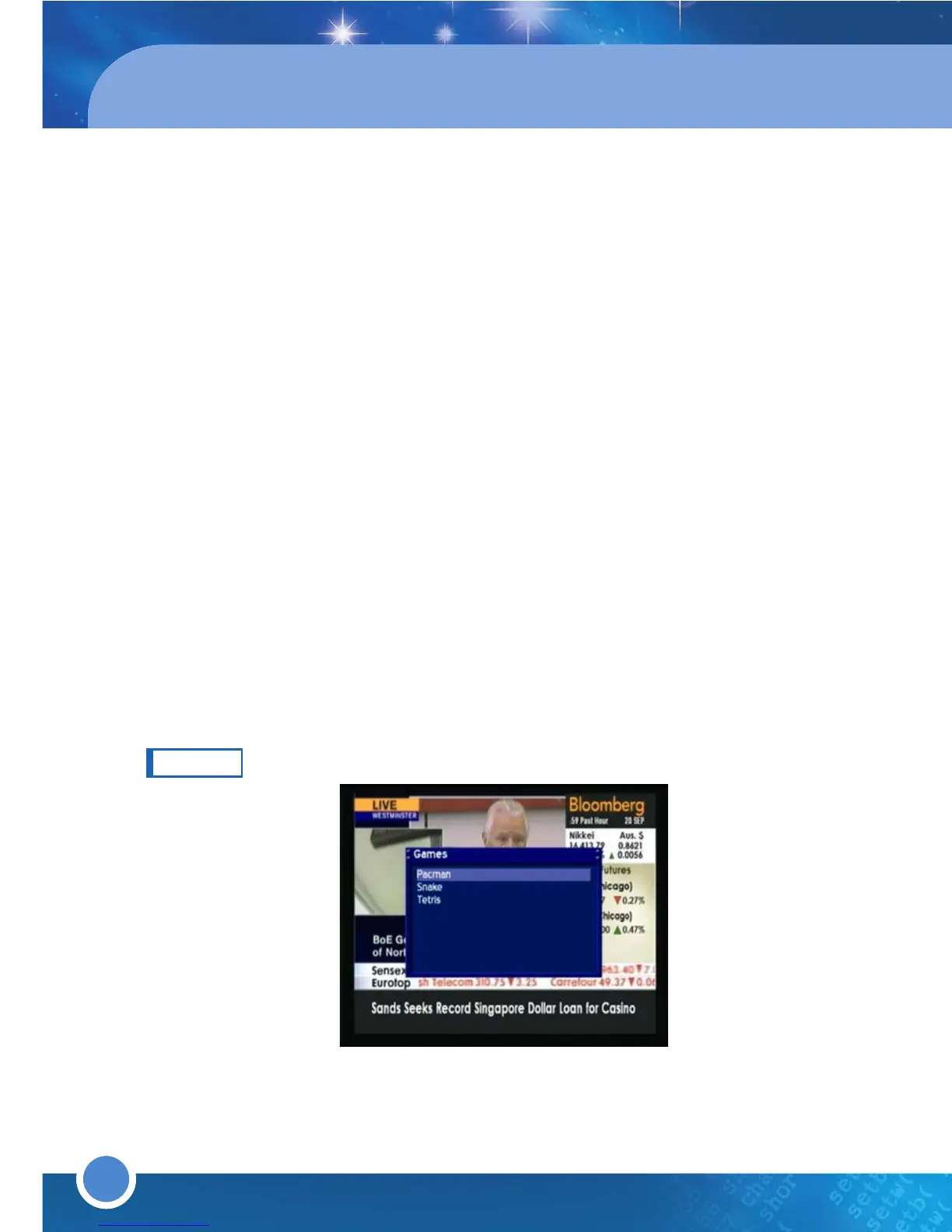
Press the [MENU] button to go to the Main Menu. Go to - (7)Games
Play a variety of games on the receiver, such as: Pacman, Snake & Tetris.
1GB : Adjust accordingly to the filesize you want to split recordings
Infobar timeout 6 sec : Set the desired time for the Info-Bar to disappear
Skip confirmations : If enabled, all confirmation windows will be disabled,
therefore you will no longer be asked to confirm any selection.
Hide error windows : If enabled, no more error messages will be
displayed, for example, ‘service not found’ will not be displayed.
Show remaining Time : If enabled, the remaining time of the program
will be displayed instead of the total time
Use http authentication : If disabled, you will no longer need a username
and password to access the Web Interface
Auto bouquet change : If enabled, when you have reached the last
service/channel in a Bouquet, the next Bouquet will automatically open
Disable Teletext caching : If enabled, Teletext will no longer be cached
in the background
Enabled Zapping History : If enabled, you can change to a different
service type in file mode
TIMER
Press the [MENU] button to go to the Main Menu. Go to - (8)Timer
To add a Timer, press the [GREEN] button on the remote. Enter the details
(date, start/end time) and go to the button/bar above the scan EPG. Press
the [OK] button to open the Service List and select the channel you want to
add a timer. On the left (the dropdown list above the apply button/bar, press
[OK] to choose from:
reminder : when the Timer starts, the TM-500/600 will automatically go to the
chosen channel
record PVR: when the Timer starts, it will start to record to the HDD
Ngrab: when the Timer starts, Ngrab will start
Press the [GREEN] button to save the Timer.
To set up a Timer from the EPG
Go to the service/channel to add a Timer to and press the [EPG] button or
press the [EPG] button twice and select Multi EPG to go to the
channel/service.
Press the [GREEN] button to set a PVR recording by Timer
Press the [YELLOW] button to set Ngrab
Press the [BLUE] button to set a Reminder
Note
··
Some channels/services do not provide EPG Information.



 To Next Page