27
3. Operation & Setting
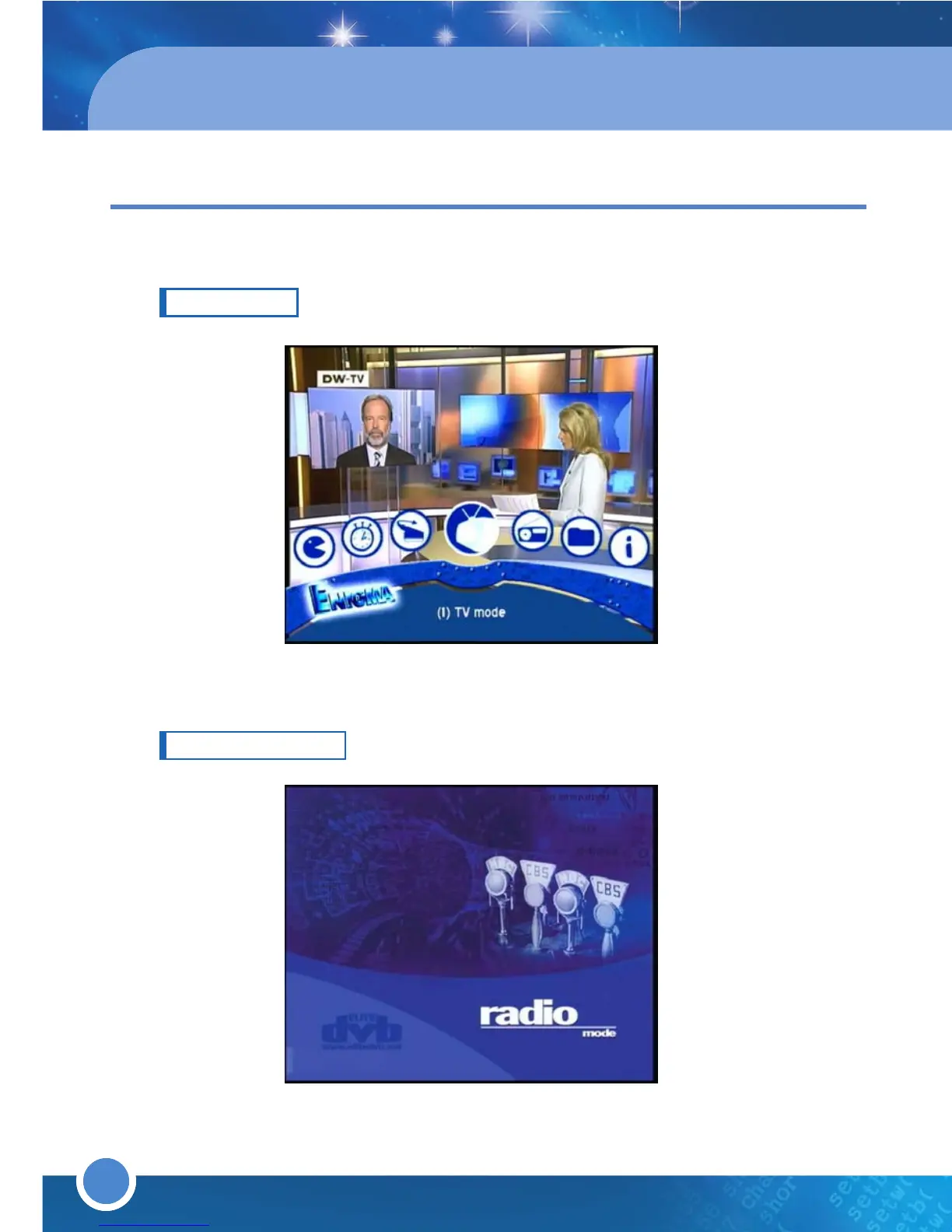
TV MODE
Select this menu to return to TV mode (TV channels).
RADIO MODE
Select this menu to return to Radio mode (Radio channels).
28
FILE MODE
Press the [MENU] button to go to the Main Menu. Go to - (3) File. Use the
colored Navigation buttons to choose from:
■ Root [RED] button: View the folder names
■ Movies [GREEN] button: View a list of your recorded files.
■Playlist [YELLOW] button: View a list of programs and recorded files
which have been selected.
■ Fav. [BLUE] button: View a list of your Favorites list. Press the [MENU]
button to go to the
Service Menu. Refer to “3.3 Menus (6)
Setup
Fav.List Edit
” for further information.
3.3 MENUS
To access the Main Menu, press the [MENU] button.



 To Next Page