24
3. Operation & Setting
23
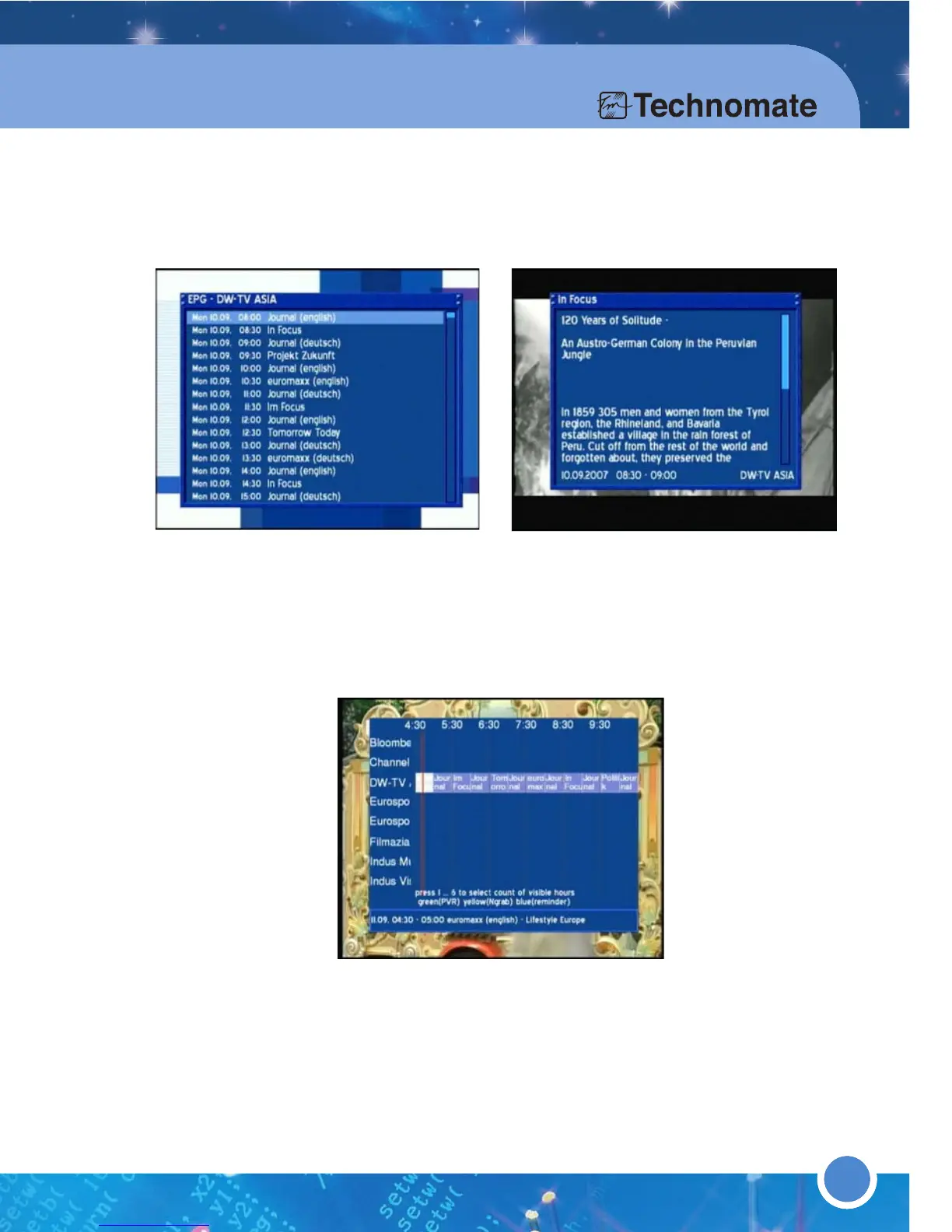
EPG (Electronic Program Guide)
A red dot will appear in the Info-Bar if an EPG for the channel/service is available.
Press the [RED] or [EPG] button twice quickly to access the EPG Style menu
where you can select: Channel EPG (displays channel/service specific EPG) or
Multi EPG (displays EPG for all channels/services).
In Channel EPG, press the [OK] button on a program to view additional information.
In Multi EPG, you can adjust the timer/hours by using 1-6 on the Numeric Keypad
on the remote. Press the press the [OK] button to select a channel/service.



 To Next Page