© Technosoft 2007 46 IBL2403 Technical Reference
is copied into the drive/motor RAM memory which is used during runtime. It is also possible to
Save
the setup data on your PC and use it in other applications.
To summarize, you can define or change the setup data in the following ways:
create a new setup data by going through the motor and drive dialogues
use setup data previously saved in the PC
upload setup data from a drive/motor EEPROM memory
4.2.4. Evaluate drive/motor behaviour (optional)
You can use the Data Logger or the Control Panel evaluation tools to quickly measure and
analyze your application behavior. In case of errors like protections triggered, use the Drive
Status control panel to find the cause.
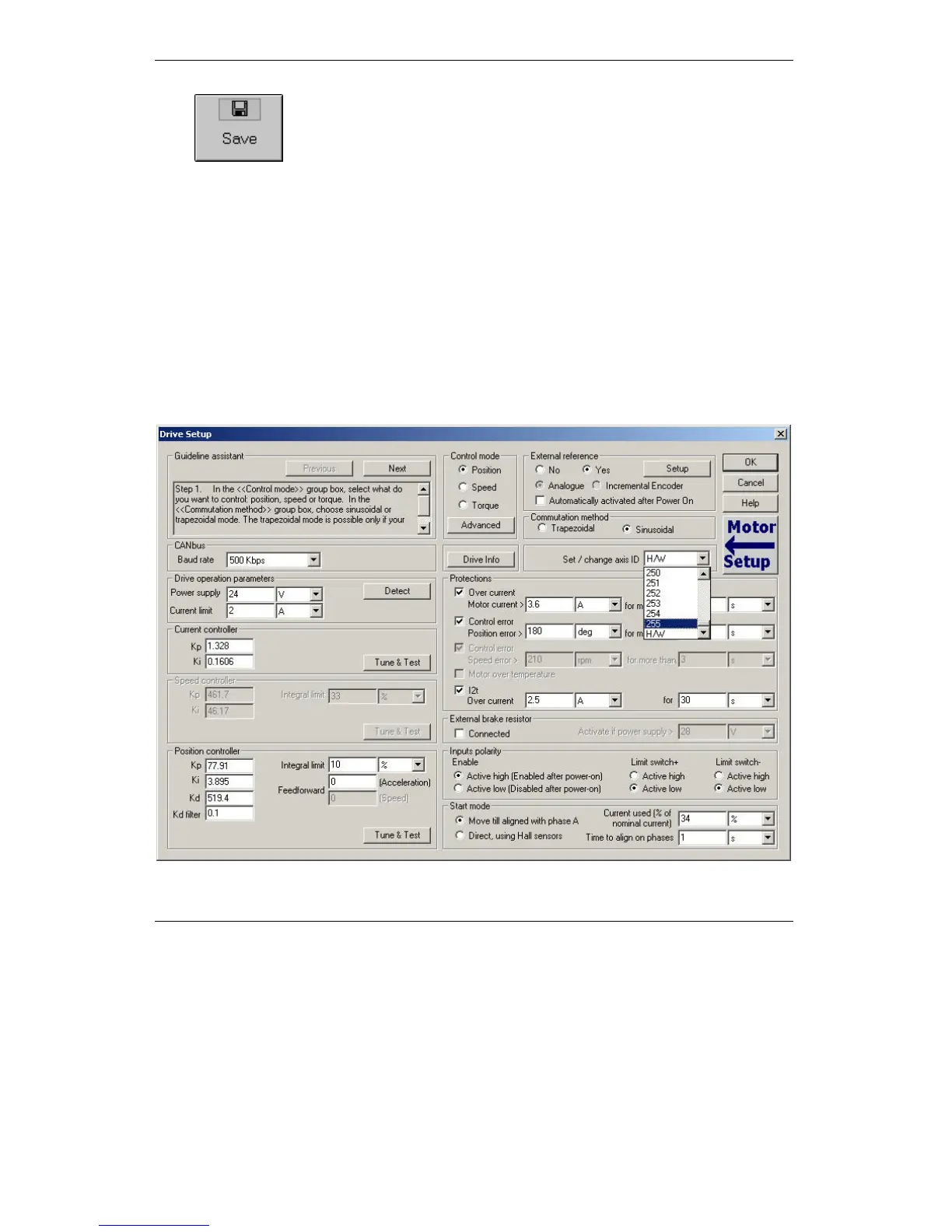
4.3. Changing the drive Axis ID



 To Next Page