TD350 Series VFD Basic operation instructions
-97-
Used to change the frequency-increase/decrease
command when the frequency is given by external
terminals.
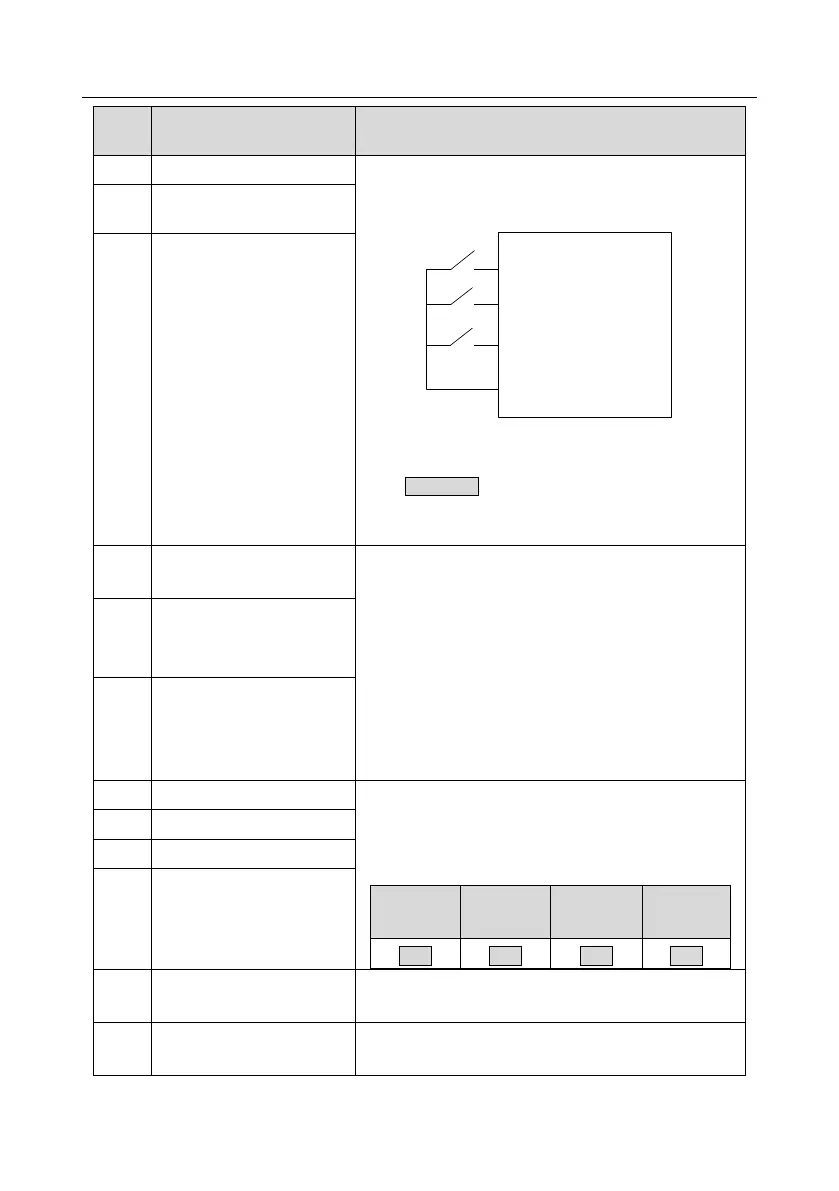
K1
K2
K3
UP terminal
DOWN terminal
UP/DOWN
Zeroing terminal
COM
The terminal used to clear frequency-increase/decrease
setting can clear the frequency value of auxiliary channel
set by UP/DOWN, thus restoring the reference frequency
to the frequency given by main reference frequency
command channel.
Frequency decrease
(DOWN)
Clear frequency
increase/decrease setting
Switching between A setting
and B setting
This function is used to switch between the frequency
setting channels.
A frequency reference channel and B frequency
reference channel can be switched by no. 13 function;
the combination channel set by P00.09 and the A
frequency reference channel can be switched by no. 14
function; the combination channel set by P00.09 and the
B frequency reference channel can be switched by no. 15
function.
Switching between
combination setting and A
setting
Switching between
combination setting and B
setting
Multi-step speed terminal 1
16-step speeds can be set by combining digital states of
these four terminals.
Note: Multi-step speed 1 is low bit, multi-step speed 4 is
high bit.
Multi-step speed terminal 2
Multi-step speed terminal 3
Multi-step speed terminal 4
Pause multi-step speed selection function to keep the set
value in present state.
Acceleration/deceleration
time selection 1
Use these two terminals to select four groups of
acceleration/decoration time.



 To Next Page