EasyManua.ls Logo

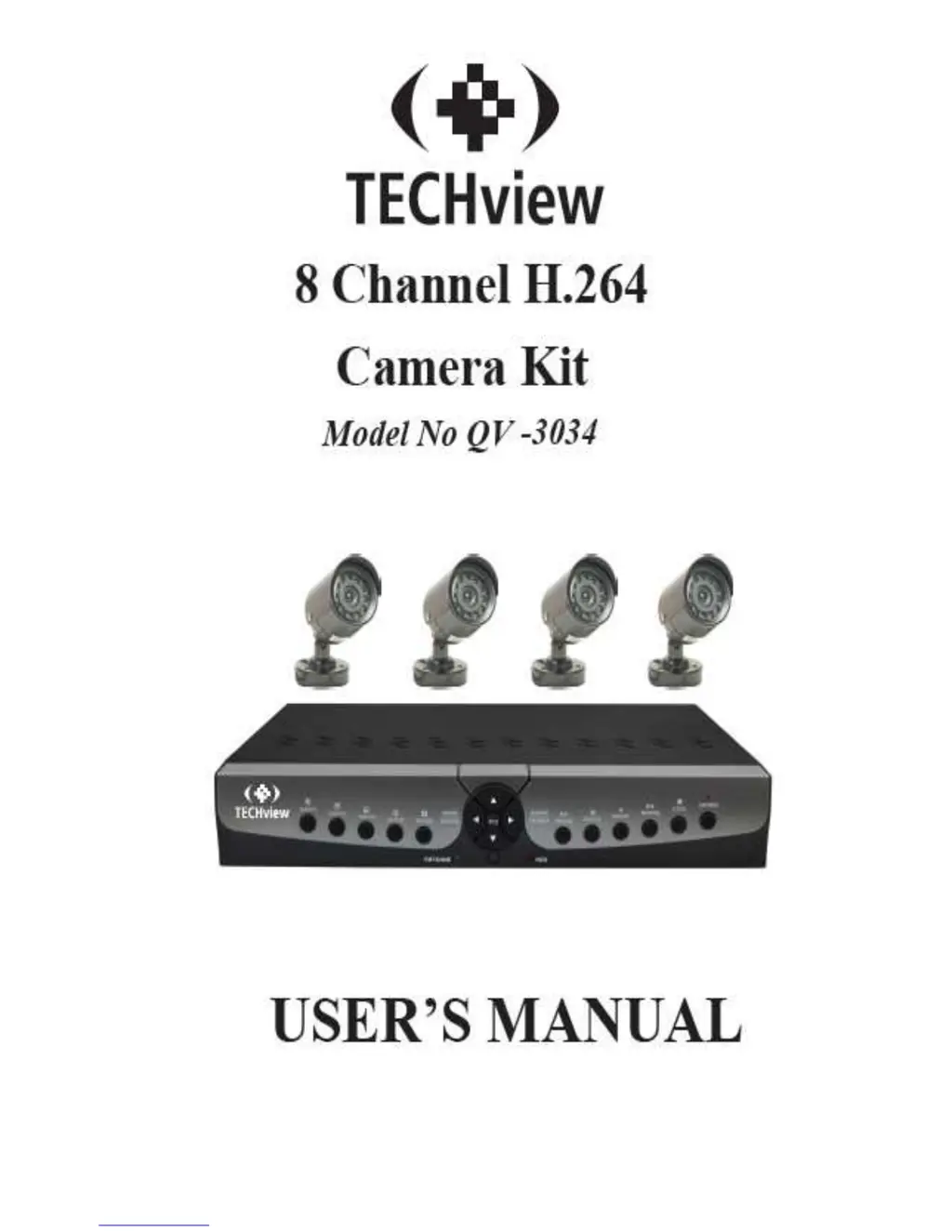
TECHVIEW QV-3034 - User Manual

TECHVIEW QV-3034
49 pages
Print Icon
To Next Page IconTo Next Page
Loading...
User Manual

Table of Contents

Questions and Answers

  • J
    Jessica HoltSep 9, 2025
    What to do if TECHVIEW QV-3034 IP Camera is not getting any video signal on the DVR?
    • S
      Scott McdonaldSep 9, 2025
      Check the camera video cable and connections, or check the monitor video cable and connections. Also, confirm that the camera has power and check the camera lens setting.
  • J
    Jason HarperSep 12, 2025
    How to fix TECHVIEW QV-3034 when some channels display just a blank screen even if they receive video sources?
    • T
      Terry BullockSep 12, 2025
      Verify that the camera connected to the system properly displays the image and that the camera is properly supplied with power.
  • C
    Cindy MartinSep 13, 2025
    What to do if I can’t stop [Stop] function on TECHVIEW QV-3034?
    • C
      cooperebonySep 13, 2025
      The [Stop] button only halts manual recording. To stop scheduled recording, change the setting to [No Record] during the relevant time period.
  • J
    Jonathan MerrittSep 15, 2025
    How to fix TECHVIEW IP Camera when the system does not detect the HDD?
    • M
      melinda91Sep 15, 2025
      Check that the power supply system is correctly connected, and ensure both the data cord and power cables are securely connected.
  • T
    Tammy HoodSep 17, 2025
    How to delete recorded files directly from TECHVIEW IP Camera device?
    • S
      shannon26Sep 18, 2025
      To erase all recorded files, use the HDD format function.

Summary

Safety Instructions

General Safety Precautions

Essential safety guidelines for operating and maintaining the equipment to prevent hazards.

Chapter 2 DVR Overview

Rear Panel Connections and Ports

Explains the rear panel connections for video, audio, power, network, and other interfaces.

Chapter 3 DVR Connection

Installation and Connection Guide

Instructions for HDD installation, camera/monitor connection, and power supply setup.

Chapter 4 DVR Boot Up

Initial System Setup and Live Interface

Covers system initialization process and the default live view interface.

Chapter 5 DVR Menu System

Main Menu Structure and Guide

Provides a visual overview of the main menu categories and their hierarchy.

Privacy Zones and Recording Settings

Sets privacy zones, record parameters, pack duration, and pre-record options.

Event Search and File Backup

Searches for specific events and guides on backing up recorded files via USB or network.

Log Search and Network Configuration

Searches system logs and configures network settings like DHCP, PPPoE, and static IP.

Static IP and Port Forwarding

Guides on static IP setup, subnet mask, gateway, DNS, and router port forwarding.

Alarm Settings Configuration

Configures motion detection, I/O alarms, alarm types, output, and email notifications.

User Account Management

Manages user accounts, levels, permissions, and passwords for system access.

Chapter 6 Web Application Manager

Web Manager Login and Live Interface

Details the login process and navigation of the live interface in the web manager.

Record and Network Configuration

Configures record parameters, schedules, main stream, and network settings.

Alarm Settings and Device Management

Configures motion detection, I/O alarms, and manages HDD and PTZ device settings.

TECHVIEW QV-3034 Specifications

General IconGeneral
BrandTECHVIEW
ModelQV-3034
CategoryIP Camera
LanguageEnglish

Related product manuals