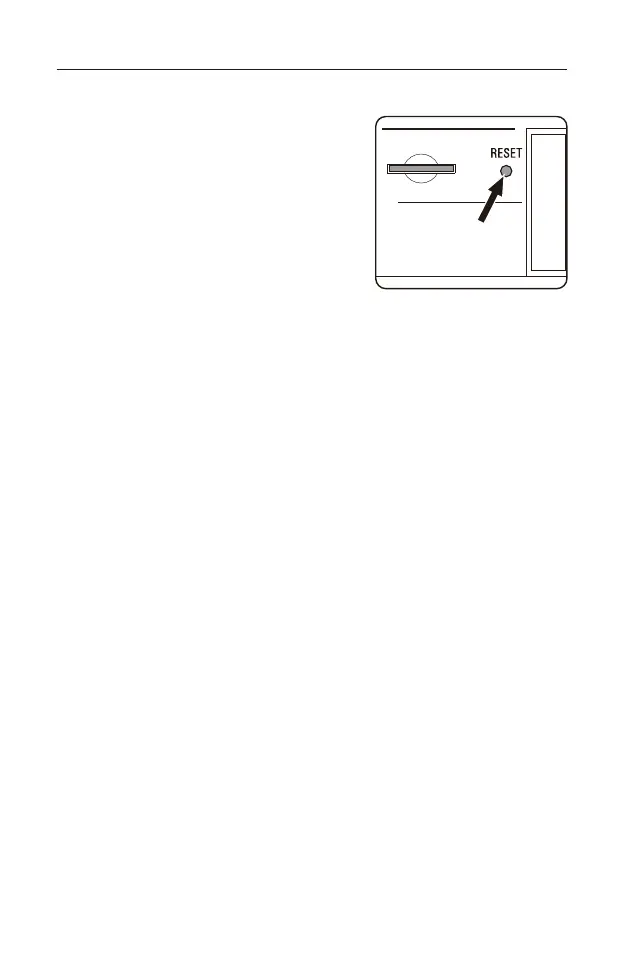
System Reset
This device works on advanced and stable
firmware to enhance users' enjoyment. In
the event that a sudden firmware glitch
does occur (e.g. unresponsive or erratic
behavior of buttons/knobs, LCD display
issues) press the [ RESET ] button with a
pointy object to return to normal operation;
stored stations will not be lost when
resetting the firmware.
27



 To Next Page