4. DOS ASPI DRIVERS & UTILITIES
DC-395 Series User’s Manual
2525
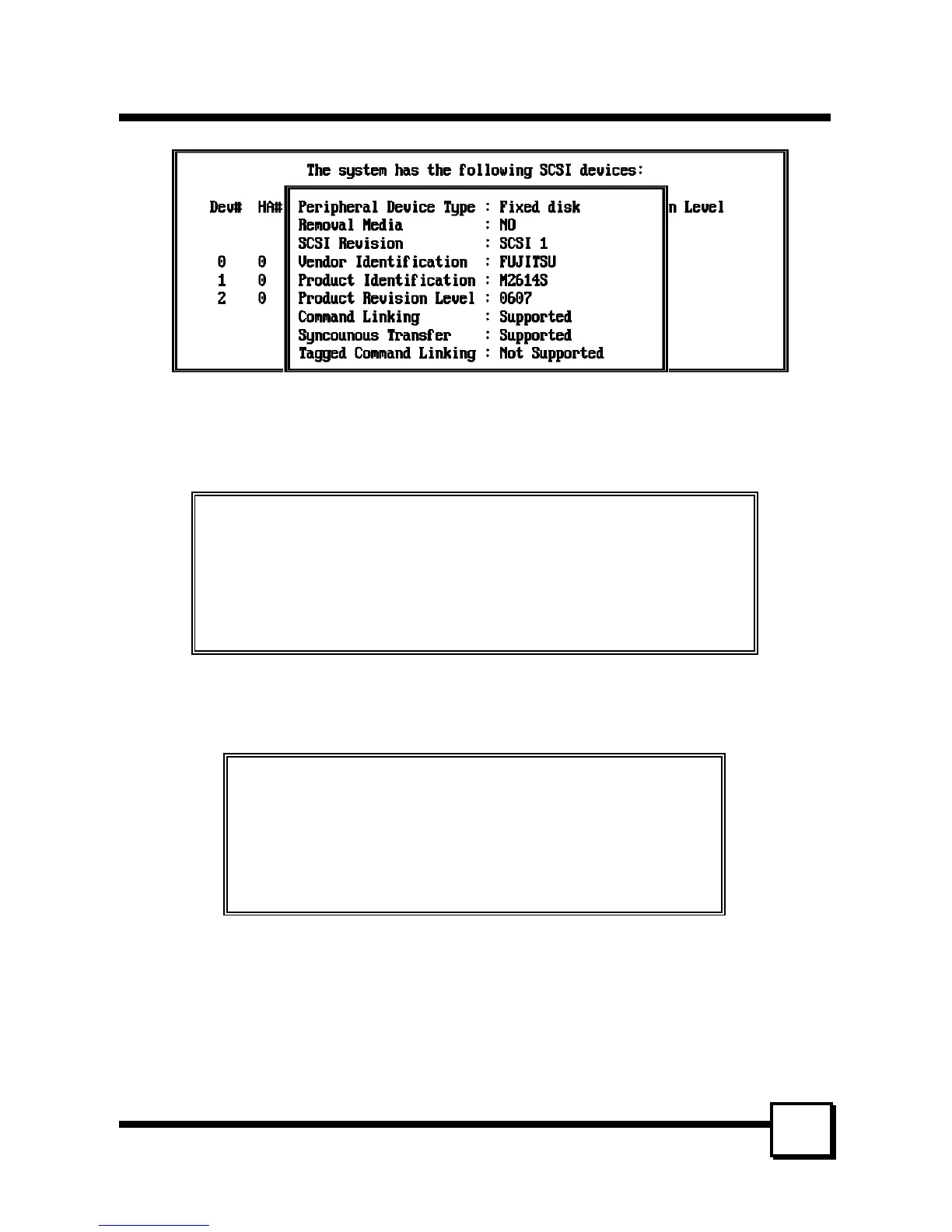
4. The following screen provides information on the number of SCSI devices installed and
asks if you want to install the drivers:
Note: Only install the ASPI Hard Disk Driver if you have a removable device, such as
an M.O. drive, or if More than 2 drives support is Disabled.
Current System Has 2 Disk Drives (including Removal and Optical Device)
1 CD-ROM Devices
0 Tape Device (including QIC Tape Drive and DAT)
Do You Want to install ASPI Manager ? (Y/N) ----------------------- Y
Do You Want to install Hard Disk Driver ? (Y/N) -------------------- Y
Do You Want to install CD-ROM Driver ? (Y/N) --------------------- Y
5. The following screen specifies the directory path for the device drivers. This directory
can have any name you choose. The default path would be C:\DC3x5 . For this example
we'll use C:\DC3x5:
This Installation Program will copy some Device Drivers and Utility
to the following directory
C:\DC3x5
Press Enter to accept the default directory
6. If you have one or more CD-ROMs installed in your system and choose to install the
ASPI CD-ROM Driver, the next screen will require you to specify the path to
MSCDEX.EXE. Type in the path to MSCDEX - normally C:\DOS or C:\WINDOWS. If
you choose the default path of C:\DC3x5, you need to copy MSCDEX.EXE from
C:\DOS (or the directory where it resides) to C:\DC3x5 after the driver installation is
complete.



 To Next Page