2260B Series User Manual
96
Press the Utility key again to exit
the Test sequence settings. The
Utility key light will turn off.
Load Test Sequence from USB
Before a test sequence can be run, it must first
be loaded into a one of the 10 memory save
slots. Before loading a test sequence into
memory:
Ensure the test sequence file is placed in the root
directory.
Ensure the file name number corresponds to the
memory number that you wish to save to.
For example: A test sequence file named
t001.csv can only be saved to memory
number 01, t002.csv can only be saved to
memory number 02, and so on.
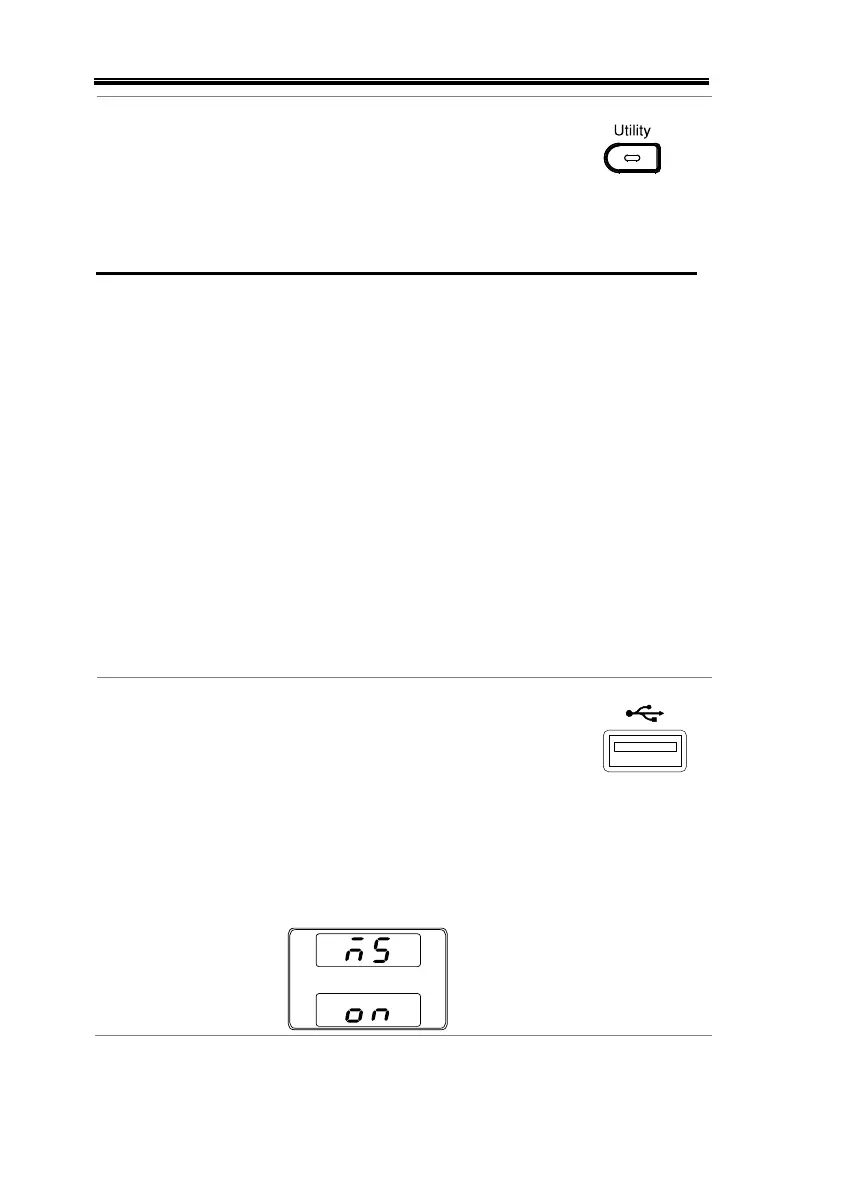
1. Insert a USB flash drive into the
front panel USB-A slot. Ensure the
flash drive contains a test sequence
file in the root directory.
2. Turn on the power. MS (Mass Storage) will be
displayed on the screen after a few seconds if
the USB drive is recognized.


 To Next Page
 Loading...