OPERATION
81
5. Connect the master and slave unit in parallel as
shown above.
6. Reattach the terminal covers.
Ensure the load cables have sufficient
current capacity.
Re-attach the Protection dummy plug when not in
use.
Master-Slave Parallel Operation
Master-Slave
Configuration
Before using the power supplies in parallel, the
master and slave units need to be configured.
1. Configure the OVP and OCP
settings for the master unit.
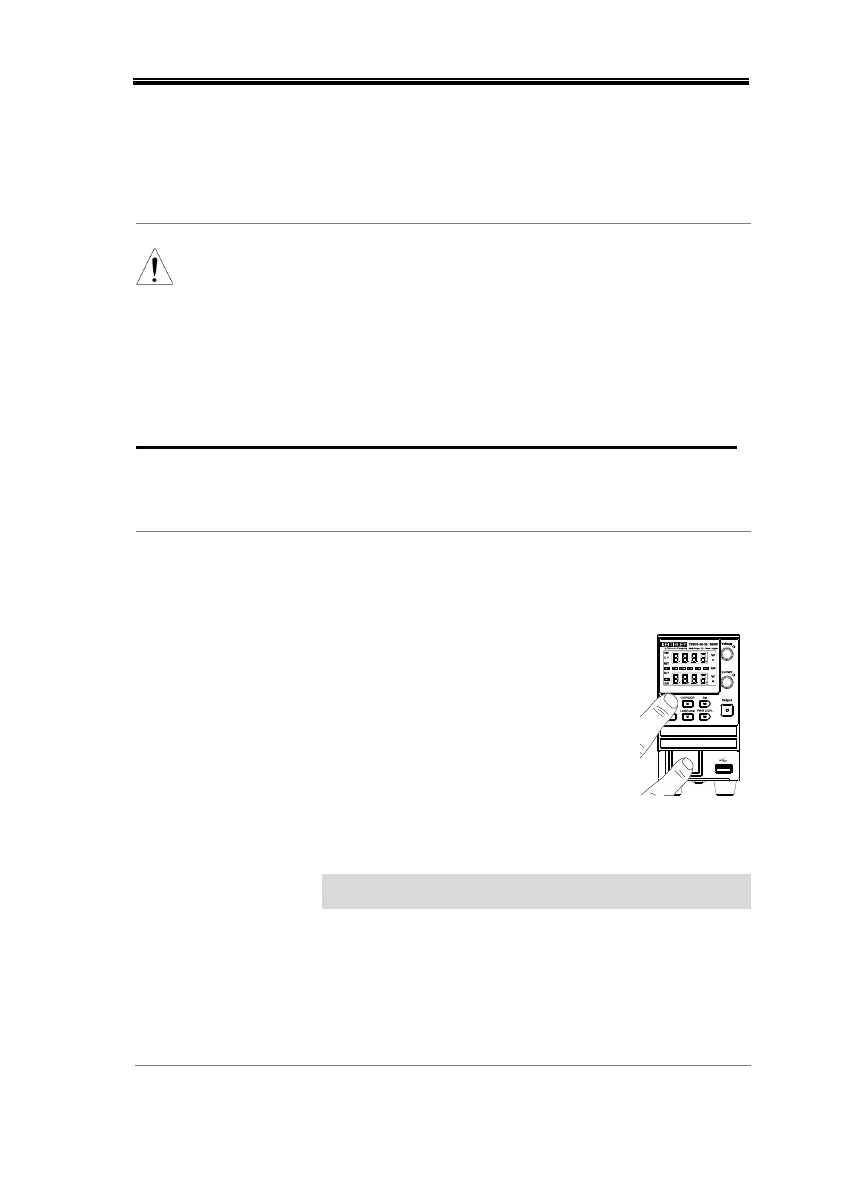
2. For each unit, hold the Function
key while turning the power on to
enter the power on configuration
settings.
3. Configure F-93 (Master/Slave)
setting for each master/slave unit.
Master (with 1 slave in parallel)
Master (with 2 slaves in parallel)
Slave unit (parallel slave)
4. Cycle the power on the units (reset the power).


 To Next Page
 Loading...