OPERATION
57
View System Version and Build Date
The F-89 configuration setting allows you to
view the 2260B version number, build date,
keyboard version, analog-control version and
kernel build.
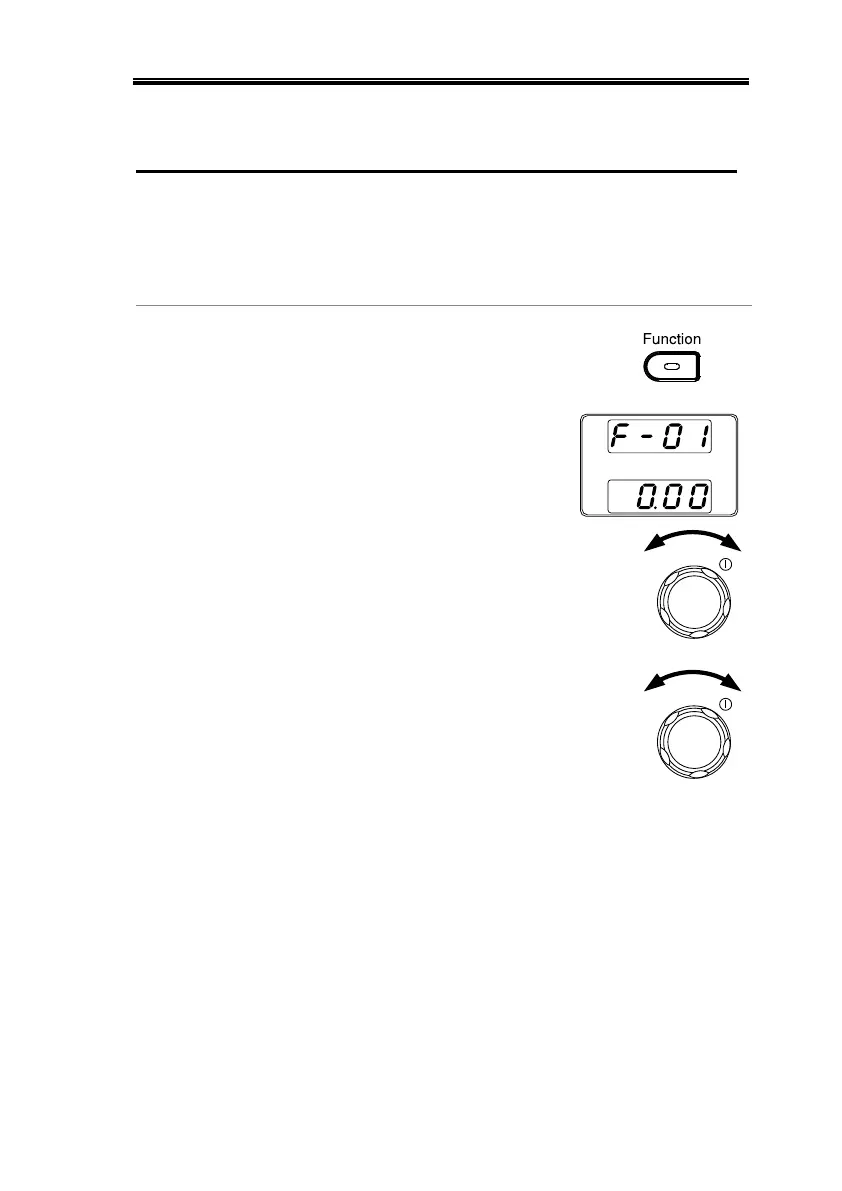
14. Press the Function key. The
Function key will light up.
15. The display should show F-
01 on the top and the
configuration setting for
F-01 on the bottom.
16. Rotate the Voltage knob to change
the F setting to F-89 (Show
Version).
17. Rotate the Current knob to view
the version and build date for the
various items.


 To Next Page
 Loading...