OPERATION
97
If the USB drive is not recognized, check to see
that the function settings for F-20 = 1 (page 113). If
not, reinsert the USB flash drive.
3. Configure T-02 (Test sequence
Load) to 1~10 (save memory slot)
4. The test sequence will now be available in the
memory slot the test sequence was saved to.
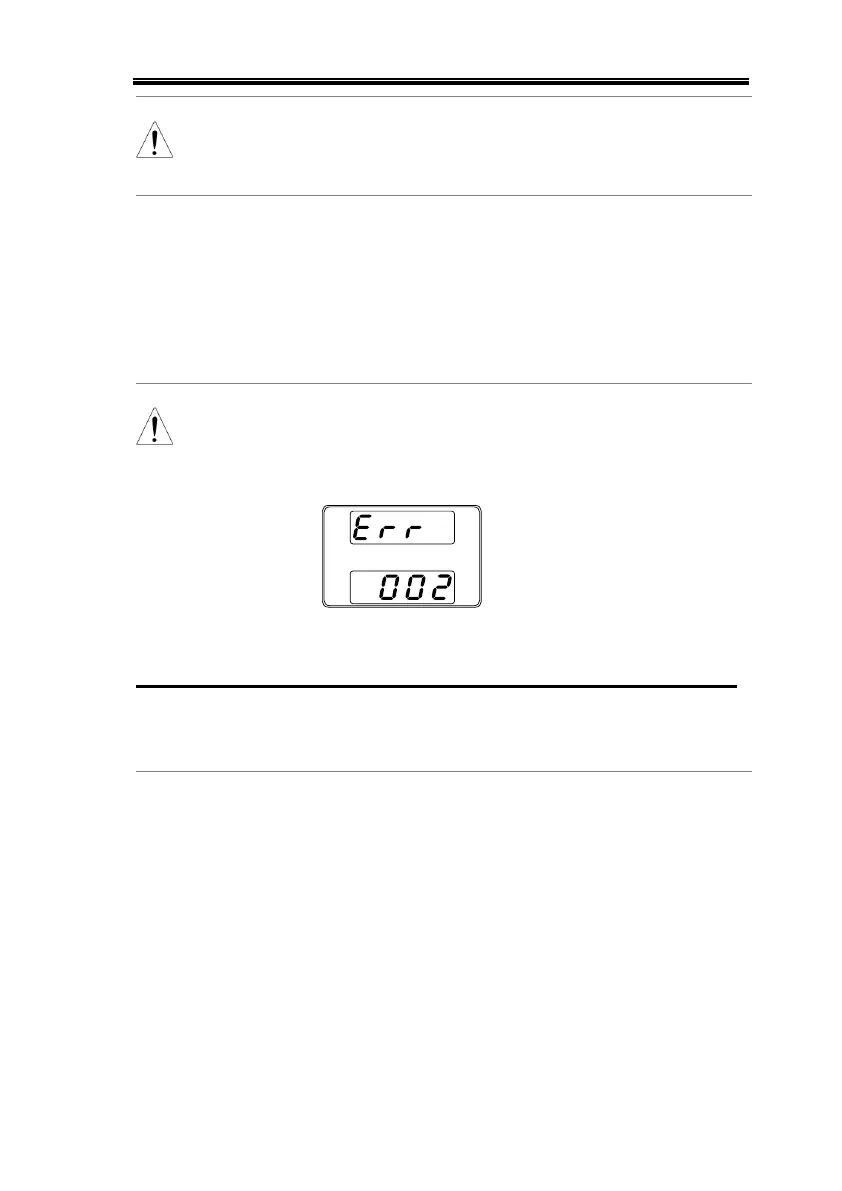
Error messages: If you load a file that is not
present on the USB drive “Err 002” will be
displayed on the display.
Run Test Sequence
A test sequence can be run from one of ten
memory slots.
1. Before a test sequence can be run, it
must first be loaded into one of the
10 memory slots.
2. Configure T-01 (Run Test
sequence) to 1~10 (save memory
slot)
3. The test sequence will automatically start to
run.


 To Next Page
 Loading...