FIRMWARE UPGRADE PROCEDURE
165
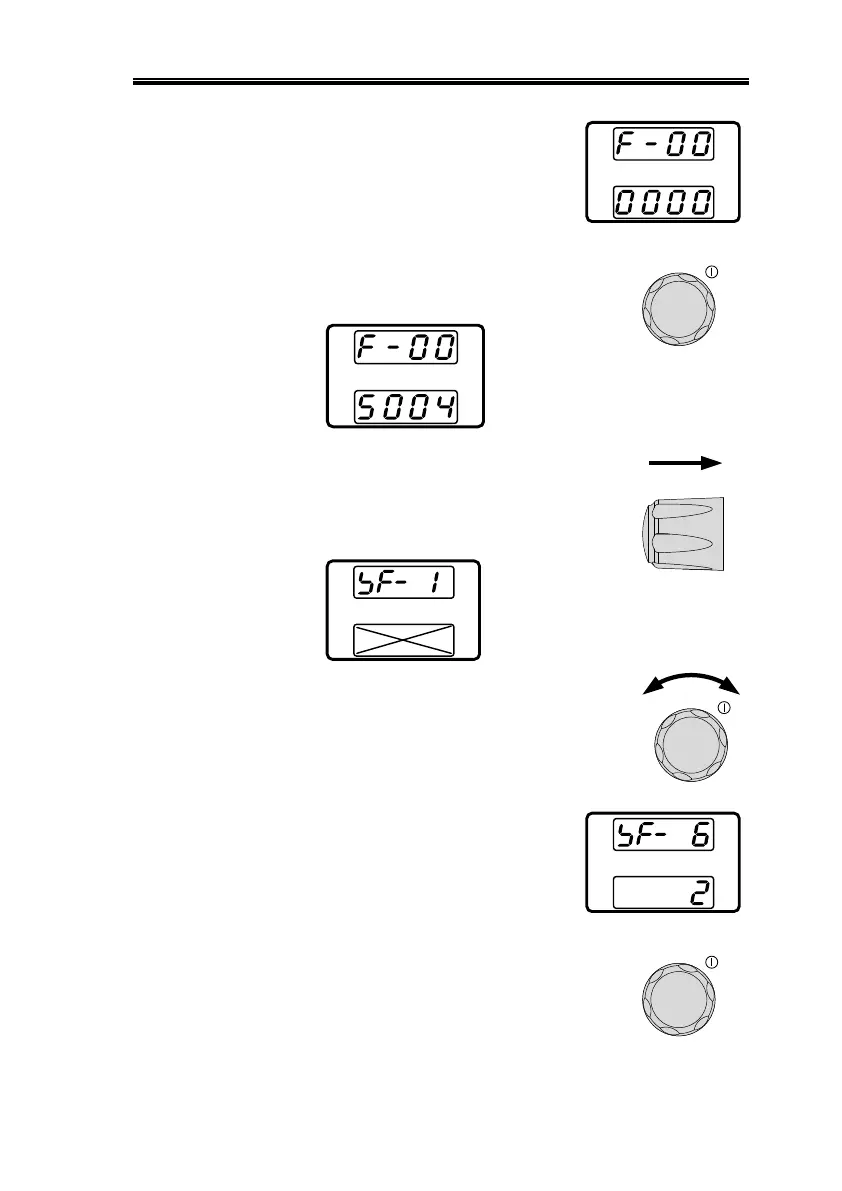
6. The display will show F-00
on the top and 0000 for the
Password for F-00.
7. Use the current knob to set the
Password for the F-00 setting. The
Password is “5 0 0 4”.
8. Press the Voltage knob to enter the
Special Mode. SF- 1 will be
displayed when successful.
X = the display
can be anything
9. Rotate the voltage knob to change
the SF setting to SF- 6.
10. The display will show SF- 6
on the top.
11. Use the current knob to set the
value for SF- 6. The value is “2”.


 To Next Page
 Loading...