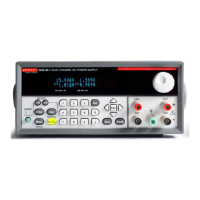
2260B Series User Manual
62
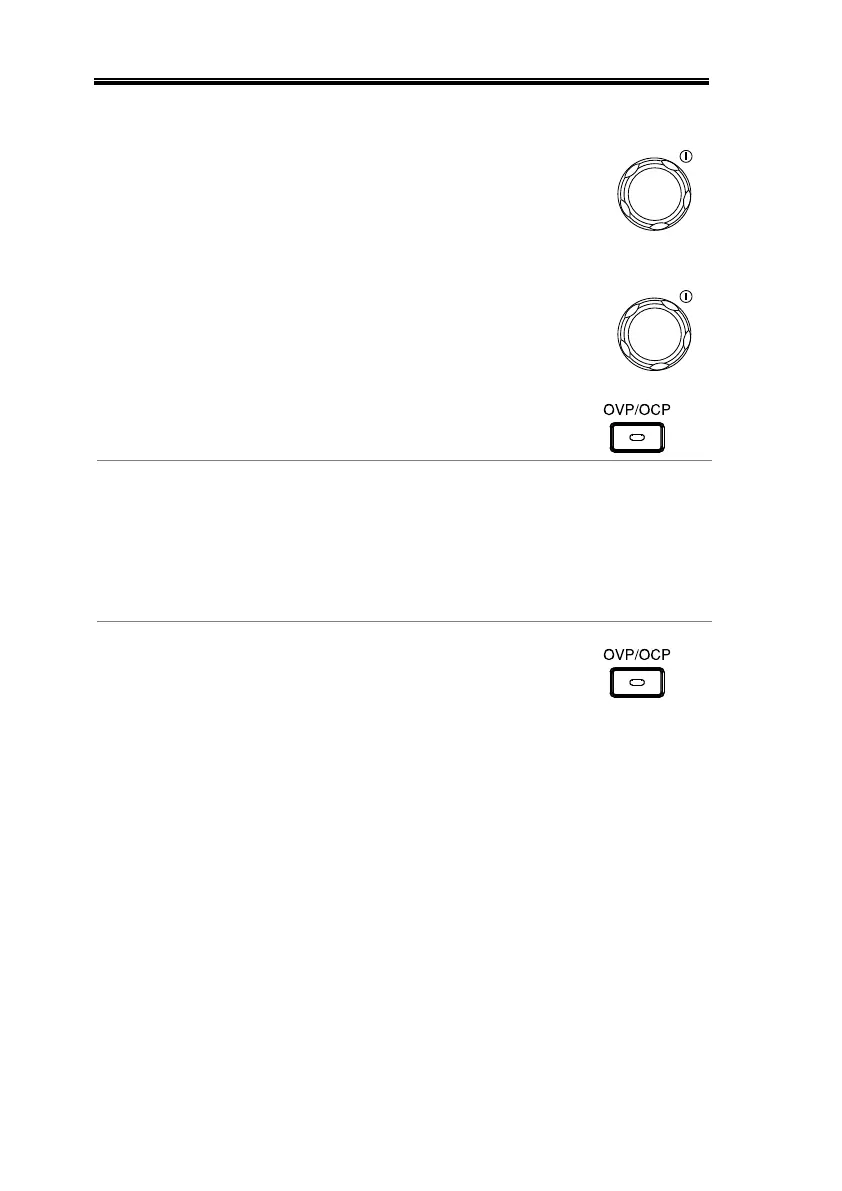
3. Use the Voltage knob to set the
OVP level.
4. Use the Current knob to set the
OCP level.
5. Press OVP/OCP again to exit. The
OVP/OCP indicator will turn off.
Set F-95 (Power switch trip) to 1 (to
disable the power switch trip) or to
0 (to enable the power switch trip)
and save.
1 (Disable) or 0 (Enable)
The OVP or OCP protection can be
cleared after it has been tripped by
holding the OVP/OCP button for 2
seconds.
(Only applicable when the power
switch trip setting is disabled
[F-95 = 1])


 To Next Page
 Loading...