2260B Series User Manual
68
9. Use the Current knob to set the
current.
Push in the knob to highlight a
digit. Turn the knob to the desired
digit to adjust. Rotate the knob to
the desired current.
Notice the Set key becomes illuminated when
setting the current or voltage. If the Voltage or
Current knobs are unresponsive, press the Set key
first.
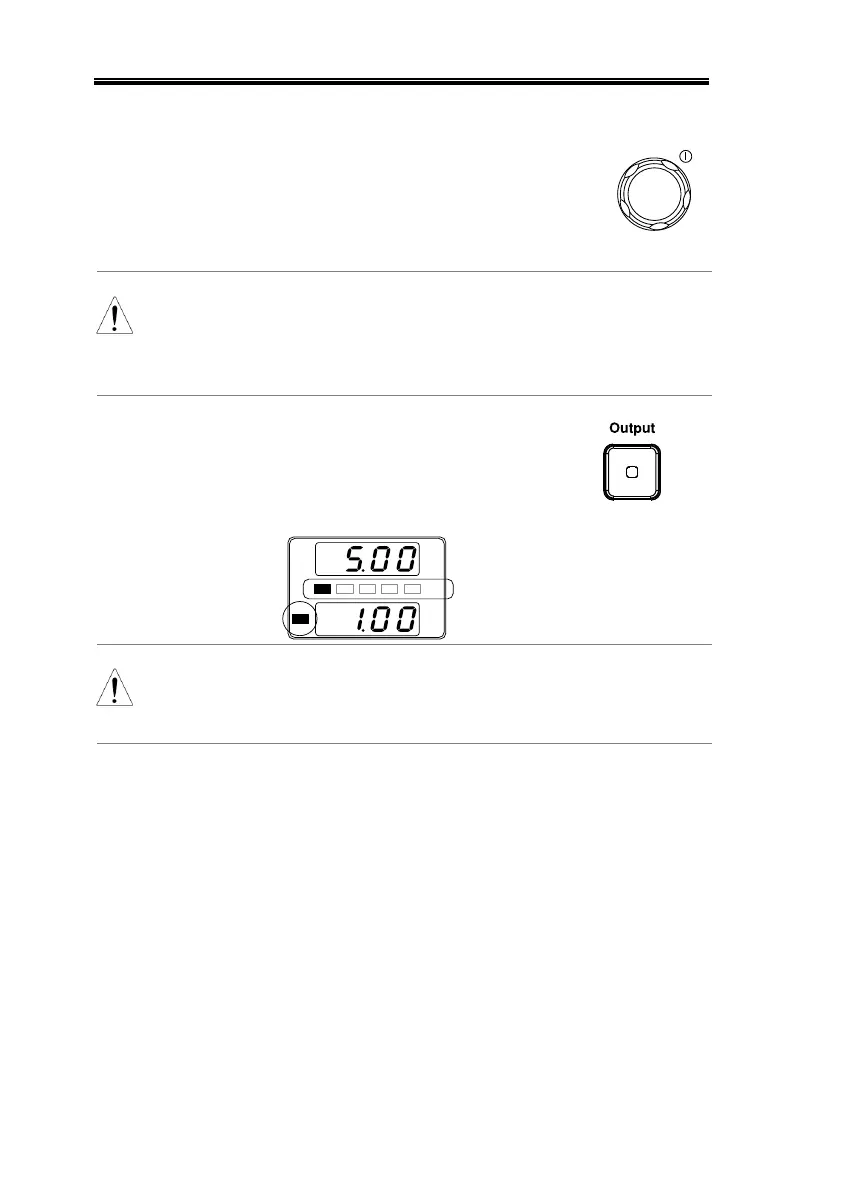
10. Press the Output key. The Output
key becomes illuminated.
% W
V
A
C C
% W
20 40 60 80 100
CC and the Power Bar
will become illuminated
(bottom left & center)
Only the current level can be altered when the
output is on. The voltage level can only be changed
by pressing the Set key.
For more information on the Normal Function
Settings (F-00 ~ F-61, F-88~F-89) see page 108.


 To Next Page
 Loading...