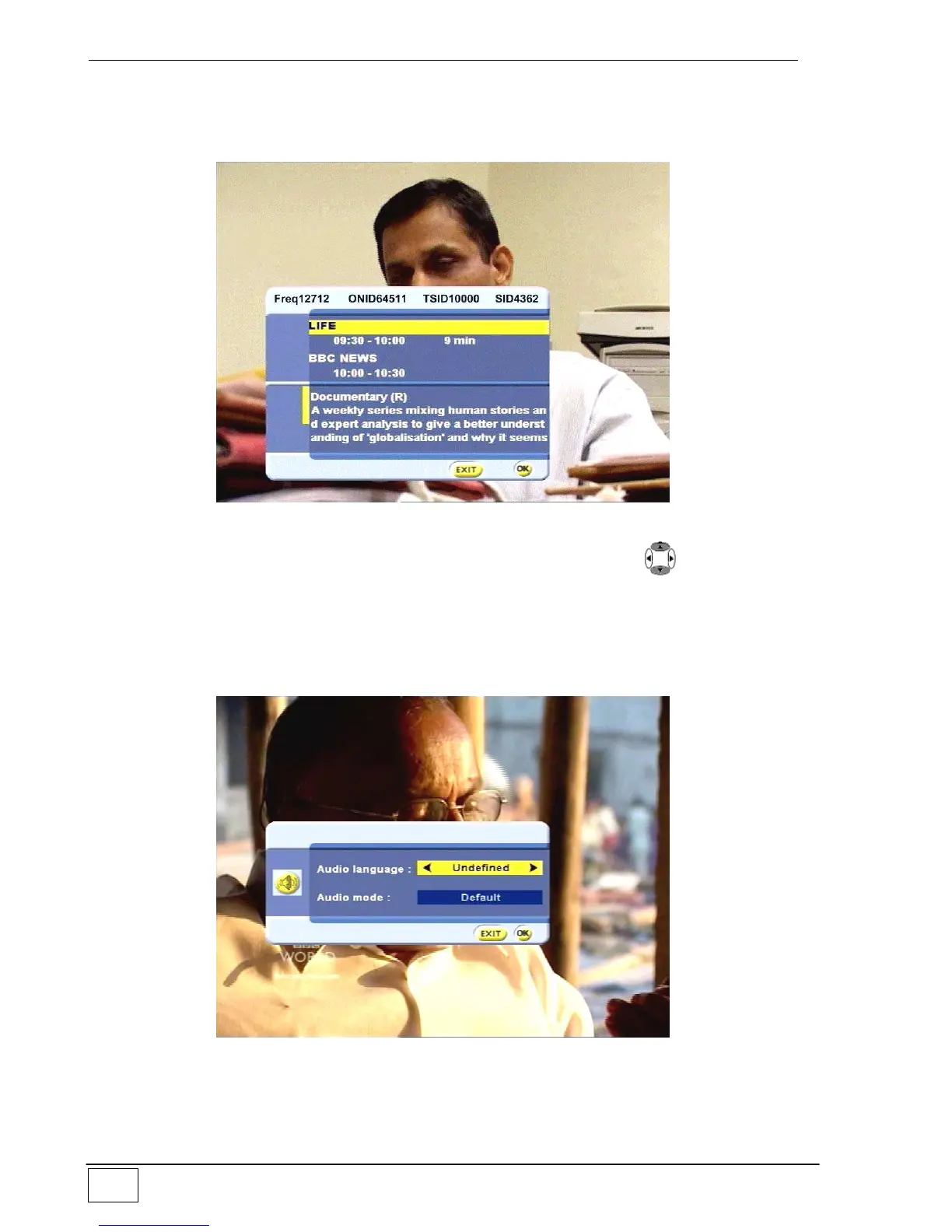
Other functions, instead, provide additional information on the event/program being
broadcast, such as title, start/end times, a brief synopsis or summary. For example,
pressing the INFO key on the remote control will provide a short summary of the event in
progress as illustrated in the figure 7:
Figure 7 - EPG and info function
Press the EPG key to view comments (where available) or use the keys to select
information on the event in progress (the first) or the next one (the second).
Per uscire premere il tasto EXIT.
Another immediate-access function is selection of the audio service (AUDIO key). If the
event is being broadcast with more than one audio service you can choose from among
those available:
Figure 8 – audio service selection
To choose the desired audio service, use the right/left arrow keys then press OK to
confirm.
To exit without selecting any service, press the EXIT key.



 To Next Page