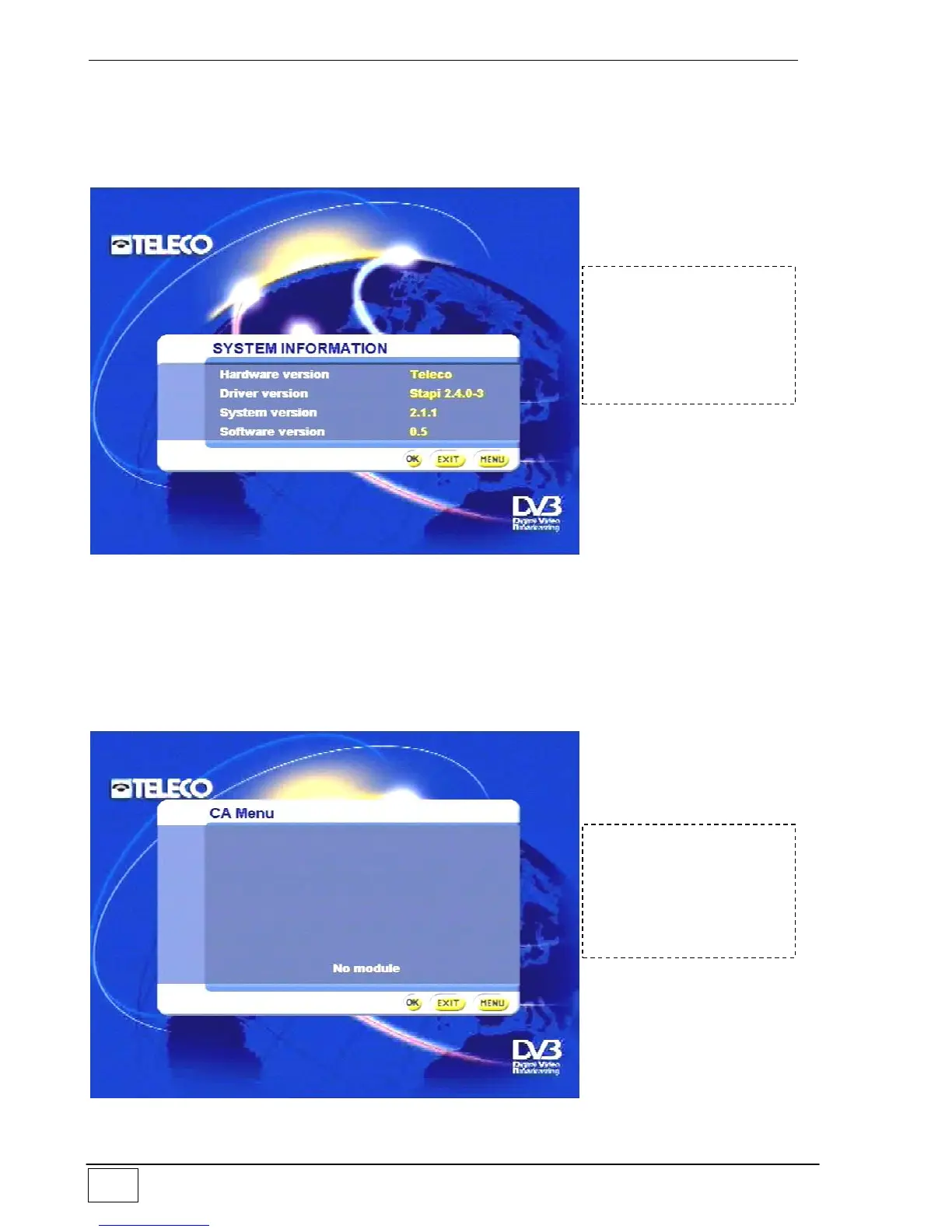
Information system
This menu gives technical data on the software installed on your receiver. This data is
important for proper operation and identification of your receiver and must be given to our
technical staff when requested.
Figure 38 - System information
Conditioned access
This sub-menu provides information and instructions for reception of services requiring
payment (CA = Controlled Access). These are managed via the CAM (Control Access
Module), which must be inserted in the slot at the front of the receiver. If you access this
sub-menu without inserting the CAM the following message appears:
Figure 39 - Conditioned access
To reach this screen
page select the
following in sequence:
- Main Menu
- System information
To reach this screen
page select the
following in sequence:
- Main Menu
- Conditioned access



 To Next Page