Menu and advanced functions
Introduction
The receiver is a particularly sophisticated digital receiver with numerous options. For day-
to-day use you do not need to access the settings menu: however, if you wish to modify
the service lists or the key receiver settings, you will need to access the advanced
functions. Important: note that modifying the technical parameters of your receiver can
cause malfunctions and/or data loss.
Always proceed with caution when modifying settings.
Accessing the menu
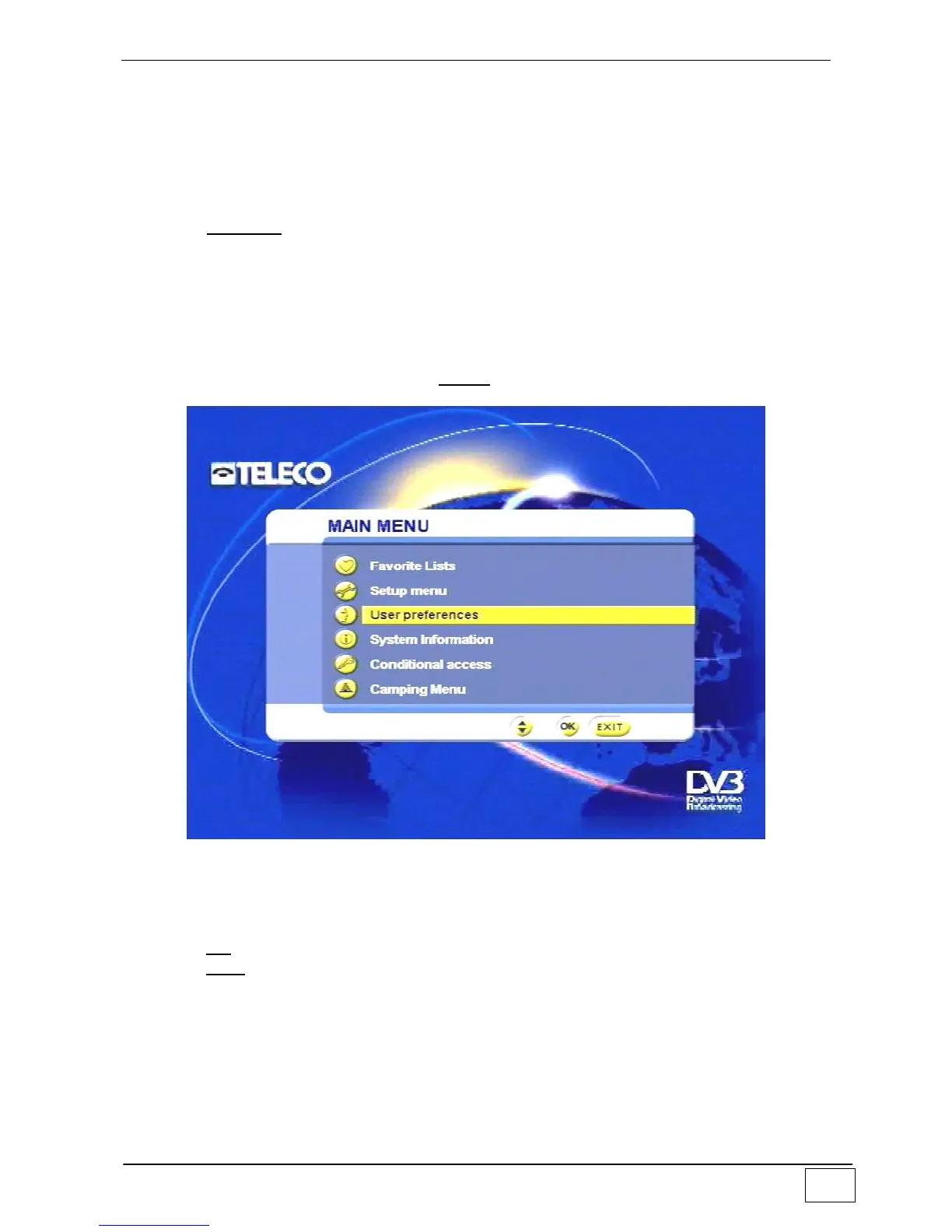
To access the main menu just press the MENU key on the remote control:
Figure 9 – Main menu
To select an item from the list, use:
the arrow keys to move up and down
the OK key to confirm your choice
the EXIT key to leave the menu.



 To Next Page