NOTE: we suggest you select the - All Services - option should you wish to create a list
containing a very high number of usable services.
Vice versa, we suggest you select the - None - option should you wish to create a list
containing a low number of usable services. In both cases the lists can be properly
modified via the “Skip/Add” and “Delete” controls in the suitable menu (for more details see
“Modifying a list “ section).
Satellite
:
- All satellites - the list will consist of all services independently of the
broacasting satellite.
“NAME” of the satellite the list will only consist of the services which are broadcast by
the selected satellite.
Once the name has been defined and the properties have been set, press the OK key to
create the list.
NOTE: bear in mind that creating a list allows for maximum performance in terms of
service call-up speed.
Modifying a list
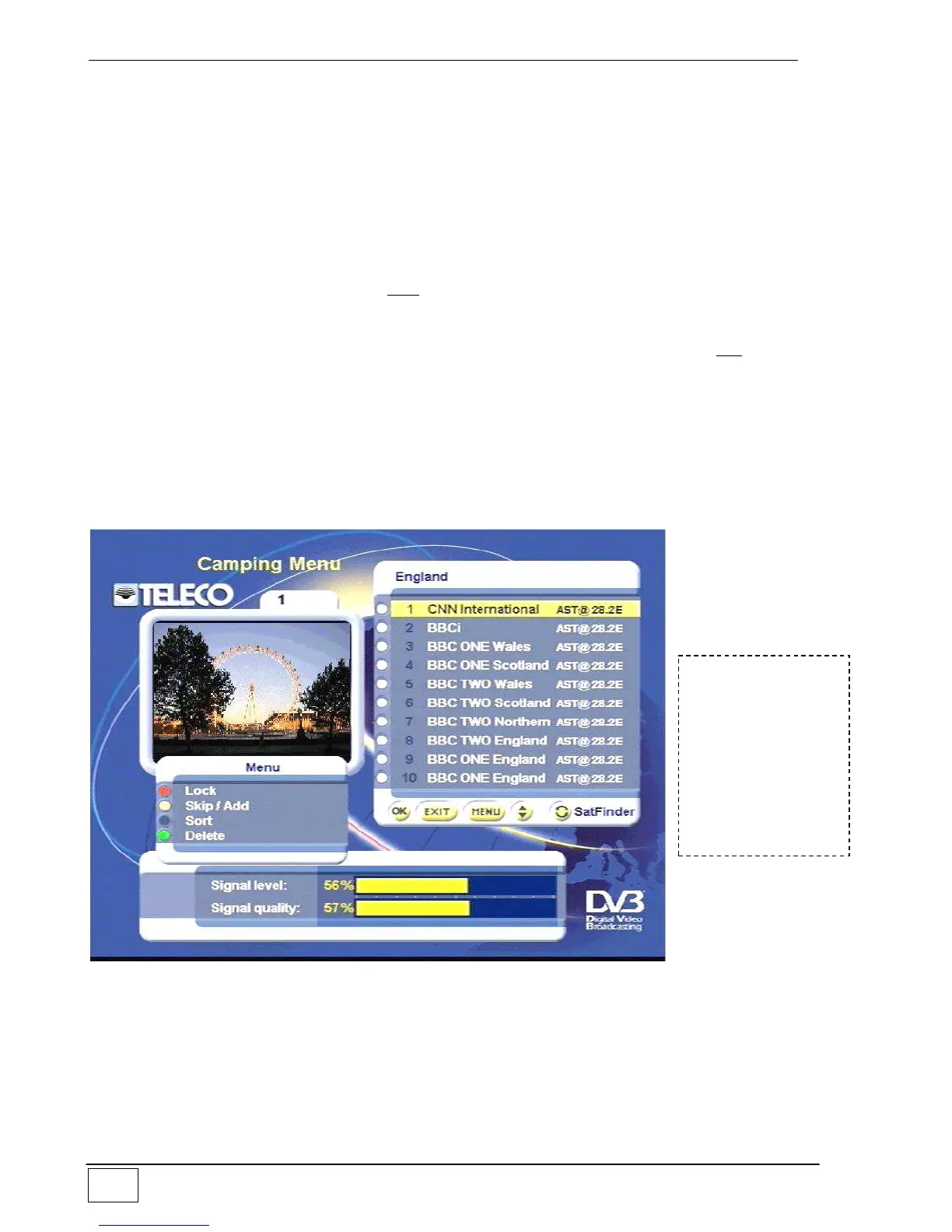
This menu allows you to customize the available lists.
Figure 12 – Modifying a list
To choose the list you wish to modify press the TV/Radio key (selects TV or Radio service
lists) or the FAV key (selects favourites lists).
To reach this
screen page select
the following in
sequence:
- Main Menu
- Favourites list
- Modifying a list



 To Next Page