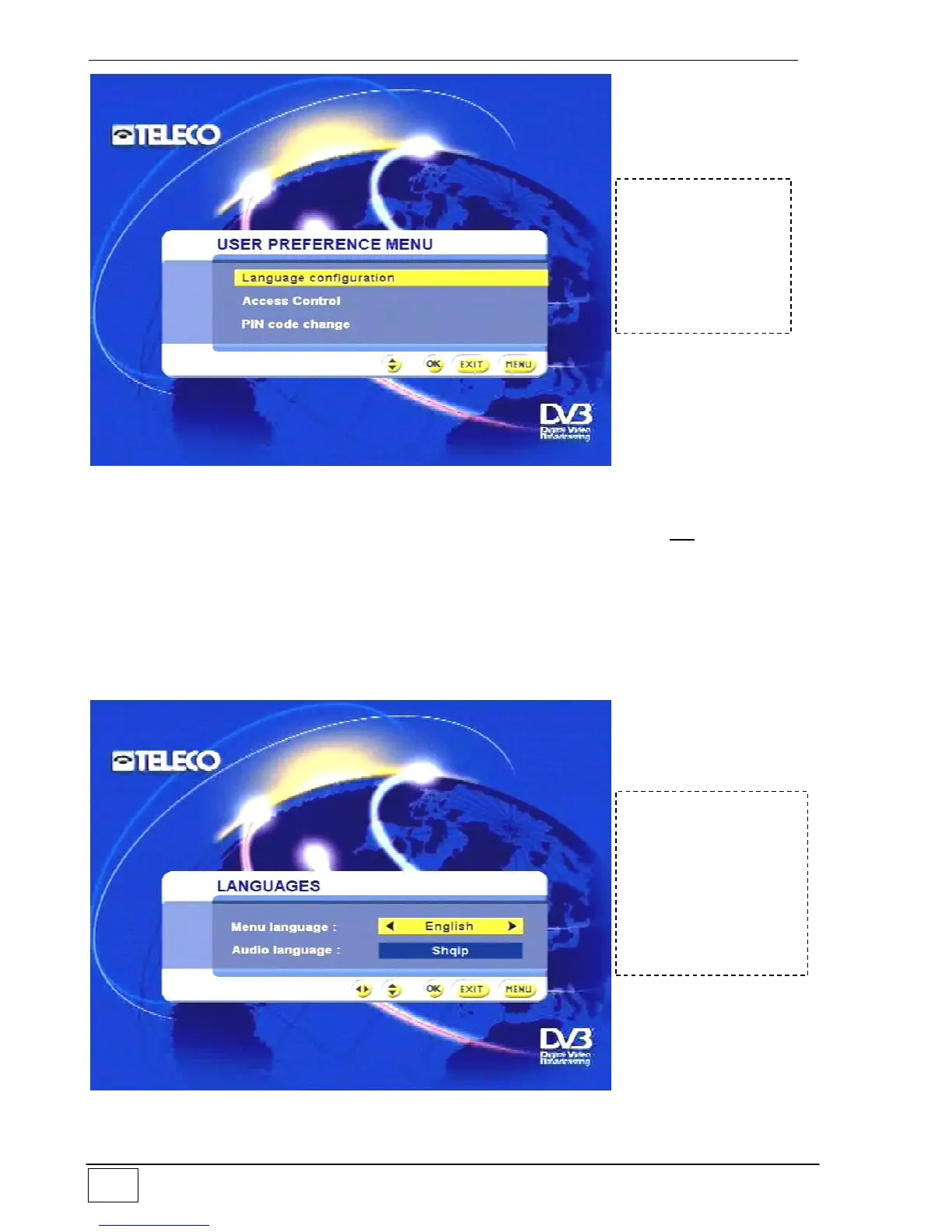
Figure 34 - User settings menu
Select the menu items using the up-down arrow keys and confirm with the OK key.
Language configuration
Use this menu to set the language in which menus and messages are displayed by your
Flat Sat Light receiver and the default audio language. If the received service is available
in the default language this language will be selected automatically. If it is not your receiver
will provide the main audio service.
Figure 35 - Menu/audio language settings
To reach this
screen page select
the following in
sequence:
- Main Menu
- User settings
To reach this screen
page select the
following in
sequence:
- Main Menu
- User settings
- Language settings



 To Next Page