System update
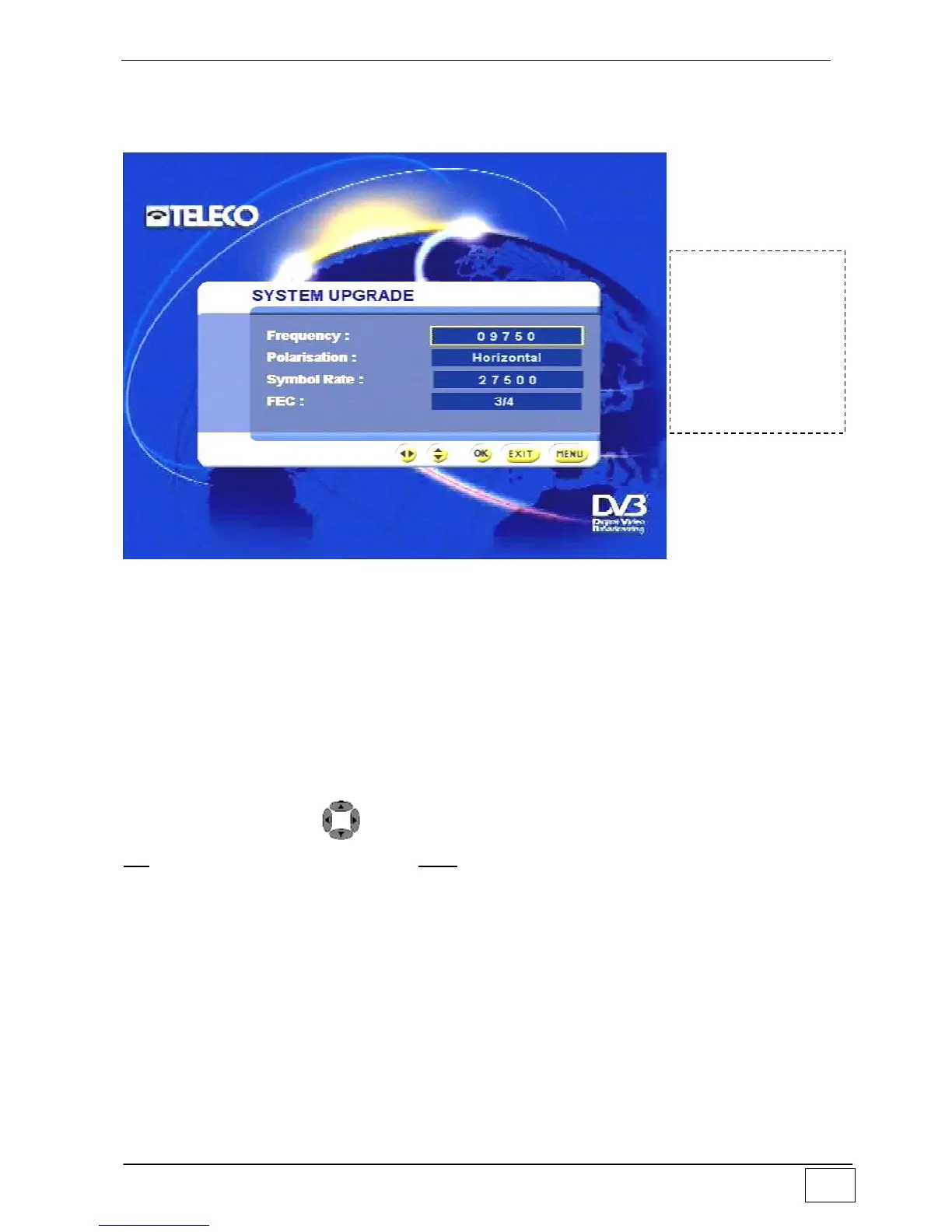
This sub-menu allows your receiver to download any software updates:
Figuea 33 - System update
The available fields are:
Frequency (i.e. the frequency of the transponder where the update is available).
Polarisation of the transponder
Symbol rate of the transponder.
FEC of the transponder.
These parameters are generally preset to the correct values, yet can, at TELECO’s
request, be adapted to carry out any updates.
Select an item using the and number keys and confirm your choice by pressing the
OK key. To leave the menu press the EXIT key.
User settings
Use this sub-menu to set up the receiver according to your personal requirements:
To reach this
screen page select
the following in
sequence:
- Main Menu
- Installing
- System update



 To Next Page