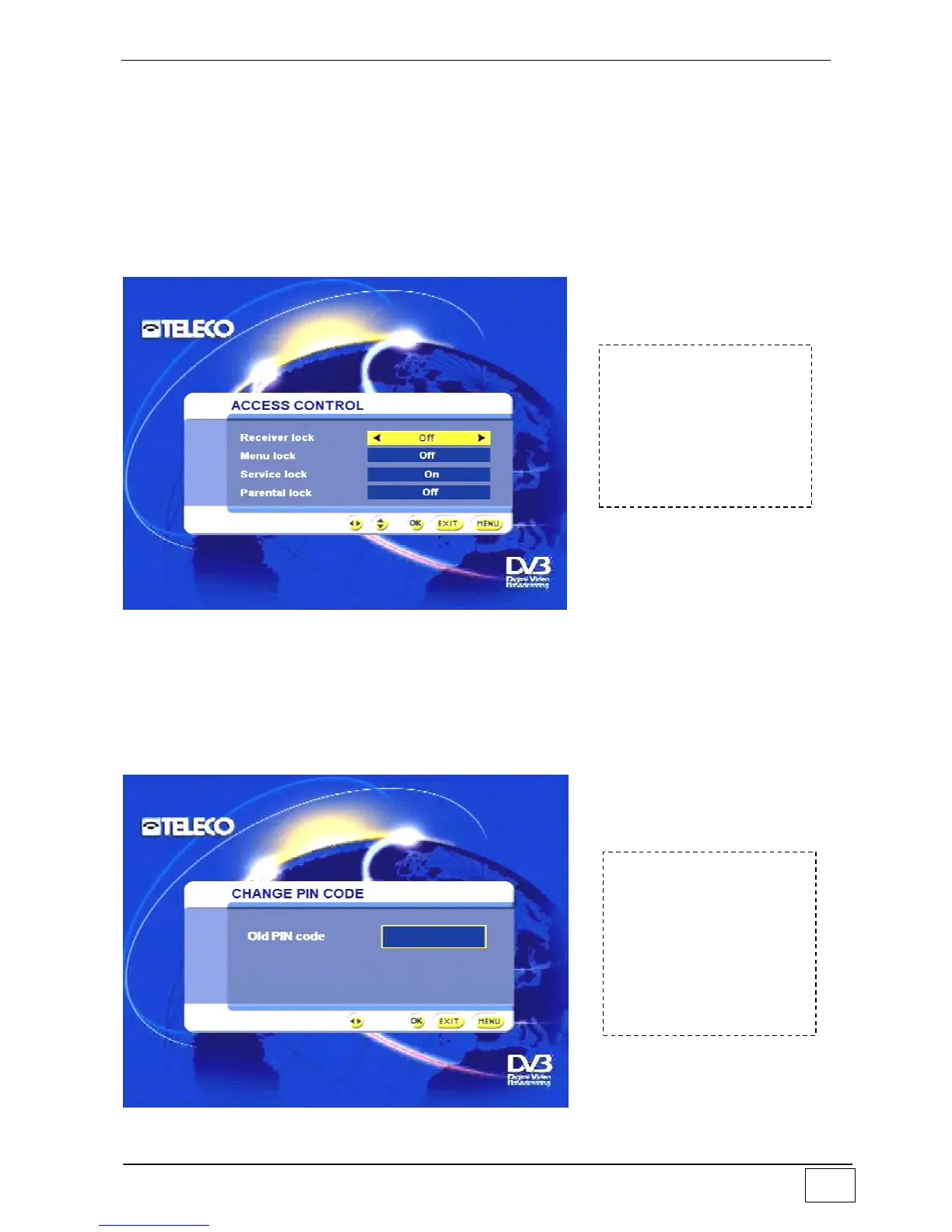
Access control
From this menu you can create safety mechanisms to limit access to certain functions of
the receiver. In fact access can be inhibited to the following functions:
_ setting menu _ lock-protected services (see page 35) _ children access.
We recommend you to carry out these operations carefully and keep a copy of the access
code in a safe place: should you lose the code, the receiver could not be unlocked by the
user, it should be returned to the factory for technical servicing.
Note: the PIN code is factory-set to 1234.
Figure 36 - Controlling access to receiver functions
Modifying the PIN code
Use this sub-menu to set and/or modify the PIN (Personal Identification Number) code,
which gives access to any “padlocked” functions. To modify the PIN you must key in the
previously assigned PIN.
Note: the PIN code is factory-set to 1234.
Figure 37 - PIN code
To reach this screen
page select the
following in sequence:
- Main Menu
- User settings
- Controlling access
To reach this screen
page select the
following in sequence:
- Main Menu
- User settings
- Modifying the PIN
code



 To Next Page