Deleting a list
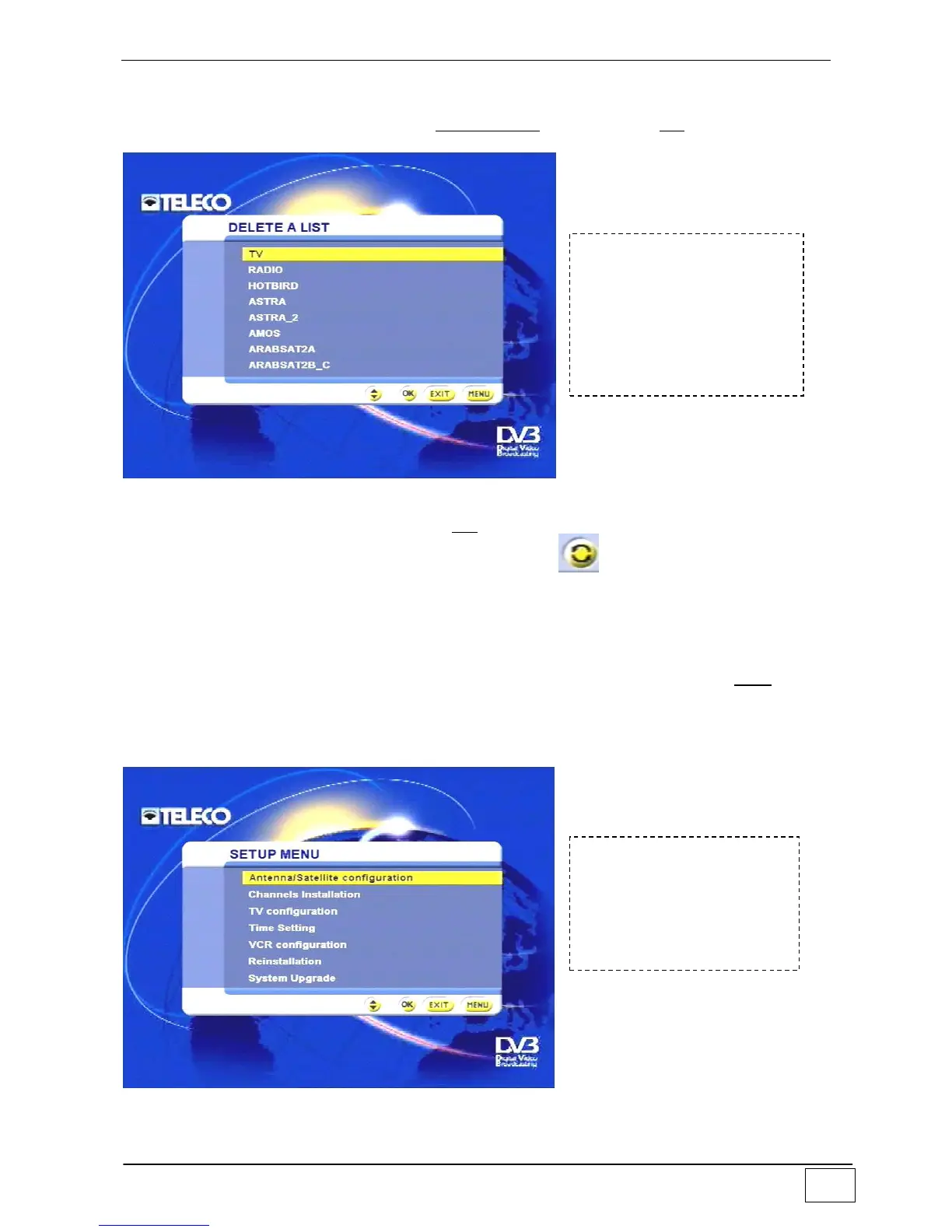
From the favourites list, select the item deleting a list and press the OK key. A screen will
then appear to show all the names of the lists stored in memory:
Figure 13 - Deleting a list
Select the list to be deleted and press OK. As a precaution (unintentional deletion) a
screen will ask you to confirm deletion by pressing the key. A deleted list cannot be
recovered any more except for the TV and Radio lists which cannot be deleted, but only
emptied..
Installation
This sub-menu allows you to set all the main functions of your receiver. Note: these
settings are important and must, therefore, always be modified with DUE CARE AND
ATTENTION as some parameters can limit or prevent proper operation of the receiver.
This sub-menu takes you to the topic-specific setting options:
Figure 14 - Installing the receiver
To reach this screen page
select the following in
sequence:
- Main Menu
- Favourites list
- Deleting a list



 To Next Page