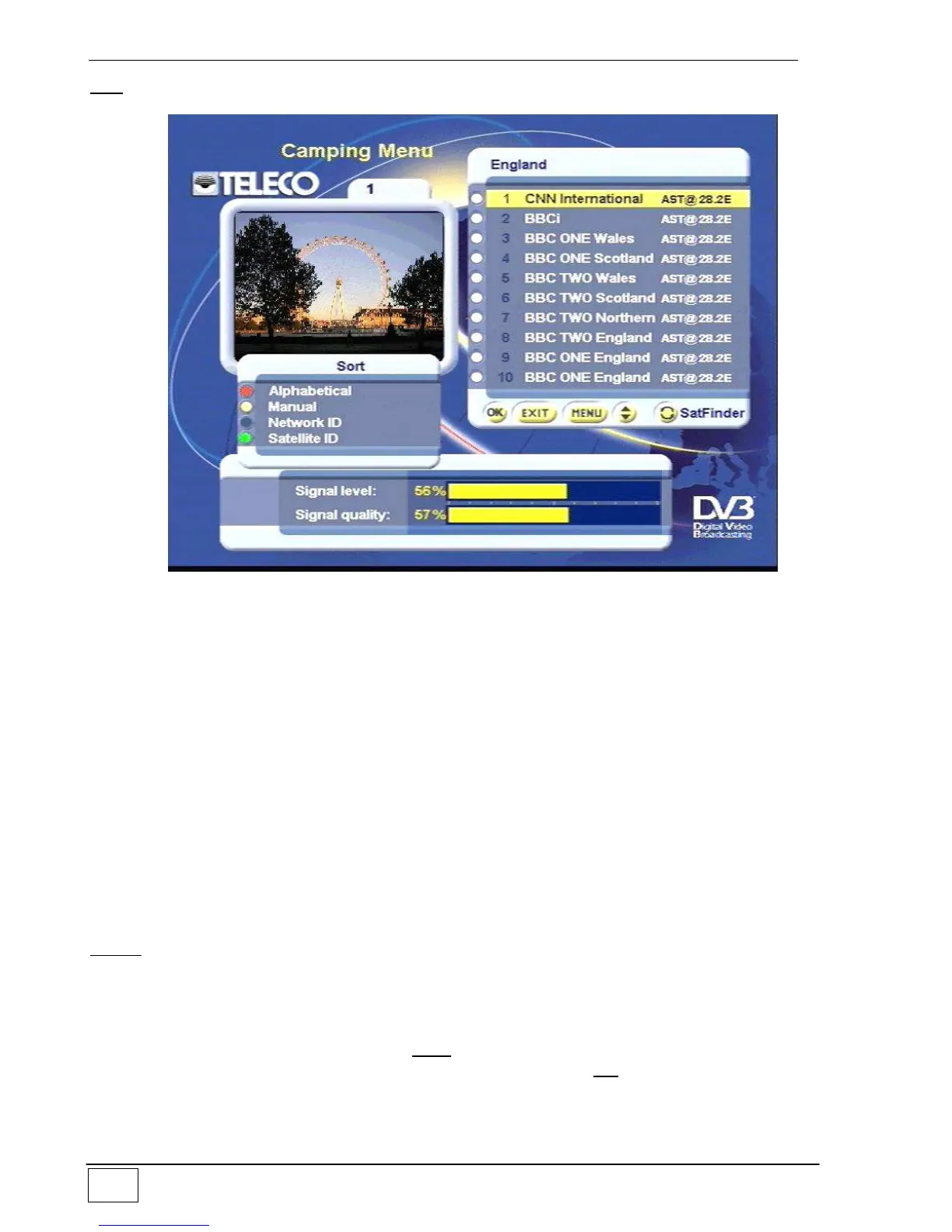
Sort menu (Blue key): allows you to arrange the services in the list.
Figure 12 B – Modifying a list
The following options are available:
Alphabetical (Red key): the services in the list are arranged in alphabetical order.
Manual (Yellow key): the order of the services in the list is arranged by the user.
Example: if you wish to move a service from pos. 1 to pos. 6,
select pos. 1, press the Yellow key and press OK to confirm.
Then select pos. 6, press the Yellow key and press OK to
confirm.
Network ID (Blue key): the services in the list are arranged by Network ID.
Satellite ID (Green key): the order of the services in the list is determined by the
Satellites which broadcast them. A list of services in
alphabetical order will be displayed for each Satellite.
Delete menu (Green key): allows you to remove any selected service by pressing the OK
key. Deleting a service will remove such service completely from the list.
To exit without saving the changes press EXIT
To save the changes made in the list you must always press the OK key



 To Next Page