These are:
Antenna/Satellite configuration, used to indicate the current connection type
between receiver and signal source.
Services installation (i.e. reception of the list of programs from the satellite
requested and/or in use).
TV configuration (i.e. settings regarding receiver-TV connection specifications).
Time and time zone settings
VCR configuration and timer-controlled video recorder use.
Re-installation (i.e. restoring factory settings plus resetting all services and
customized settings).
System update (i.e. loading the base software via satellite).
To select an item from the menu use the , keys and confirm with the OK key: To leave
this menu press the EXIT key.
Antenna/Satellite configuration
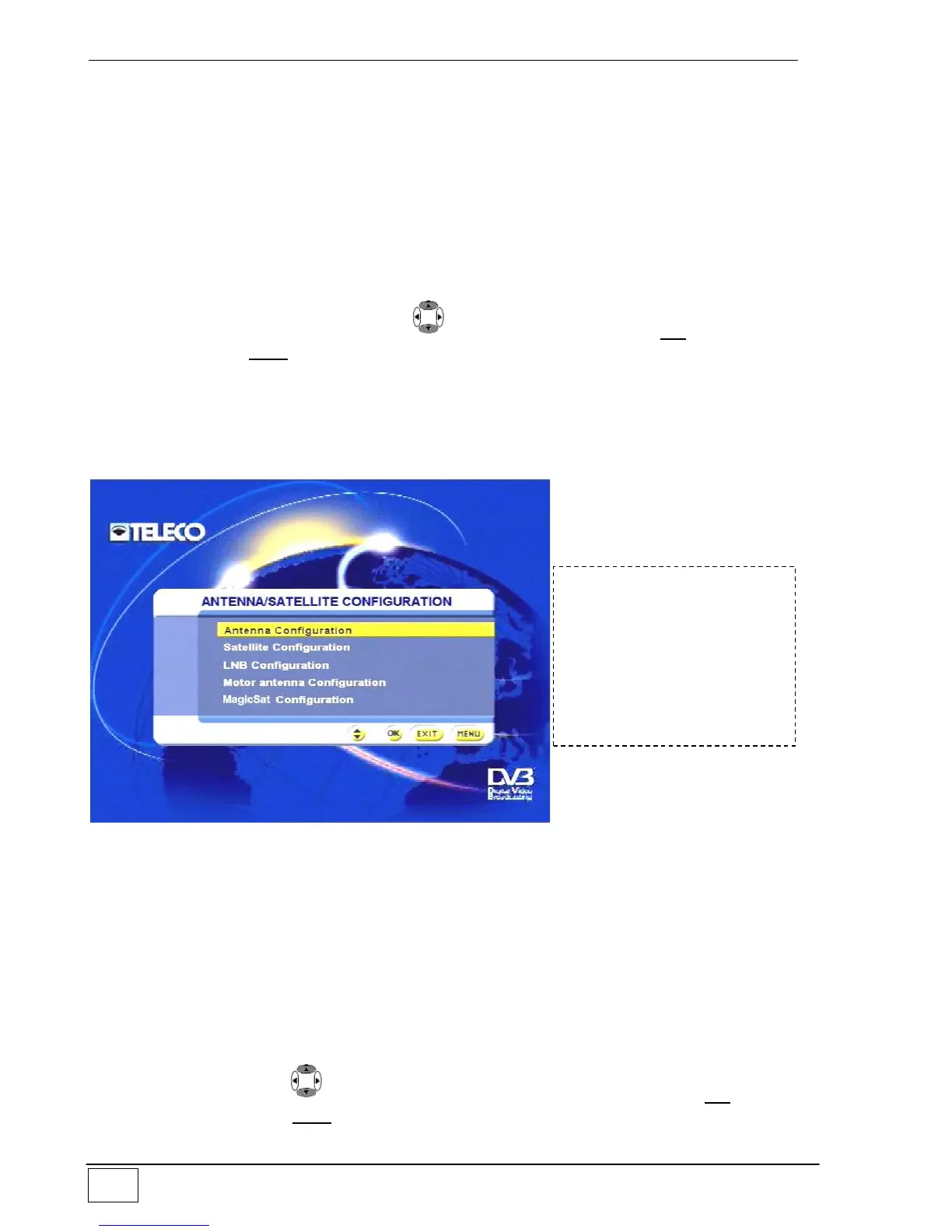
This sub-menu indicates the type of equipment and/or connection between your receiver
and the satellite dish. Once this sub-menu has been selected it gives access to further
sub-menus:
Figure 15 - Antenna/satellite configuration
These are:
Antenna configuration (i.e. type of connection and/or antenna connected to your
receiver).
Satellite Configuration (i.e. main characteristics of the satellite you wish to receive).
LNB configuration (i.e. technical specifications of the LNB converter on the satellite
antenna).
Motor configuration (i.e. the settings of the motorized system – where applicable).
MagicSat configuration (i.e. the satellite positions that the system found and stored
in memory during the previous searches).
Select an item using the
, keys and confirm your choice by pressing the OK key. To
leave the menu press the EXIT key.
To reach this screen page
select the following in
sequence:
- Main Menu
- Installing
- Antenna/satellite
configuration



 To Next Page