Service installation
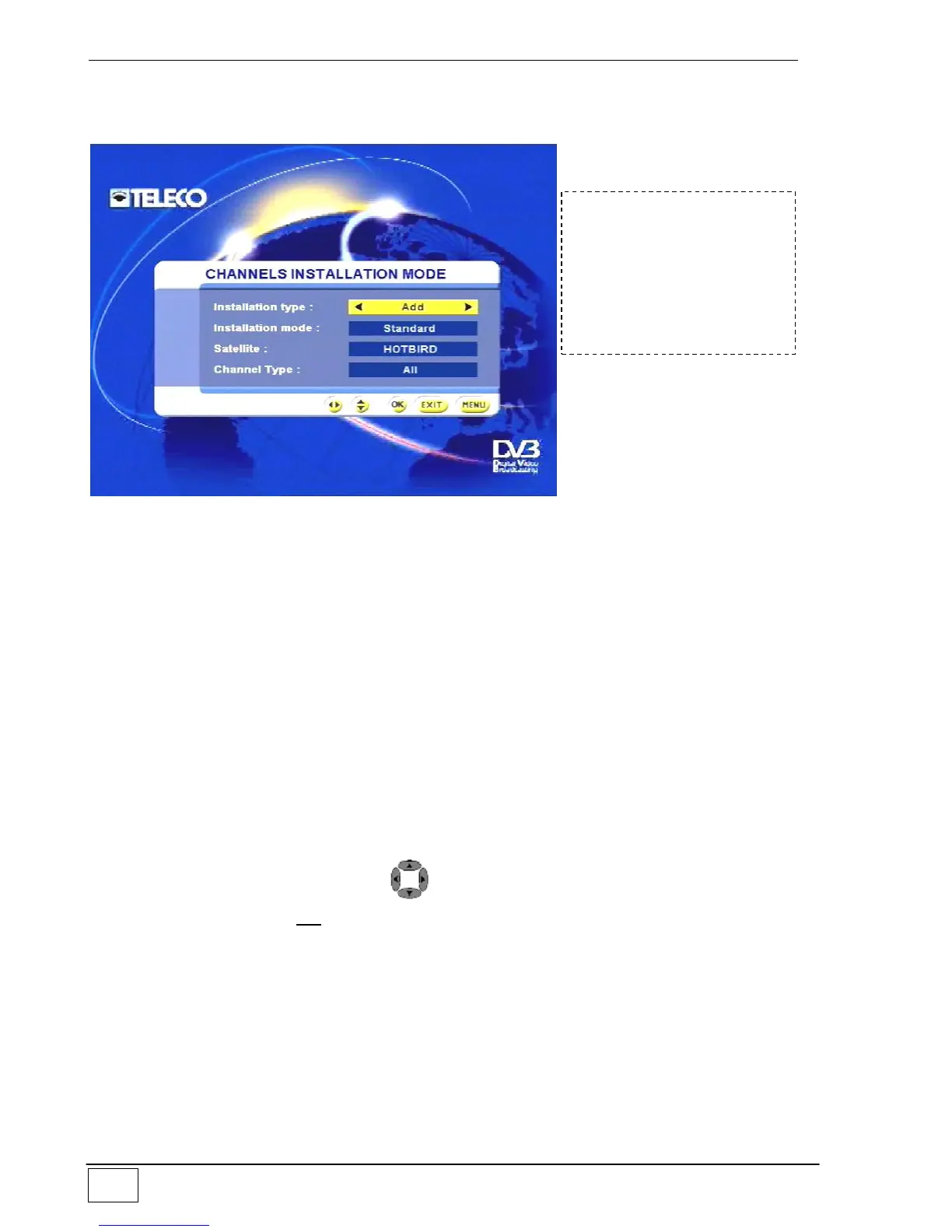
Use this sub-menu to install new services or add new services to existing ones.
Figure 26 - Service installation mode
The available options are:
Type of installation (i.e. whether you wish to add to the list or overwrite it with new
acquired services).
The installation modes are:
Standard – using the list of transponders
Manual – indicating the parameters of the transponders
Exhaustive – complete scan of the satellite band
Download – the current service list is sent to a computer connected to the serial
port
Upload – a list of services is sent from the computer towards the receiver using the
serial port.
Satellite (i.e. the satellite associated with the list in question).
Type of service: (i.e. whether you wish to acquire all the available services or only
those that are Free to Air).
To select these items use the keys; once the service installation mode has
been set, use the OK key to confirm your choice and your receiver will start to
acquire the new services.
To reach this screen page
select the following in
sequence:
- Main Menu
- Service installation



 To Next Page