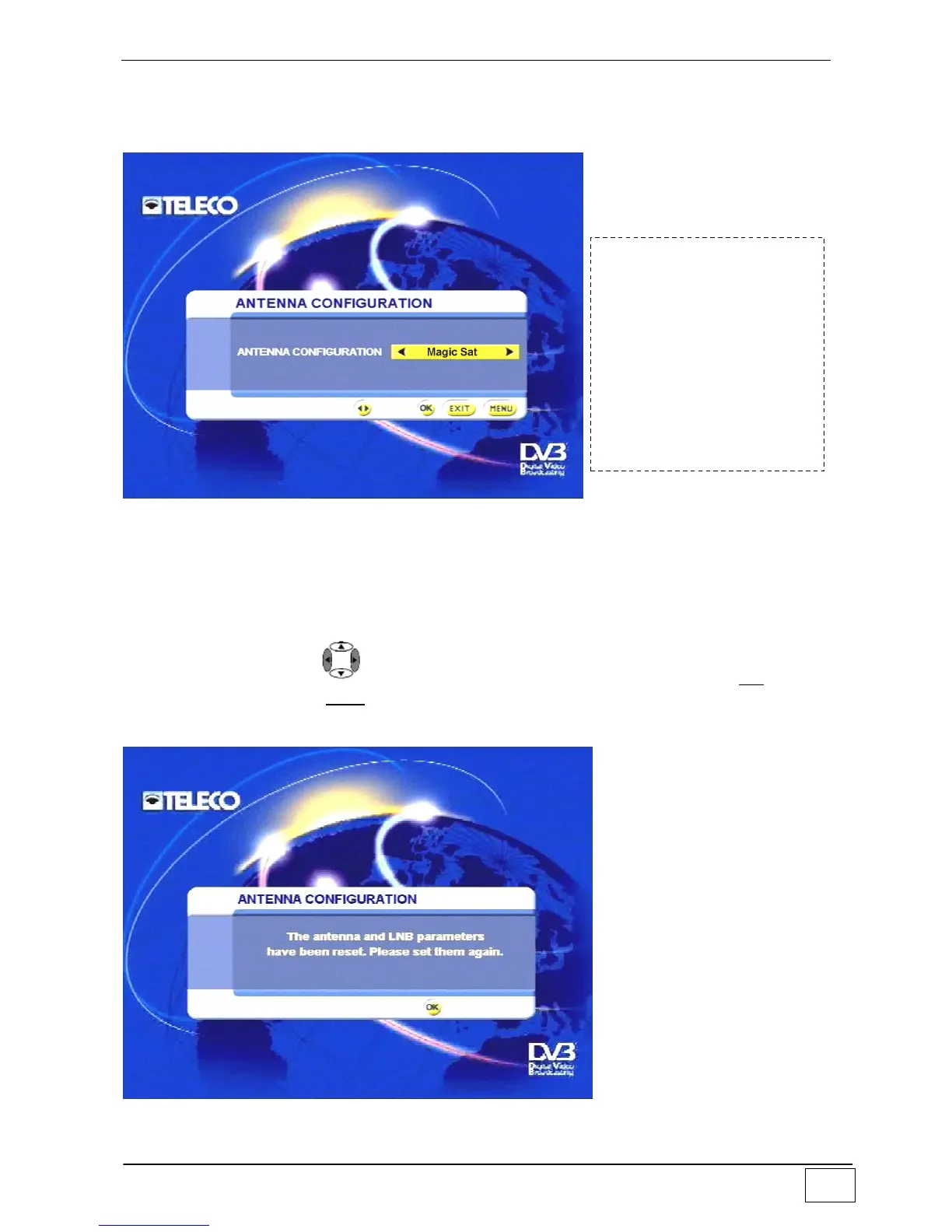
Antenna configuration
Use this sub-menu to set the type of connection between your receiver and the antenna
system:
Figure 16 - Configuring the antenna
The options are:
Mono (i.e. antenna connected directly to the receiver).
Multi (i.e. connections with multiswitch systems).
Motor (i.e. connection with motorised systems based on the DiSEqC protocol)
MagicSat (i.e. connection to the motorised TELECO MagicSat system).
Select an item using the , keys and confirm your choice by pressing the OK key. To
leave the menu press the EXIT key.
Once you have confirmed, your receiver may inform you that it is necessary to re-set the
antenna a/o LNB parameter:
Figure 17 - Services resetting message
To reach this screen page
select the following in
sequence:
- Main Menu
- Installing
- Antenna/satellite
configuration
- Configuring the
antenna



 To Next Page