In this case it is necessary to re-update the services antenna a/o LNB parameter ( to see
relative paragraph to Pag. 44).
Satellite configuration
This sub-menu provides information on the satellites you wish to receive. The maximum
number of configurable satellites is 26.
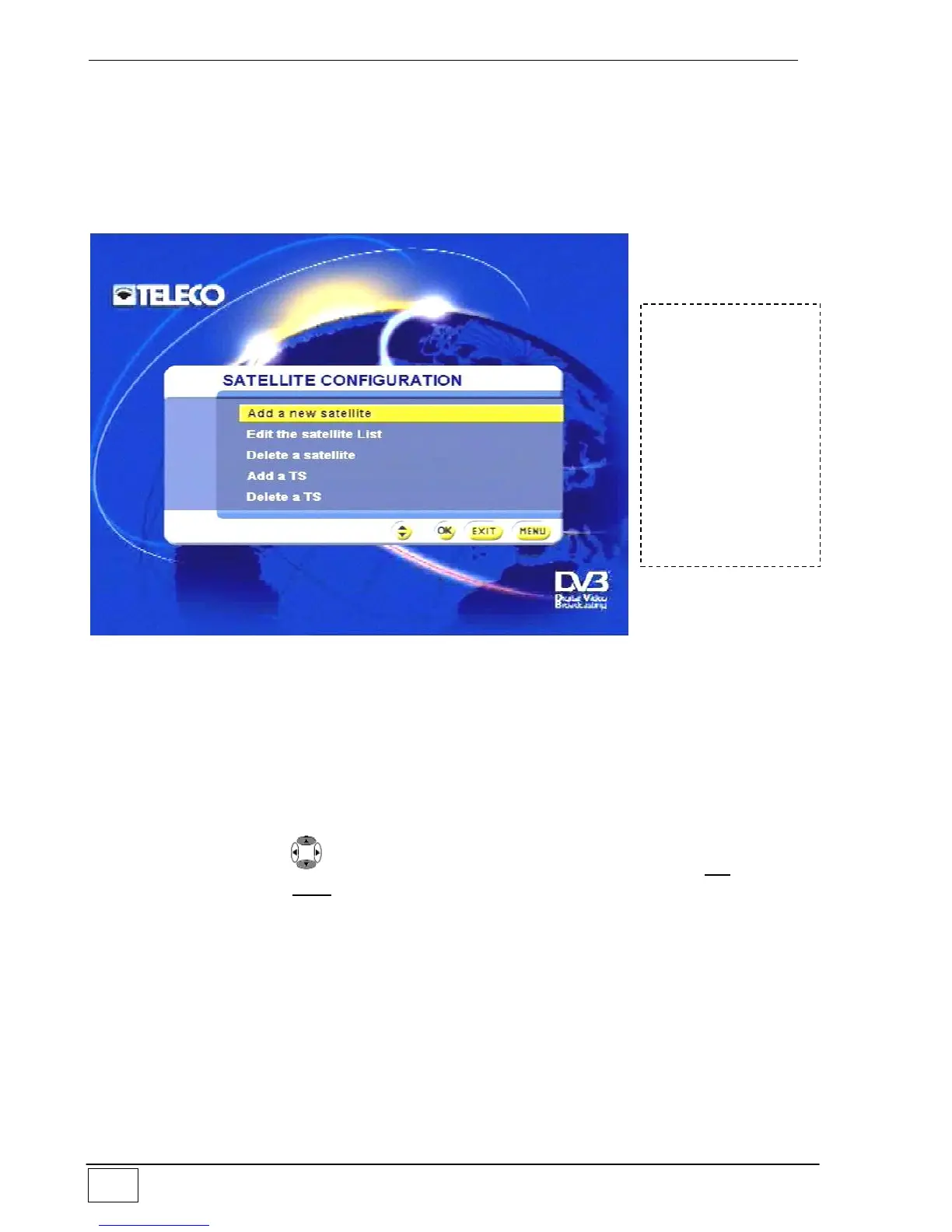
Figure 18 - Configuring satellites
The available options are:
Add a new satellite to the general satellite list.
Modify the satellite list (i.e. modify the technical information of each satellite).
Remove a satellite from the list.
Add a transponder to a selected satellite.
Delete a transponder from the selected satellite.
Select an item using the , keys and confirm your choice by pressing the OK key. To
leave the menu press the EXIT key.
To reach this
screen page select
the following in
sequence:
- Main Menu
- Installing
- Antenna/satellite
configuration
- Configuring
satellites



 To Next Page