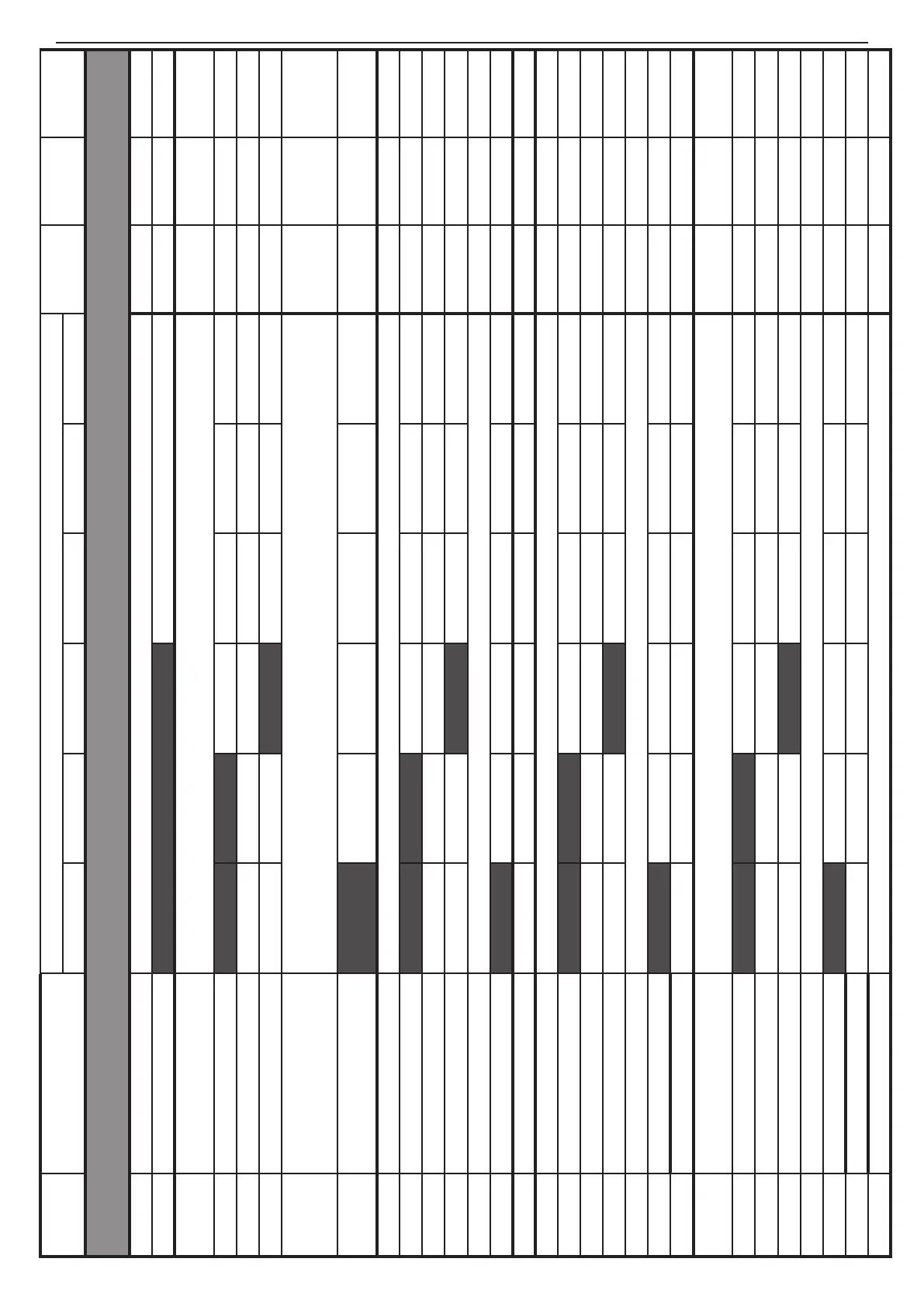
52 SUPPLEMENTS - СА62 Alarm Control Panel
ADDRESS MENU
DEFAULT CONFIGURATION 0
DEFAULT
CONFIG. 1
DEFAULT
CONFIG. 2
DEFAULT
CONFIG. 3
LED 1 LED 2 LED 3 LED 4 LED 5 LED 6
2.
PROGRAMMING OF ZONES
2000 AutoBypass counter Enter a number from 0 to 9. Setting at RESET → 6 6 6 6
2001 Enable Instant NO - LEDs off YES - LEDs on NO NO NO
2010 Zone 1 type
0. UNUSED \ 1. Entry-Exit \ 2. FOLLOW \ 3. INSTANT \ 4. FIRE \ 5. PANIC \ 6. TAMPER \
7. MEDICAL \ 8. KEY-SWITCH \ 9. AUXILIARY
1. Entry-
Exit
1. Entry-
Exit
1. Entry-
Exit
2011 ZONE 1 ATTRIBUTES 1 1. AUTOBYPASS 2. BYPASS 3. STAY 4. FORCE 5. DOUBLE 6. E/E FINAL 2. BYPASS 2. BYPASS 2. BYPASS
2012 ZONE 1 ATTRIBUTES 2 1. Bell delay 2. Silent 3. VideoOnArmed 4. Write to LOG 5. Chime
2013 ZONE 1 ATTRIBUTES 3 1. Pulse / Latch 2. Full / Stay 3. Disarm Enable 3.Disarm En. 3.Disarm En. 3.Disarm En.
2014 ZONE 1 ATTRIBUTES AUX
00. 24h Burglary \ 01. Battery Low \ 02. Gas detector \ 03. Water Leakage \ 04. AC Lost\
05. GSM Link Trouble \ 06. Refrigeration \ 07. Loss of heat \ 08. Foil Break \
09. Low Bottled gas level \ 10. High temperature \ 11. Low temperature
00. 24h
Burglary
00. 24h
Burglary
00. 24h
Burglary
2015 ZONE 1 Attachment Part A Part B Part A Part A
Part A and
В
2020 Zone 2 type Choose the type of ZONE 2 (0 - 9). Setting at RESET → 0. UNUSED 2. FOLLOW 2. FOLLOW 2. FOLLOW
2021 ZONE 2 ATTRIBUTES 1 1. AUTOBYPASS 2. BYPASS 3. STAY 4. FORCE 5. DOUBLE 6. E/E FINAL 2 and 3 2 and 3 2 and 3
2022 ZONE 2 ATTRIBUTES 2 1. Bell delay 2. Silent 3. VideoOnArmed 4. Write to LOG 5. Chime
2023 ZONE 2 ATTRIBUTES 3 1. Pulse / Latch 2. Full / Stay 3. Disarm Enable 3.Disarm En. 3.Disarm En. 3.Disarm En.
2024 ZONE 2 ATTRIBUTES AUX Choose the Attribute AUX for ZONE 2 (00 - 11).Setting at RESET → 00. 24h Burglary 00 00 00
2025 ZONE 2 Attachment Part A Part B Part A Part A Part A and В
2026 ZONE 2 Hardware 1. EOL 2. Fast/ Regular 3.Power-up Delay 4.DOUBLING
2030 Zone 3 type Choose the type of ZONE 3 (0 - 9). Setting at RESET → 0. UNUSED 3. INSTANT 3. INSTANT 3. INSTANT
2031 ZONE 3 ATTRIBUTES 1 1. AUTOBYPASS 2. BYPASS 3. STAY 4. FORCE 5. DOUBLE 6. E/E FINAL 2 and 3 2 and 3 2 and 3
2032 ZONE 3 ATTRIBUTES 2 1. Bell delay 2. Silent 3. VideoOnArmed 4. Write to LOG 5. Chime
2033 ZONE 3 ATTRIBUTES 3 1. Pulse / Latch 2. Full / Stay 3. Disarm Enable 3.Disarm En. 3.Disarm En. 3.Disarm En.
2034 ZONE 3 ATTRIBUTES AUX Choose the Attribute AUX for ZONE 3 (00 - 11).Setting at RESET → 00. 24h Burglary 00 00 00
2035 ZONE 3 Attachment Part A Part B Part A Part A Part A
2036 ZONE 3 Hardware 1. EOL 2. Fast/ Regular 3.Power-up Delay 4.DOUBLING
2040 Zone 4 type Choose the type of ZONE 4 (0 - 9). Setting at RESET → 0. UNUSED 3. INSTANT
1. Entry-
Exit
3. INSTANT
2041 ZONE 4 ATTRIBUTES 1 1. AUTOBYPASS 2. BYPASS 3. STAY 4. FORCE 5. DOUBLE 6. E/E FINAL 2 and 3 2 and 3 2 and 3
2042 ZONE 4 ATTRIBUTES 2 1. Bell delay 2. Silent 3. VideoOnArmed 4. Write to LOG 5. Chime
2043 ZONE 4 ATTRIBUTES 3 1. Pulse / Latch 2. Full / Stay 3. Disarm Enable 3.Disarm En. 3.Disarm En. 3.Disarm En.
2044 ZONE 4 ATTRIBUTES AUX Choose the Attribute AUX for ZONE 4 (00 - 11).Setting at RESET → 00. 24h Burglary 00 00 00
2045 ZONE 4 Attachment Part A Part B Part A Part В Part A
2046 ZONE 4 Hardware 1. EOL 2. Fast/ Regular 3.Power-up Delay 4.DOUBLING
2047 Zone 4 counter Enter a number from 0 to 9. Setting at RESET → 0 0 0 0
TABLE 1 continues



 To Next Page