58 SUPPLEMENTS - СА62 Alarm Control Panel
SUPPLEMENT A - Default Programming Tables
TABLE 2: Manager Menu - DEFAULT CONFIGURATION 0, 1, 2 and 3
ADDRESS MENU
DEFAULT CONFIGURATION 0
DEFAULT
CONFIG. 1
DEFAULT
CONFIG. 2
DEFAULT
CONFIG. 3
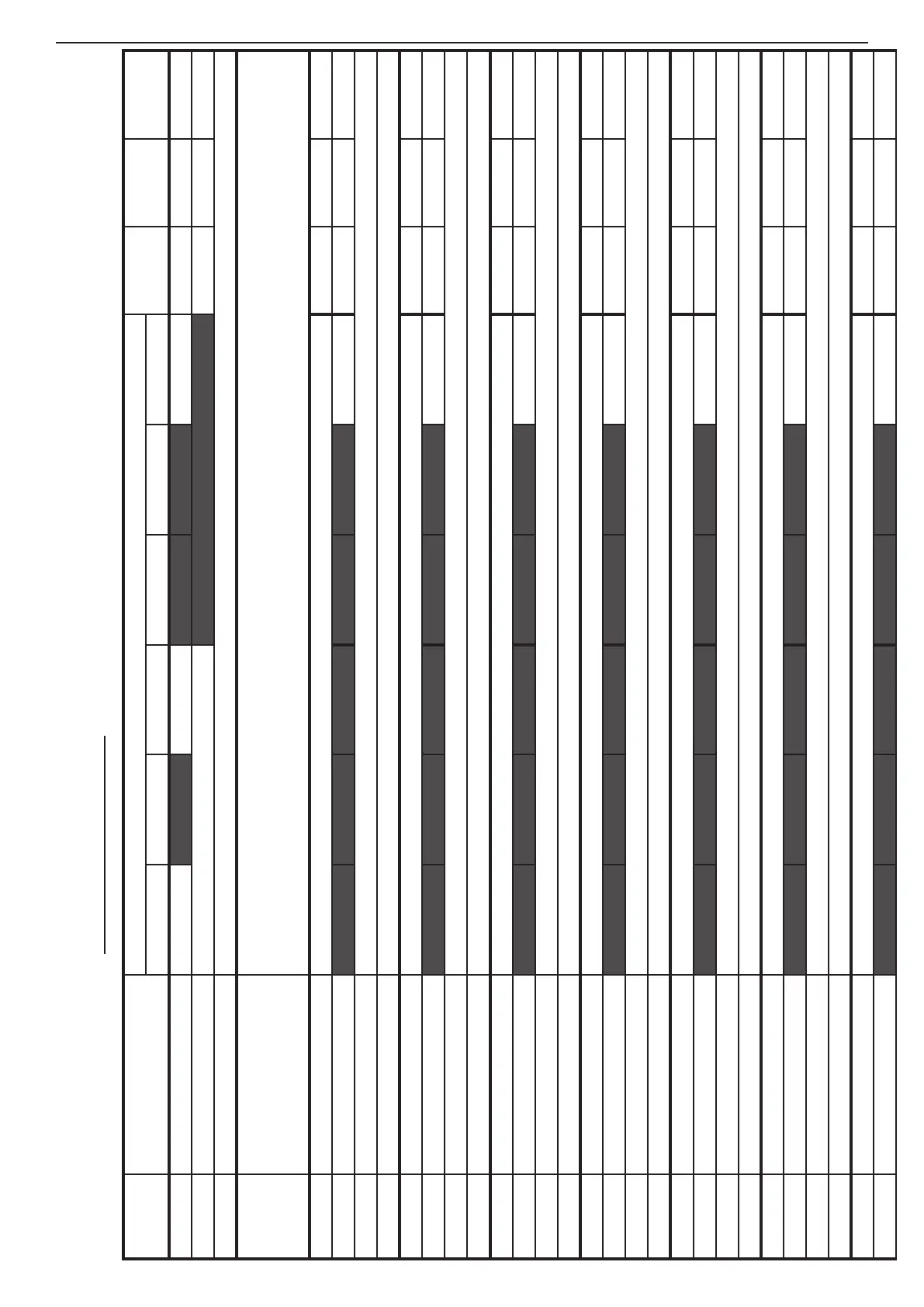
LED 1 LED 2 LED 3 LED 4 LED 5 LED 6
000 Remote Access 1. DISARMING 2. ARMING 3. Code Access 4. Programming 5. View LOG 6. Bypass 2, 4, 5 2, 4, 5 2, 4, 5
001 Engineer access DISABLED - LEDs off ENABLED - LEDs on ENABLED ENABLED ENABLED
002 Comm. manual test Sending of test messages to central monitoring station or test message with the voice dialer VD60.
009 UDL Access Block
Enter permissible number of valid access codes (ARM / DISARM / BYPASS / PC ID) for UDL and 24 hour period.
Enter number from 00 up to 99. Default settings at RESET - 10 attempts.
With reaching the permissible number of valid access codes, the system will be blocked - there would be no UDL communication.
The UDL communication will be restored at 00.00 h system time.
010 User code 1 (- - - -) Enter 4 or 6 digit code (depends on the settings at ADDRESS 1001 from the Engineering Menu) 1111 1111 1111
011 User code 1 Attributes 1. DISARM 2. STAY ARM 3. BYPASS 4. PROGRAM 5. Part A 6. Part B from 1 to 5 from 1 to 5 from 1 to 5
012 Proximity card Register Put the card close to the proximity reader.
013 Proximity card Delete Press ENTER button to delete the card.
020 User code 2 (- - - -) Enter 4 or 6 digit code (depends on the settings at ADDRESS 1001 from the Engineering Menu) (- - - -) (- - - -) (- - - -)
021 User code 2 Attributes 1. DISARM 2. STAY ARM 3. BYPASS 4. PROGRAM 5. Part A 6. Part B from 1 to 5 from 1 to 5 from 1 to 5
022 Proximity card Register Put the card close to the proximity reader.
023 Proximity card Delete Press ENTER button to delete the card.
030 User code 3 (- - - -) Enter 4 or 6 digit code (depends on the settings at ADDRESS 1001 from the Engineering Menu) (- - - -) (- - - -) (- - - -)
031 User code 3 Attributes 1. DISARM 2. STAY ARM 3. BYPASS 4. PROGRAM 5. Part A 6. Part B from 1 to 5 from 1 to 5 from 1 to 5
032 Proximity card Register Put the card close to the proximity reader.
033 Proximity card Delete Press ENTER button to delete the card.
040 User code 4 (- - - -) Enter 4 or 6 digit code (depends on the settings at ADDRESS 1001 from the Engineering Menu) (- - - -) (- - - -) (- - - -)
041 User code 4 Attributes 1. DISARM 2. STAY ARM 3. BYPASS 4. PROGRAM 5. Part A 6. Part B from 1 to 5 from 1 to 5 from 1 to 5
042 Proximity card Register Put the card close to the proximity reader.
043 Proximity card Delete Press ENTER button to delete the card.
050 User code 5 (- - - -) Enter 4 or 6 digit code (depends on the settings at ADDRESS 1001 from the Engineering Menu) (- - - -) (- - - -) (- - - -)
051 User code 5 Attributes 1. DISARM 2. STAY ARM 3. BYPASS 4. PROGRAM 5. Part A 6. Part B from 1 to 5 from 1 to 5 from 1 to 5
052 Proximity card Register Put the card close to the proximity reader.
053 Proximity card Delete Press ENTER button to delete the card.
060 User code 6 (- - - -) Enter 4 or 6 digit code (depends on the settings at ADDRESS 1001 from the Engineering Menu) (- - - -) (- - - -) (- - - -)
061 User code 6 Attributes 1. DISARM 2. STAY ARM 3. BYPASS 4. PROGRAM 5. Part A 6. Part B from 1 to 5 from 1 to 5 from 1 to 5
062 Proximity card Register Put the card close to the proximity reader.
063 Proximity card Delete Press ENTER button to delete the card.
070 User code 7 (- - - -) Enter 4 or 6 digit code (depends on the settings at ADDRESS 1001 from the Engineering Menu) (- - - -) (- - - -) (- - - -)
071 User code 7 Attributes 1. DISARM 2. STAY ARM 3. BYPASS 4. PROGRAM 5. Part A 6. Part B from 1 to 5 from 1 to 5 from 1 to 5



 To Next Page