Introduction
© 2007 TeleType Co.
11
vibration.
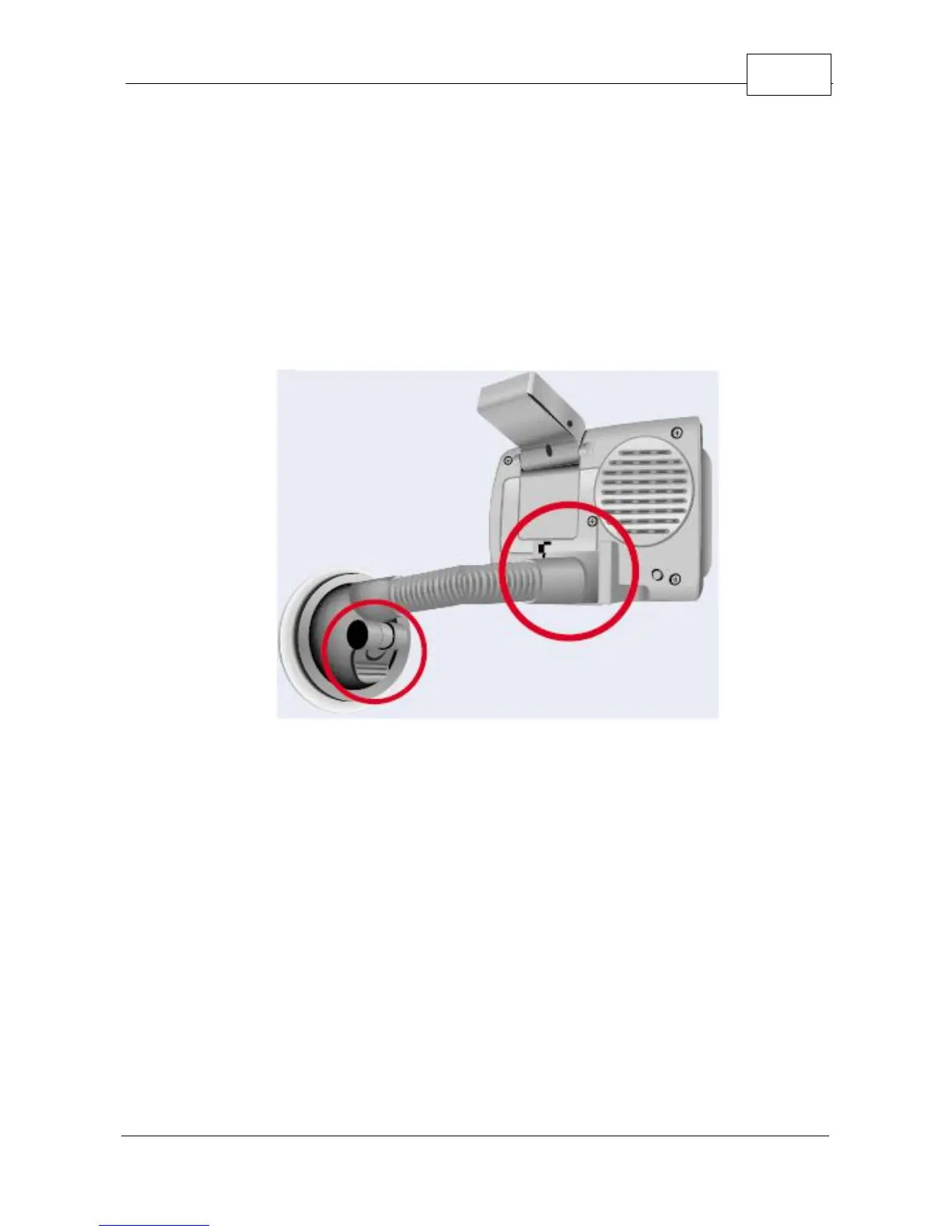
4. Flip the built-in receiver up and pointed towards
your windshield. The WorldNav 3100 will
automatically lock into your GPS position; there is
no configuration required. The GPS will know your
direction of travel only once you begin to move.
Mounted WorldNav 3100
5. From the Main Menu Screen select <Navigation>.



 To Next Page