Getting Started
© 2007 TeleType Co.
29
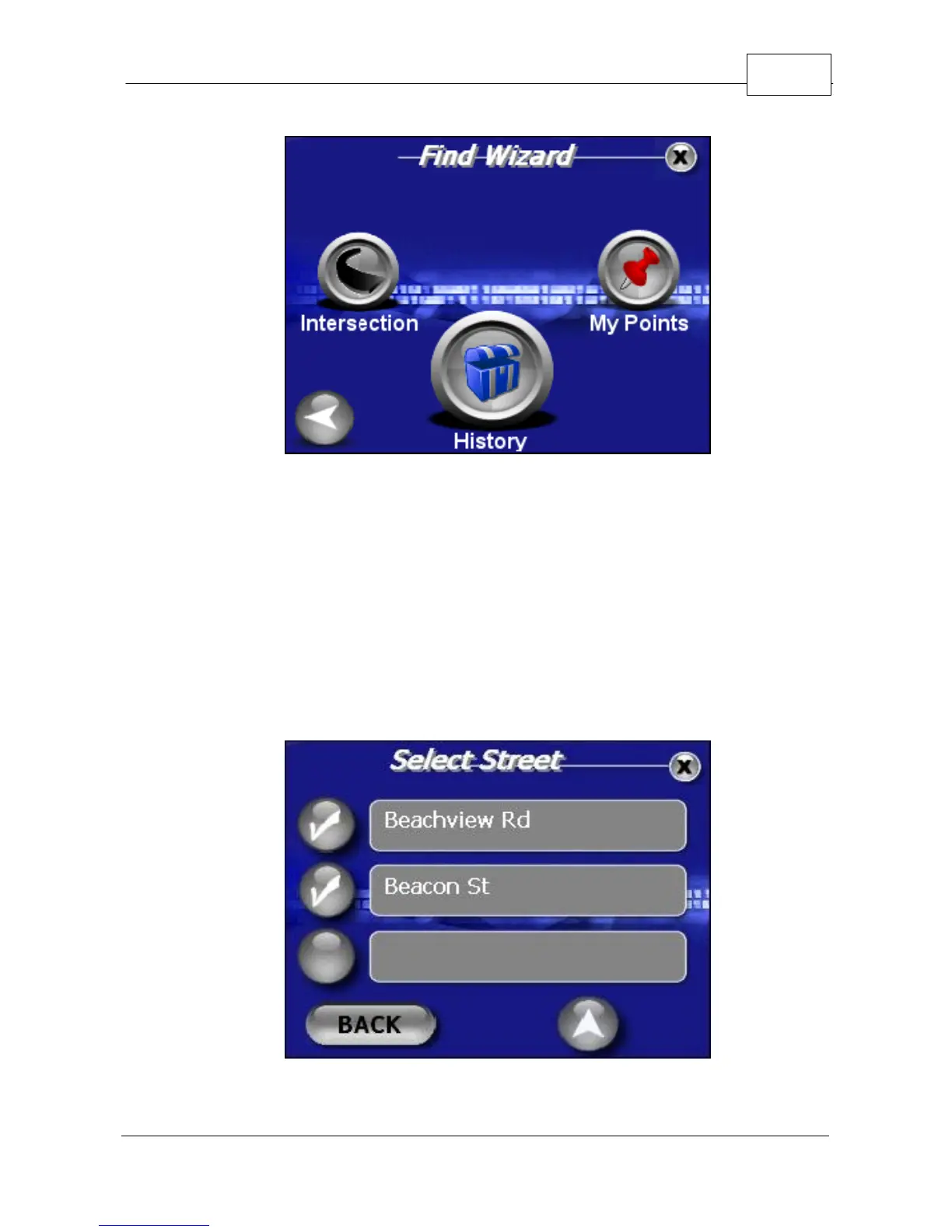
Find Wizard Menu
3. You will be prompted to enter the first street
beginning with the state, the city and finally the
street name. Press <Next> between adding the
various components of the address until you get to
street name. You make your selection by
touching the check mark next to the street name
in the list of possible streets.
Selecting First Intersection Street



 To Next Page