Getting Started
© 2007 TeleType Co.
31
Select Correct Intersection
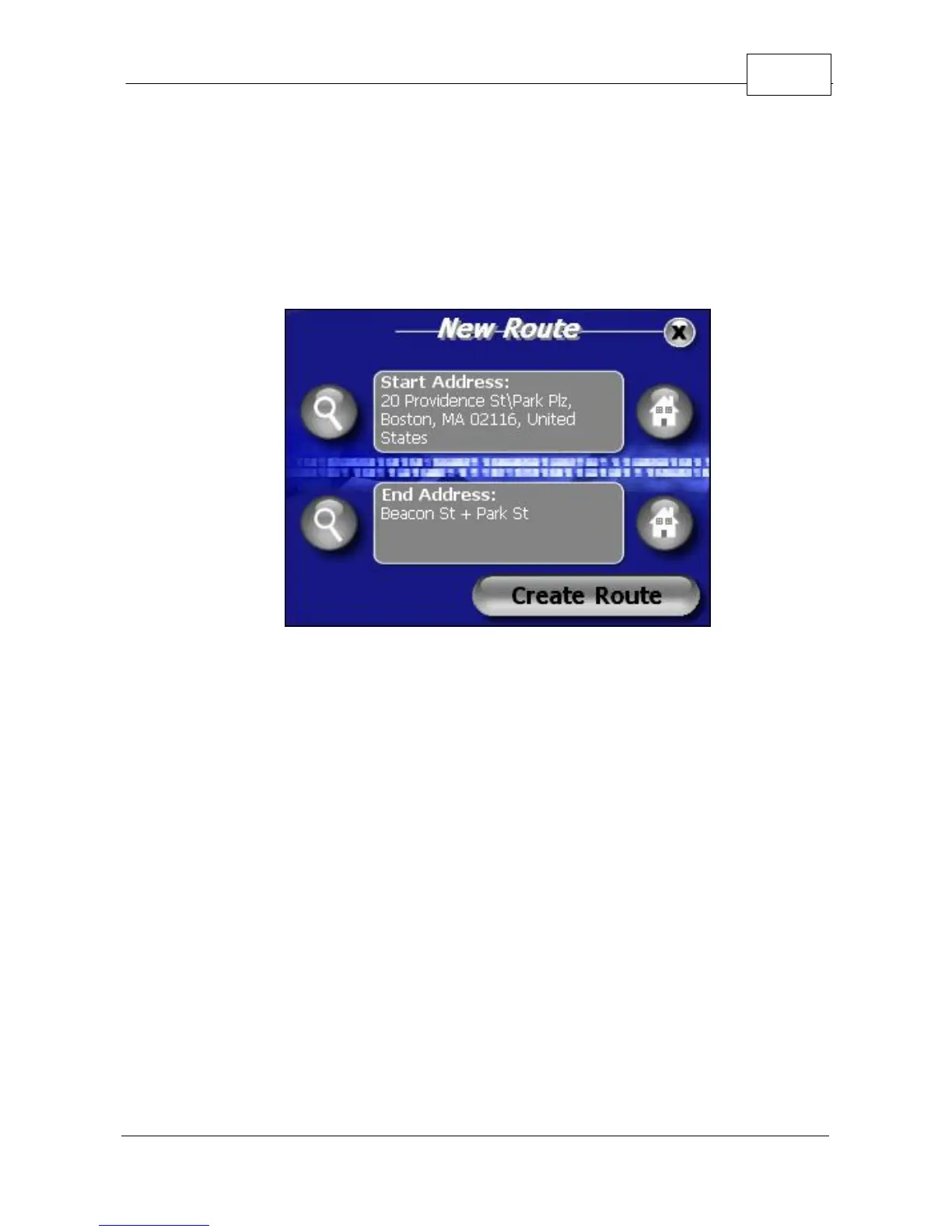
6. You can now display the route to this intersection
from your current location simply by pressing
<Create Route>.
Create Route Details
7. You will automatically be taken into driving mode
and guided to your destination. If you would like
to view the route you can select <View Route>
from the Route Menu at any time.



 To Next Page