User manual
“DTR - 7142
”
50
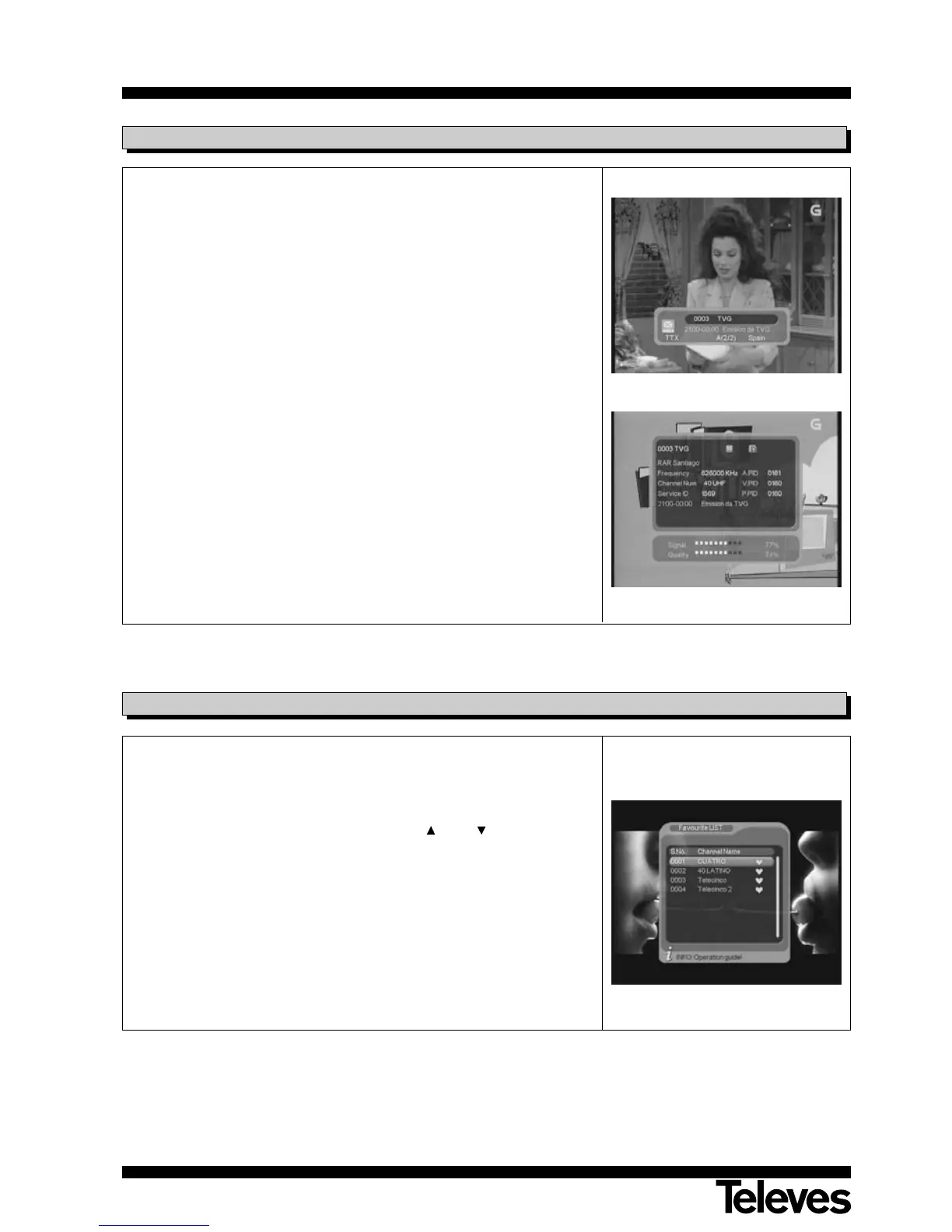
Each time you change programs, some information on the new program will
appear for a few seconds.
This same information will appear if you press the INFO button at any point.
If you press it again, while the information window is being displayed,
transponder information will appear (name, frequency, bandwidth, etc) as
also, if available, information on the next program to be shown.
The indication “SUB” on this window shows that the program is subtitled.
The indication “TXT” on this window indicates that the program has a
teletext option.
The indication “A” on this window indicates that the program offers audio in
several languages.
You will also see two bars indicating the quality and intensity level of the
signal received.
6.4.- Channel information
To access the favorite program list, press button FAV on the remote. The
selected favorite program list will then be displayed.
By pressing the TV/RADIO button you can select the TV or Radio favorites
list.
To select a program, browse the list using the CH+ / CH- buttons and
confirm by pressing OK.
Note: - If there is not any programme assigned to the favourites list, the
message “Favourite channels not available” will appear.
- To leave the favorites list, select a program on the general list.
The method used to create/modify the favorite programs list is explained in
paragraph 12.1.1.- “Program Organizer”.
6.5.- Favorites List



 To Next Page