User manual
“DTR - 7142
”
68
When your receiver’s password is discovered, or you need to update it for
any reason, this menu will allow you to change your password within the
system.
This will enable you to prevent both undesired manipulation of the system
and access to inappropriate channels.
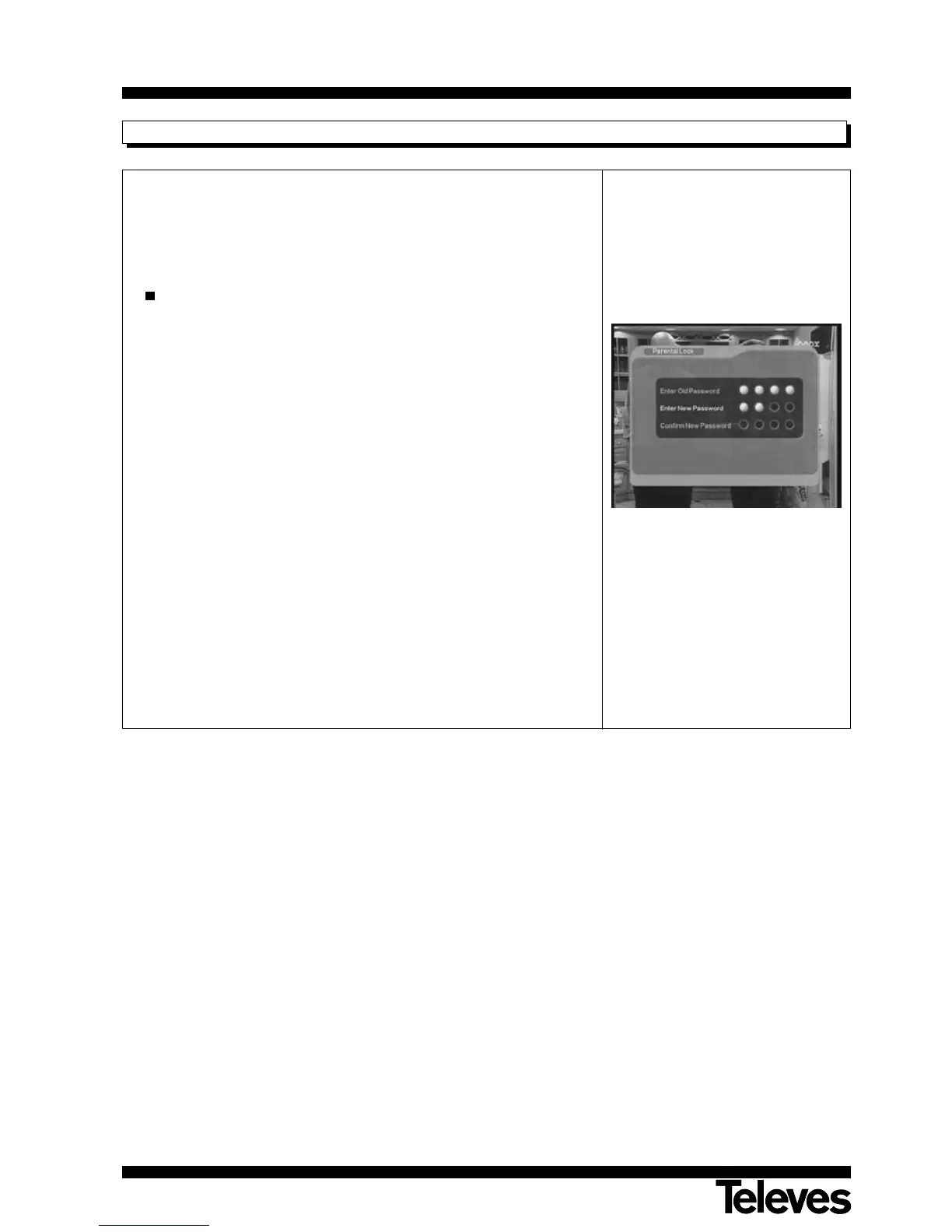
Changing your PIN Code:
- The plant default PIN Code is 0 0 0 0.
Note: Do not forget your PIN Code.
- To change the PIN code, first enter the current code.
- Then enter the new PIN code.
- Finally re-enter the new PIN code to confirm the operation.
Notes:
- The password is entered using the numerical keyboard (0 ... 9) on the
remote control.
- Parental control affects the system configuration menus and the
programs that are blocked.
- Do not forget your new password. Without it you will not be able to
access the blocked menus and/or programs.
- If you forget your password, get in touch with our technical service.
12.3.6.- Parental Lock



 To Next Page