User manual
“DTR - 7142
”
71
ENGLISH
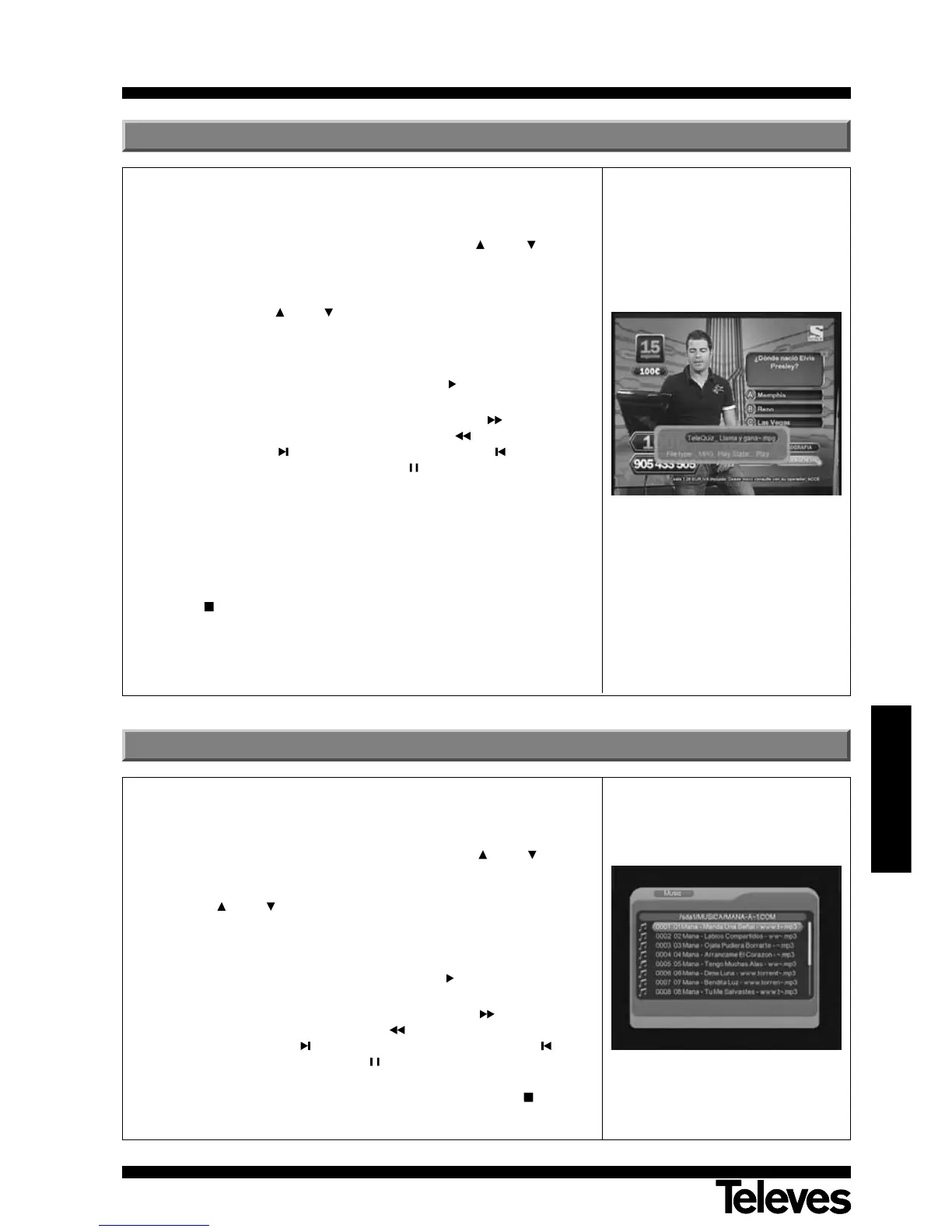
This menu allows you to view a video file in MPG, AVI and DivX format from
a USB memory stick or a Memory Card (SD/MS/MMC).
- Select the parameter “Movie” using the buttons CH+ / CH- and
press OK to confirm. This menu can also be accessed directly by
pressing the MOVIE key in normal viewing mode.
- Select the corresponding video file directory, once again doing this by
using the buttons CH+ / CH-. The video files should be reproduced
from the “Movie” menu.
Press OK to accept the file and EXIT to go up one level in the
directory.
- To reproduce a file, select it and press button (TV/RADIO) or button
OK.
- During the reproduction of a video, the button LIST allows you to
fast forward the picture, while the button ALT allows fast picture
rewind, the button skips to the next track, the button skips back to
the previous track, the button PAUSE pauses the image and the
REPEAT key repeats the file in different ways (one, dir., shuff., off).
- Press the LANG key to select the audio (if the file is .avi).
- Press the GOTO key to skip to a particular position in the time bar. In
the popup window you must insert the value of the time you want to
move to and press OK. This value must be included within the total
time of the file that is being played.
- To stop playing the video at any moment you can press the buttons
TEXT or EXIT.
Note: Depending on the type of compression used, not all files in AVI and
DivX format can be played.
13.- Movie
This menu enables you to listen to audio files in MP3 format from a USB
memory stick, or a Memory Card (SD/MS/MMC) or an MP3 reader.
- Select the parameter “Music” by using the buttons CH+ / CH- and
press OK to confirm.
- Select the directory in which the audio file is located by pressing the
buttons CH+ / CH-. The audio files should be reproduced from the
“Music” menu.
Press OK to accept the file, and EXIT to move upward one level in the
directory.
- To play a file, select it and then press button (TV/RADIO) or button
OK.
- During the reproduction of a track, the button LIST will enable you
to fast forward the track, button ALT will enable the rapid rewind of
the track, the button skips forward one track, the button skips
back one track, button PAUSE halts play and the REPEAT key
repeats the file in different ways (one, dir., shuff., off).
- To stop reproduction at any time, simply press the TEXT or EXIT
buttons.
14.- Music



 To Next Page