User manual
“DTR - 7142
”
52
Press button ALT on the remote control to return to the last program you
were viewing
6.9.- Return to previous program
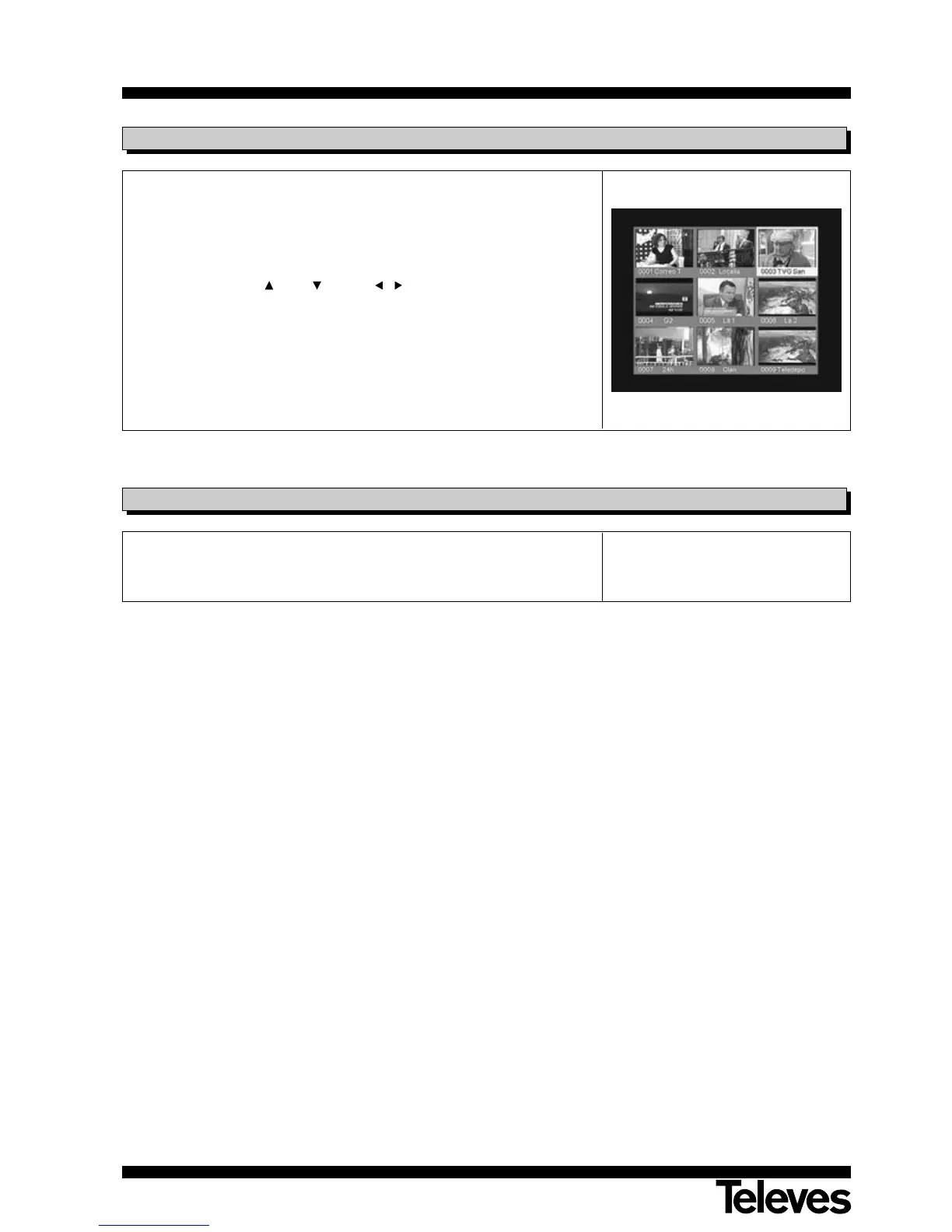
This function allows to visualize an image mosaic (group of channels)
formed by 9 screens.
- Press the MOSAIC key to activate this option.
- Once the mosaic appears on the screen, you can choose the programme
you wish using the CH+ / CH- and / keys and then press OK.
- Press the EXIT key to return to normal visualization mode.
NOTE: This function does not allow to visualize two programmes at the
same time.
6.8.- Mosaic function



 To Next Page